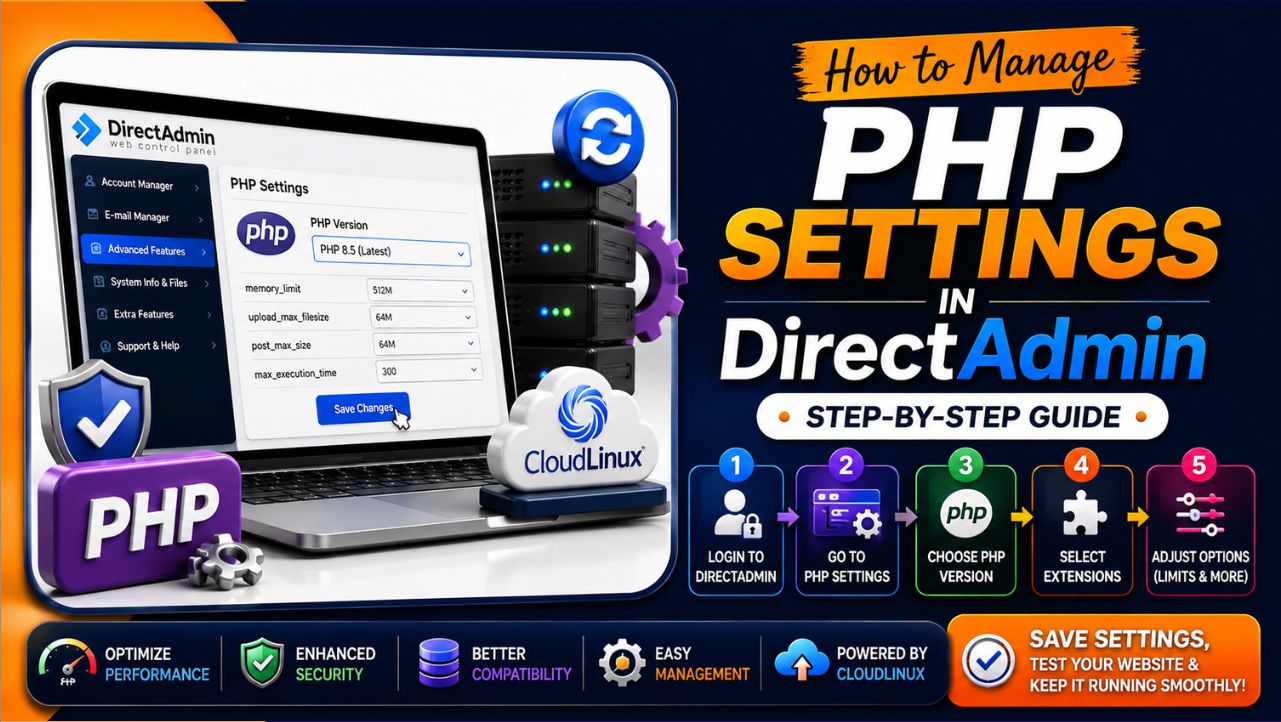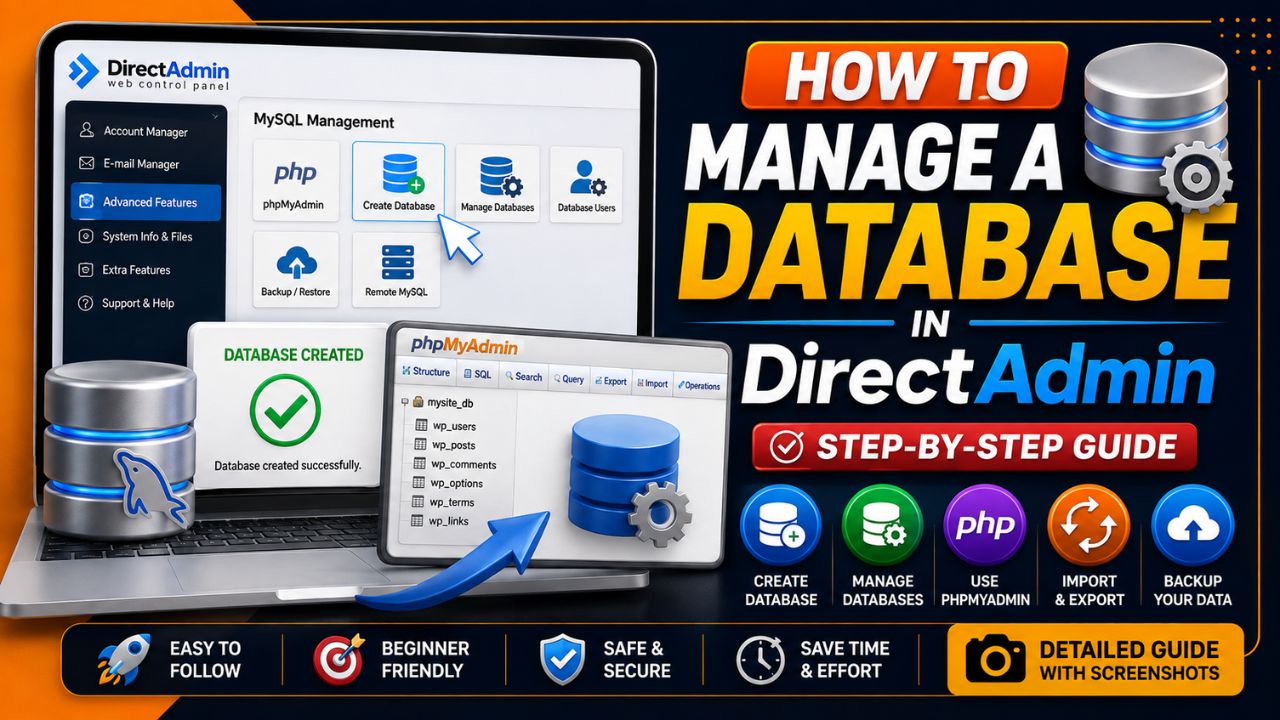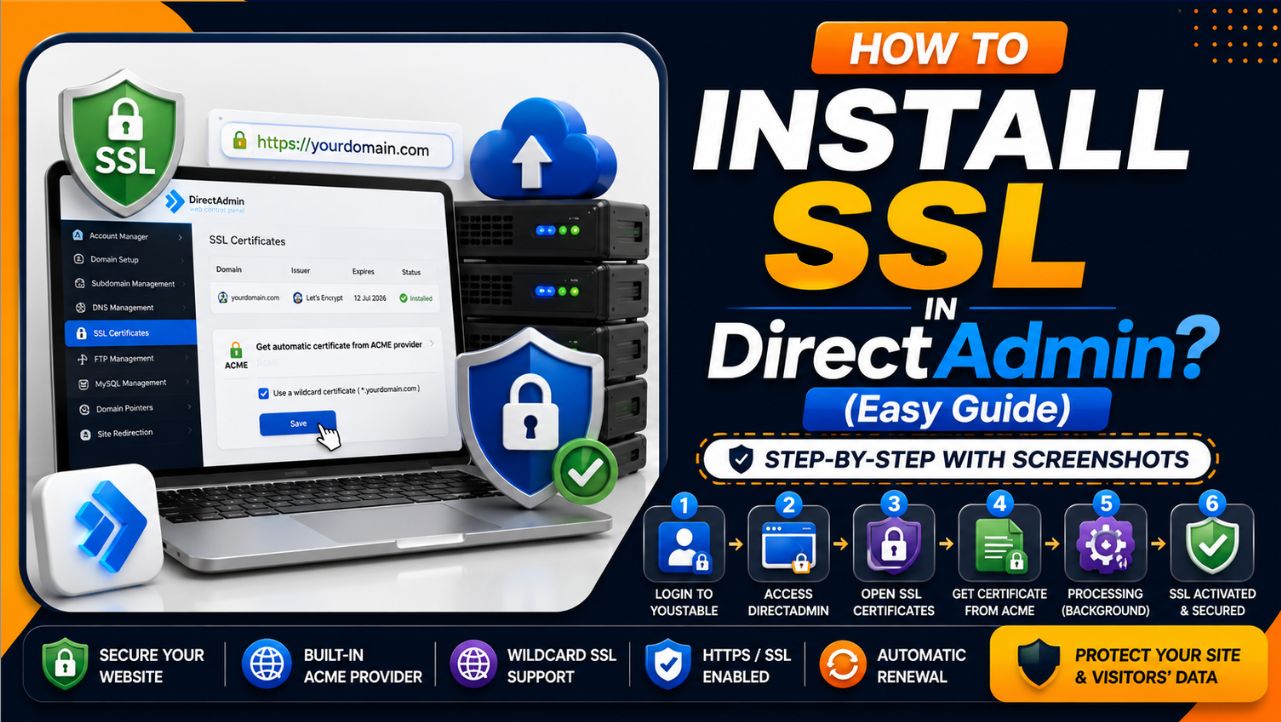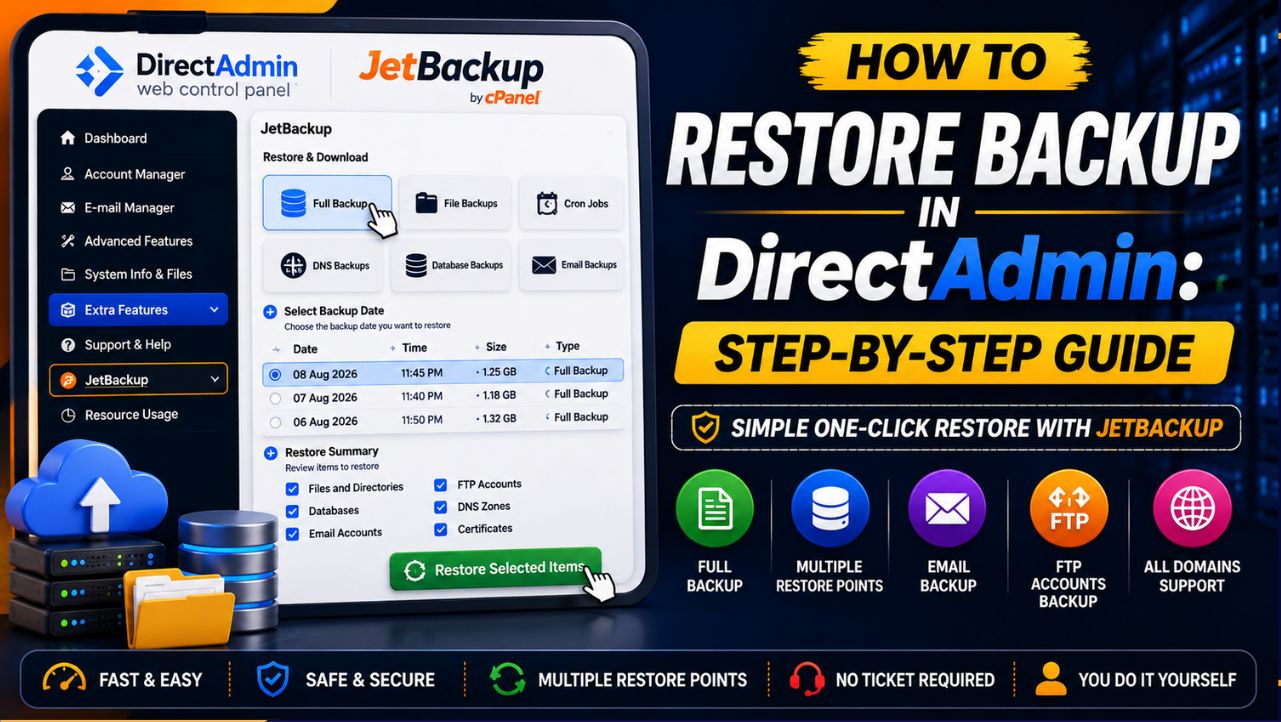
I will tell you how to restore backup in DirectAdmin.
This short guide covers exactly how the process is done and the simple one-click route YouStable offers you through JetBackup here.
How to Restore Backup in DirectAdmin
Follow these steps to restore your backup:
Before restoring a backup, learn how to create one in DirectAdmin with our step-by-step guide and screenshots for each step.
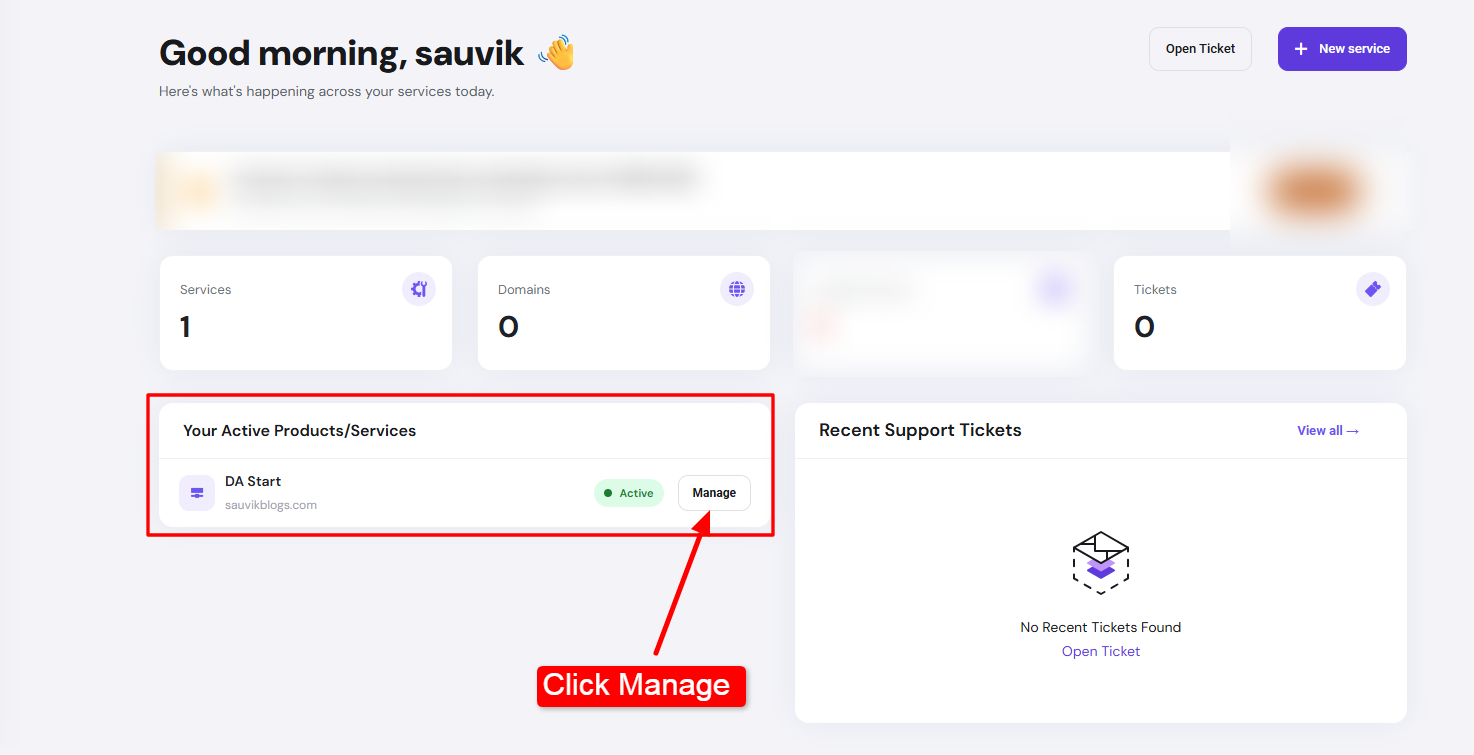
- Step 1) Sign In to your YouStable client area (enter you username and password) >> You’ll see your dashboard >> Now, scroll down, choose your active service (your active domain) >> Click Manage.
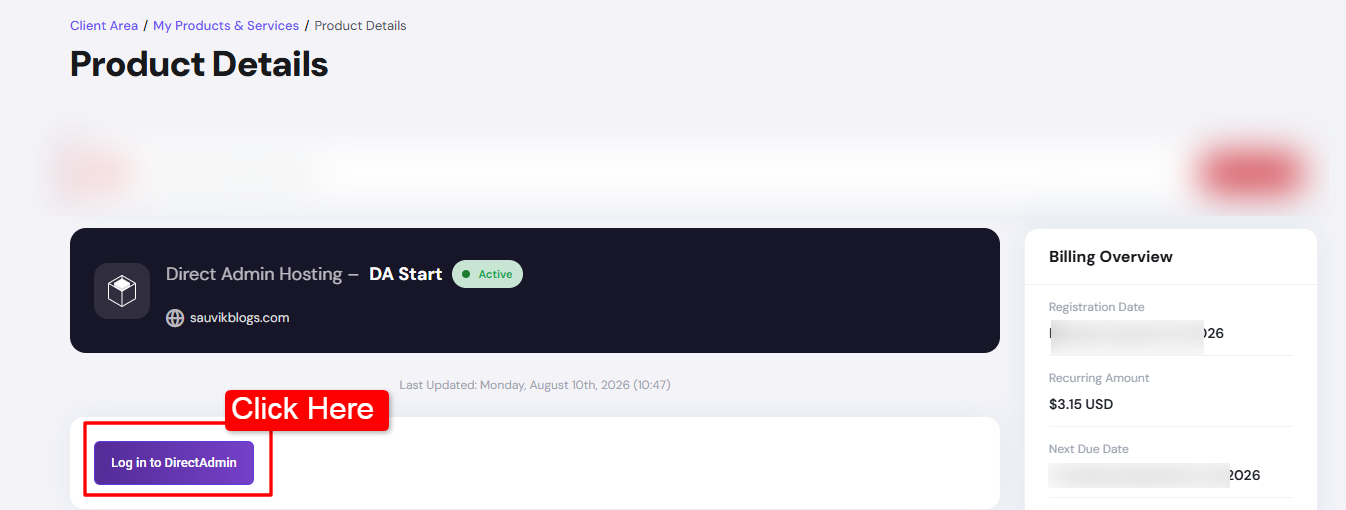
- Step 2) Now, click the Login to DirectAdmin button >> This is the one click feature to access the DirectAdmin control panel right from your YouStable client area.
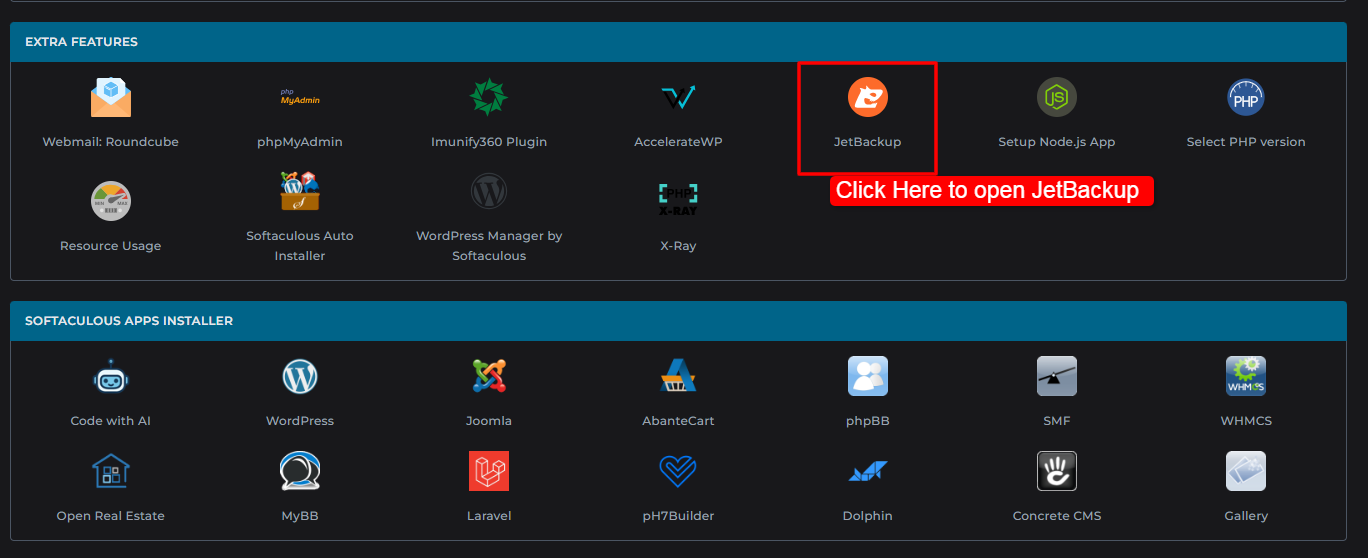
- Step 3) Scroll down >> Go to JetBackup under Extra Features >> Click JetBackup tab.
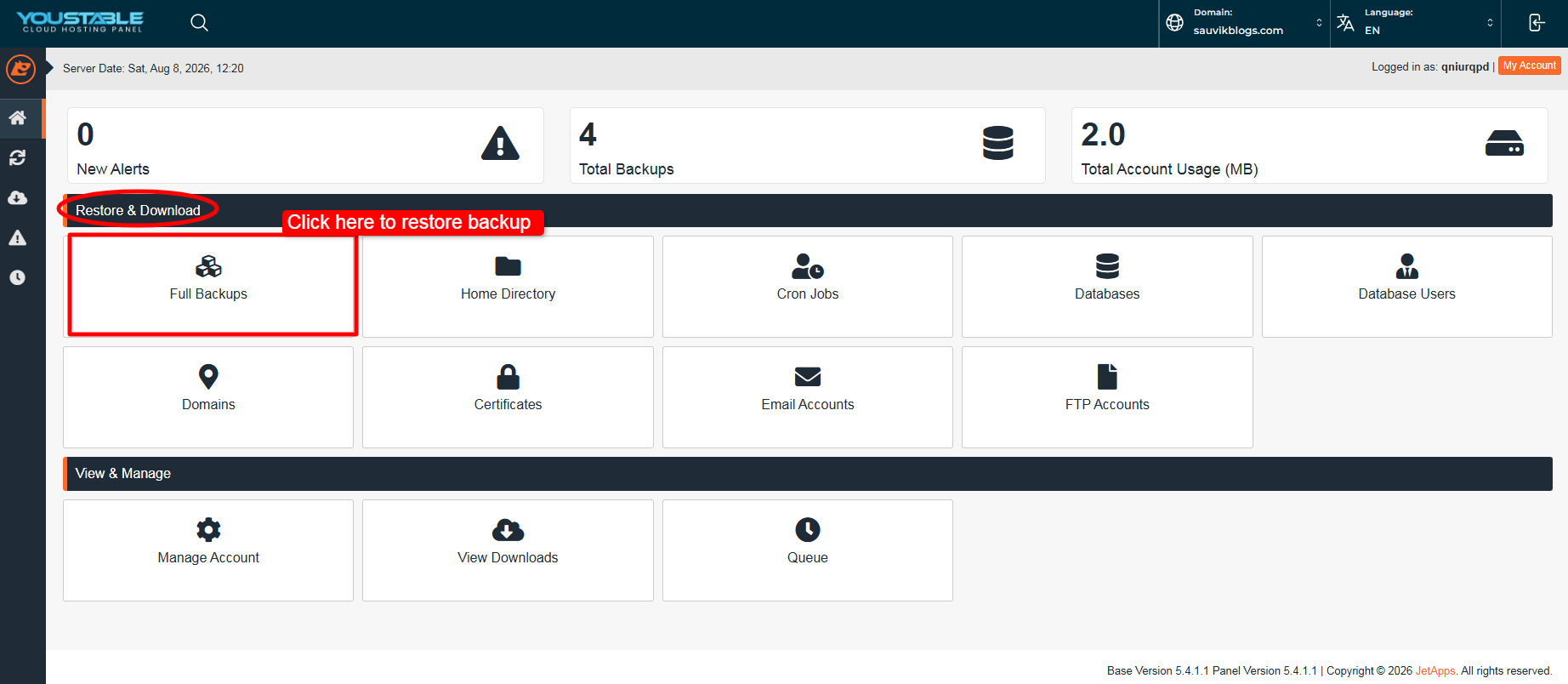
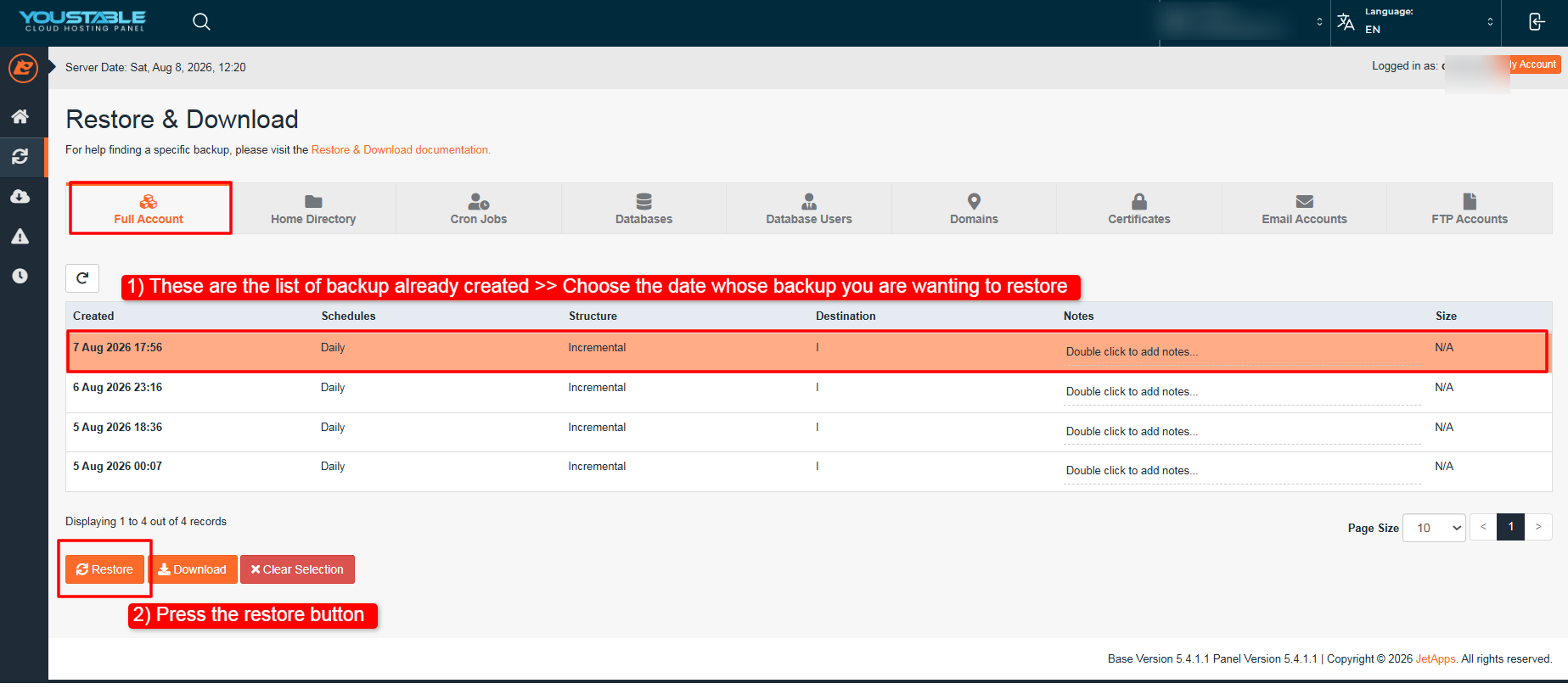
- Step 4) Click the Full Backup tab under the Restore and Download section to start the restoration process.
- Step 5) You will now see all your backups listed date-wise >> Click the date of the backup you want back >> Click the Restore button.
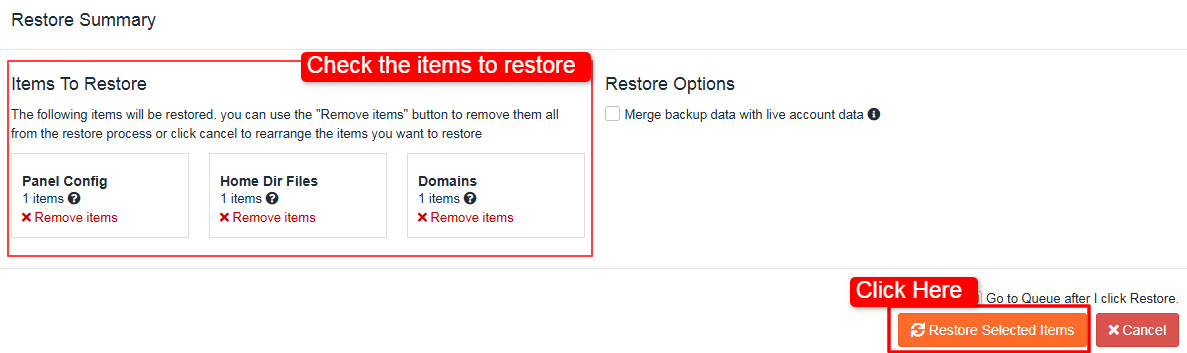
- Step 6) You are then re-directed to a restore summary section >> Check the items that are listed for restoration >> You can remove the items whose backup you do not require >> After confirmation, click at the Restore Selected Items button.
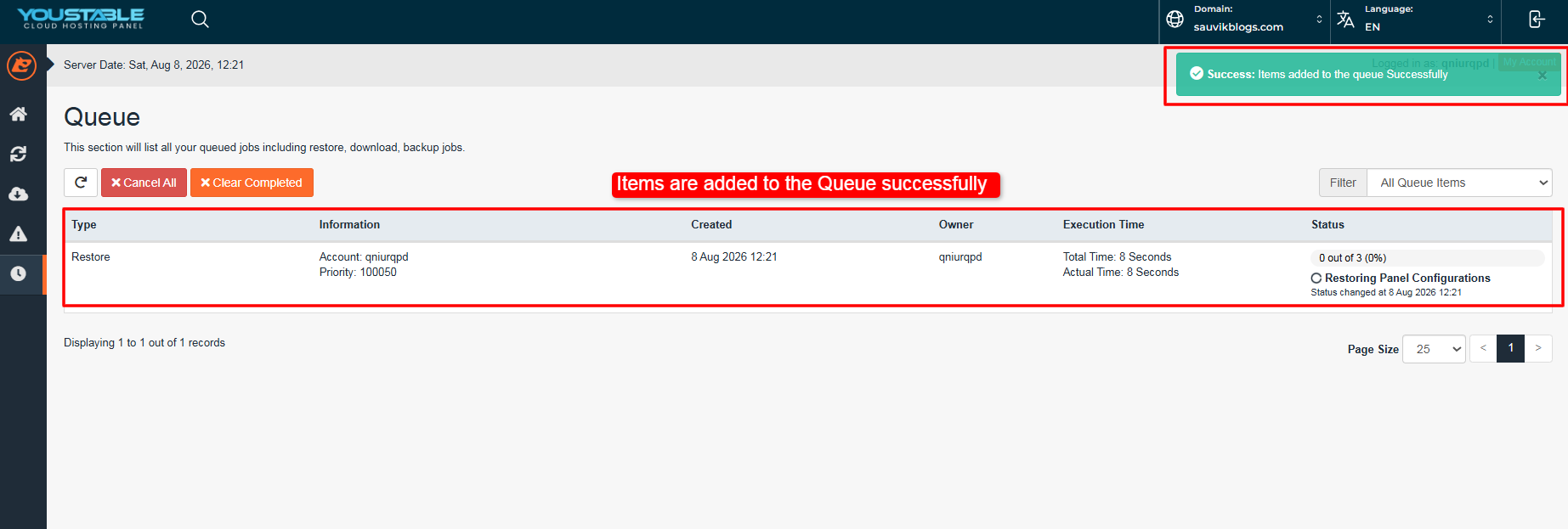
- Step 7) As you click at the Restored Selected Items button as shown above >> You can see that the restoration process gets started right away >> In the top right corner, you can see the green notification that confirms that your backup restoration process has already started.
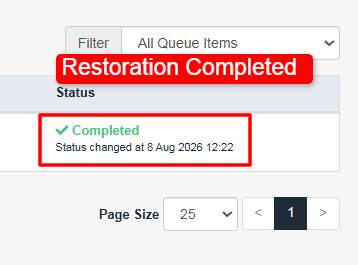
- Step 8) Check the status of the restoration process below the Status section.
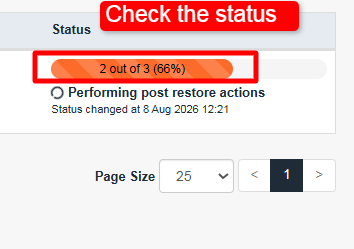
- Step 9) Once the backup restoration is completed >> You get a green signal.
That is the entire process.
A few seconds of clicking and you restore your backup.
JetBackup keeps several restore points, so you can jump back a day, a week, based on what you have saved. You need no coding skill for any of this.
But if you do not have hosting with YouStable and you have hosting service with other hosting companies, in that case, you cannot do this alone. You have to reach out and tell their support team that you want a backup restored.
It is because DirectAdmin does not give you a restore backup button by default. You (a user) cannot restore backup yourself. It can only be done at the admin level by the hosting company’s technical staff.
Their staff:
- logs into the server at the admin level,
- generates the backup,
- and pushes the restore for you.
You stay stuck waiting, sometimes for hours.
With YouStable, that wait is not there at all. On our shared hosting plans, we set up JetBackup for every account.
JetBackup is a one-click restore tool built for regular users. It pulls back your files so your whole site lands in one clean move.
You do not touch admin settings. You do not raise a ticket. You do not wait on anyone. You handle the full restore yourself, start to finish.