Your VPS may have worked well when your website or application was smaller.
As your traffic, users, and workload grow, the same VPS may start to struggle.
You may notice slower page loads, a less responsive control panel, higher CPU or RAM usage, or problems during sudden traffic increases.
These are common signs that your VPS resources may no longer be enough for your workload.
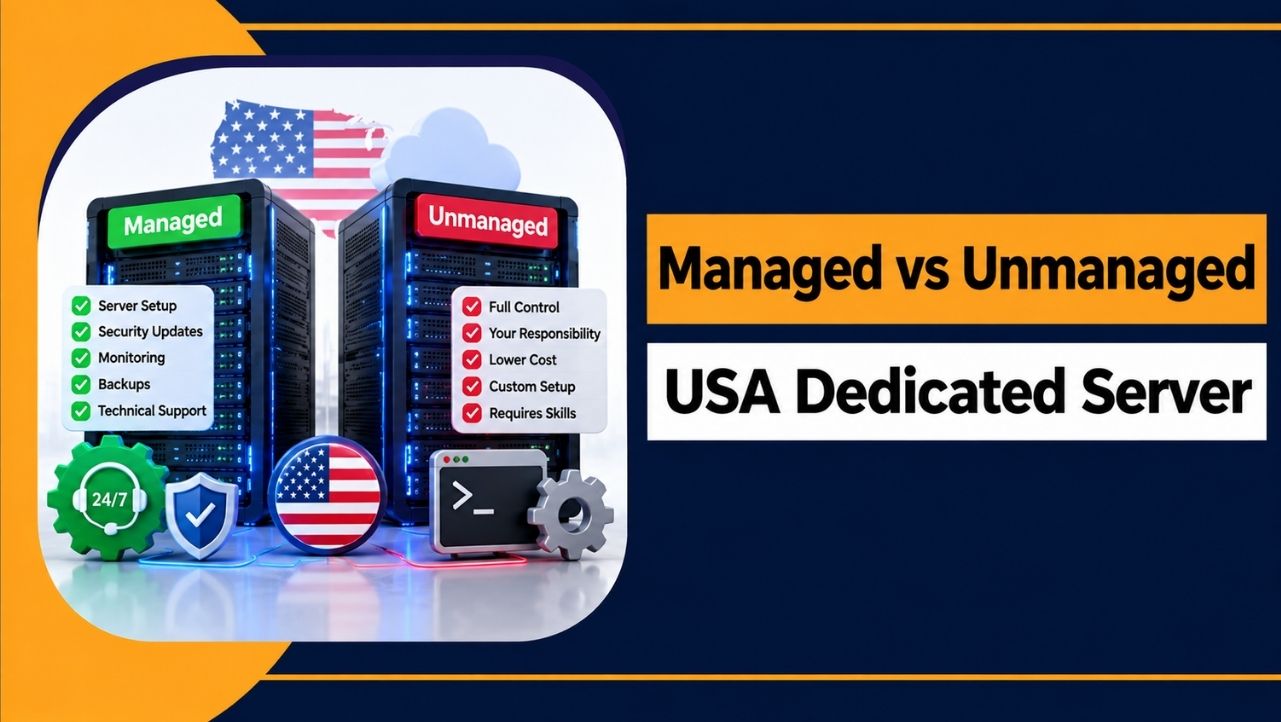
Moving to a USA dedicated server can give you dedicated CPU, RAM, storage and other server resources. But moving too early can also mean paying for resources you do not need yet.
This guide explains 7 signs that you may have outgrown VPS hosting.
What Does It Mean to Outgrow a VPS?
Outgrowing a VPS does not simply mean that your website has become bigger.
It means your current VPS no longer has enough resources to handle your website, applications, databases, or traffic properly.
A VPS gives you a set amount of CPU, RAM, storage, and disk performance. These resources are enough for many websites and applications, but they are not unlimited.
You may have outgrown your VPS when your available resources are regularly reaching their limits. You may also notice that your website or applications become slow when the workload increases.
There are four common signs to look for:
- Resource limits: CPU, RAM, or storage is regularly close to its limit.
- Performance problems: Websites or applications take longer to respond, especially during busy periods.
- Growing workload: You are adding more websites, applications, databases, or users to the same server.
- More control needed: You need deeper server access or more control over the server setup than your current VPS provides.
One sign by itself does not always mean that you need a dedicated server. However, if several of these problems happen regularly, your VPS may no longer be suitable for your workload.
| Tip: Check your server for at least one week before making a decision. A single day of high usage may be temporary. If CPU, RAM, or other resources stay high throughout the week, it is a stronger sign that your VPS is reaching its limit. |
7 Signs You’ve Outgrown VPS Hosting
These are the seven main signs to check on your VPS. Compare them with your own server usage rather than following one fixed rule.
1. Your CPU Usage Stays High
The CPU handles the calculations needed by your websites and other server tasks. High CPU usage can be one of the first signs that your VPS is under pressure.
A short increase in CPU usage during a backup, update, or busy period is usually normal.
The problem starts when CPU usage stays close to its limit for long periods.
If your CPU regularly stays around 80% to 90% or higher, your workload may need more processing power. You can first check which application or process is using the CPU. If the high usage continues, moving to a larger VPS or a dedicated server may be the next step.
2. Your RAM Is Regularly Near Its Limit
RAM stores the data that your applications are actively using. When there is not enough RAM available, the server may start using disk space as temporary memory. This process is called swapping.
Disk storage is much slower than RAM, so heavy swapping can make websites and applications much slower.
Check your RAM usage over time rather than looking at one reading.
If memory regularly reaches its limit and swapping happens often, adding more RAM may help. If your VPS is already near the largest available plan, a dedicated server may provide the resources you need.
3. Traffic Spikes Make Your Website Slow
A traffic spike puts extra pressure on your server. It can quickly show whether your current VPS has enough resources to handle more visitors.
When many users access your website at the same time, each request uses some CPU, RAM, database, or other server resources.
Since a VPS has a fixed amount of resources, a sudden increase in visitors can use them quickly.
If your website becomes slow or starts timing out during busy periods, check your CPU, RAM, database, and application usage at the same time. Occasional slowdowns during an unusual traffic spike may not require a server upgrade.
If this happens regularly, your current VPS may no longer be enough.
4. Your Applications or Databases Need More Resources
Some applications need more server resources than others.
Online stores, APIs, databases, and applications with many active users can create a heavier workload.
As a database grows, it may need to process more data. Features such as product searches, shopping carts and checkouts can also increase the workload.
If these tasks become slow even when your website is not receiving unusually high traffic, check the server resources and database performance.
If the workload continues to grow, you may need a server with more CPU, RAM and storage performance.
5. You Are Running Too Many Workloads on One VPS
A VPS can host multiple websites and applications, but all of them use the same server resources.
For example, you may be running several websites, a database, email services, a control panel, scheduled tasks, and background processes on the same VPS.
As you add more workloads, they have to share the available CPU, RAM, storage, and disk performance.
A common warning sign is when one busy website causes other websites or applications on the same VPS to slow down.
You can reduce the load by moving some workloads to another server.
If several workloads need more resources at the same time, upgrading to a larger VPS or dedicated server may be a better option.
6. You Need More Dedicated Resources and Control
Sometimes the problem is not simply that your server needs more resources.
You may also need more control over those resources.
A VPS runs on physical hardware that is shared with other VPS users. Your VPS has its own allocated resources, but the underlying hardware is still shared.
A dedicated server gives you the entire physical machine.
This provides more control over the server configuration and avoids sharing the physical server with other customers.
If your workload needs predictable performance, more control over the server setup, or significantly more resources, dedicated hosting may be a better fit.
7. You Have Reached the Practical Limits of Your VPS
VPS providers usually offer several plan sizes. At some point, you may reach the largest plan available or find that upgrading no longer solves the main problem.
For example, you may have already increased your RAM several times, but your CPU, storage performance, or other resources are still under heavy pressure.
This is a stronger sign that your workload has reached the practical limit of your VPS. At this stage, moving to a dedicated server can give you more CPU, RAM, storage, and overall control without depending on another VPS upgrade.
| Read the Signs Together One warning sign does not always mean that you need a dedicated server. A temporary CPU spike or a single busy day can have many causes. |
The better approach is to check several signs together.
If your CPU and RAM stay high, traffic regularly causes slowdowns, and your current VPS has little room for an upgrade, your workload may have outgrown VPS hosting.
In that situation, a dedicated server is worth considering.
If only one resource is causing the problem, fixing or upgrading that specific resource may be enough.
Should You Upgrade Your VPS or Move to a Dedicated Server?
Not every warning means you need dedicated hosting. In many cases, a VPS upgrade or a simple configuration change can solve the problem at a lower cost.
Use this table to compare your situation with the better option.
| Your Situation | Better Move |
| Resources stay comfortable | Stay on your VPS |
| You only need more RAM or CPU | Upgrade the VPS |
| One rare traffic spike causes issues | Optimize or scale the VPS |
| Resources stay high after upgrades | Consider dedicated |
| Many heavy workloads compete | Consider dedicated |
| You need guaranteed dedicated resources | Move to dedicated |
| You need more server control | Move to dedicated |
Check your actual server usage before making the move. If a smaller and cheaper fix solves the problem, there is no need to move to a dedicated server yet.
| Disclaimer: Figures such as 80% to 90% are general guidelines. Your safe range can be different based on your applications, traffic, and server setup. |
When Does a USA Dedicated Server Make Sense?
Server location can be just as important as server power.
A server located closer to your visitors can help reduce network delay and improve response times. A USA dedicated server makes sense when most of your visitors are in North America.
It can also be a good choice for businesses serving US customers, applications built for US users, or workloads that need to be hosted in the United States.
Choose the server location based on where your users are located, not simply on the location name shown in the hosting plan.
What to Check Before Moving
Do not order a dedicated server based on a guess. First, check the actual resource usage of your current VPS.
Check these points before you decide:
- CPU usage across a full week
- RAM usage and swap activity
- Disk usage and disk speed, also called disk I/O
- Traffic patterns and peak hours
- Database load and query times
- Number of websites and applications on the VPS
- Available VPS upgrade options
- Expected growth over the coming year
These numbers give you a clearer picture of whether your VPS is really reaching its limit.
| Note: Swapping data to disk can be a major cause of slow websites. Check your RAM and swap usage first. |
Conclusion
You now have seven signs that can help you understand whether your VPS is still enough.
High CPU usage, limited RAM, traffic slowdowns, heavy applications, too many workloads, the need for more control, and limited upgrade options can all point to a larger server requirement.
Track your usage for a full week and try a smaller fix when possible.
Move to a USA dedicated server when the limits continue to appear and your VPS can no longer handle the workload.
Use your actual server numbers to make the decision instead of guessing.