MariaDB on Linux server is an open-source relational database used to store and query application data, built as a drop-in replacement for MySQL. On Linux, you install it via your distro’s packages, secure it with mysql_secure_installation, manage it with systemd, and optimize via my.cnf for performance, security, and backups.
Understanding MariaDB on Linux server starts with the basics: what it is, how it differs from MySQL, and how to install, secure, tune, back up, and monitor it in production.
This guide provides a step-by-step, beginner-friendly path with practical commands, real-world tips, and proven configurations I use when deploying databases on Linux for high uptime and performance.
What is MariaDB and Why Run it on Linux?
MariaDB is a community-driven fork of MySQL offering enhanced performance, open development, and long-term stability. On Linux, it benefits from robust package repositories, systemd service control, first-class security tooling (SELinux/AppArmor), and high-performance filesystems, making it an ideal foundation for WordPress, ecommerce, and SaaS workloads.
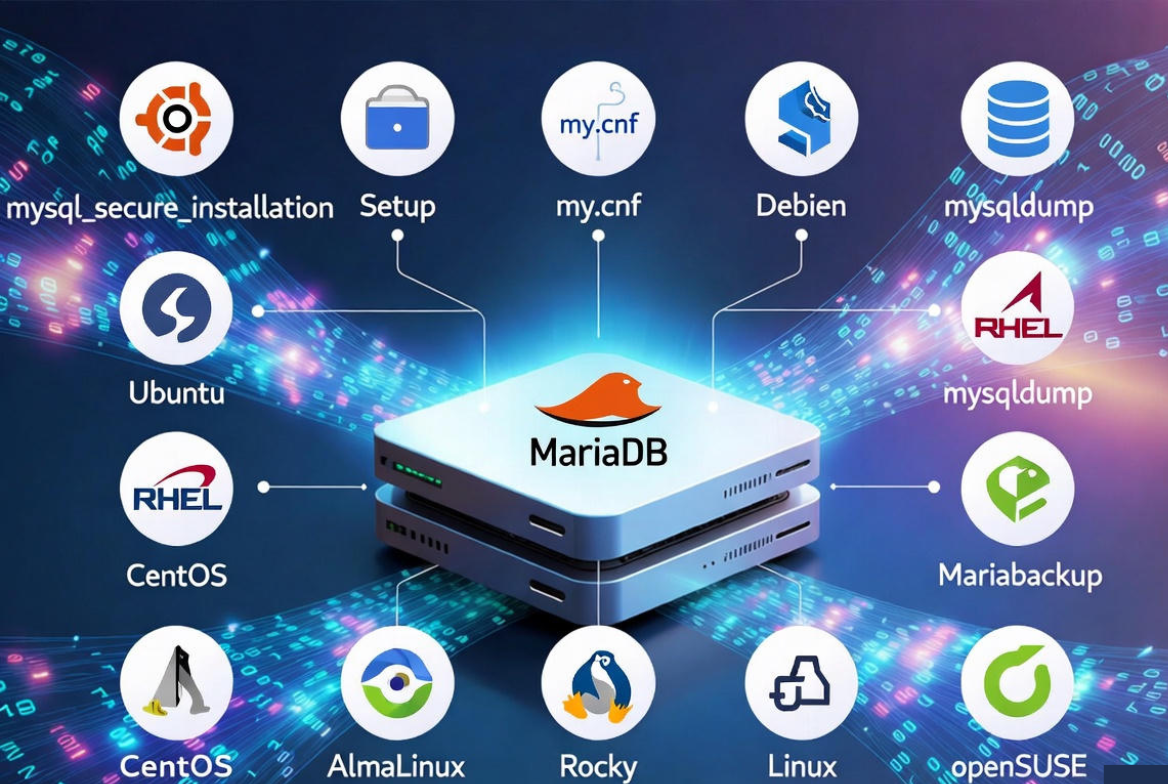
MariaDB vs MySQL: Key Differences
MariaDB aims for compatibility with MySQL but often ships performance features sooner and keeps components fully open source. For most web apps, using MariaDB is seamless. Still, always test version-specific behavior, plugins, and replication between MariaDB and MySQL before production migrations.
Use Cases for MariaDB on a Linux Server
- WordPress, WooCommerce, and CMS sites needing reliable InnoDB storage
- Transactional web apps and APIs requiring ACID compliance
- Read-heavy workloads leveraging caching and replicas
- High availability with replication or Galera Cluster
- Cost-optimized hosting where open-source and performance matter
Install MariaDB on Popular Linux Distributions
Ubuntu/Debian
Ubuntu and Debian include MariaDB in official repos. Use the distro LTS version for stability or MariaDB.org repositories if you need newer features.
# Update packages
sudo apt update

# Install MariaDB server and client
sudo apt install -y mariadb-server mariadb-client

# Enable and start the service
sudo systemctl enable mariadb
sudo systemctl start mariadb

# Check status
systemctl status mariadb
RHEL/CentOS/AlmaLinux/Rocky Linux
On RHEL family distributions, install via DNF/YUM. Consider MariaDB’s official repo for newer LTS versions.
# Install server
sudo dnf install -y mariadb-server

# Enable and start
sudo systemctl enable mariadb
sudo systemctl start mariadb

# Status
systemctl status mariadb
openSUSE
sudo zypper refresh
sudo zypper install mariadb
sudo systemctl enable mariadb
sudo systemctl start mariadb
Note: If you use the MariaDB.org repository, follow their instructions to add the repo and GPG key before installation.
Secure the Initial Setup
Run the built-in hardening script, then enforce least privilege, firewall rules, and encrypted connections. This is essential for any public-facing Linux server.
# Initial hardening
sudo mysql_secure_installation
# Prompts will guide you to:
# - Set the root password
# - Remove anonymous users
# - Disallow remote root login
# - Remove test database
# - Reload privilege tables
Restrict network exposure. For single-host applications, bind to localhost; otherwise, allow only required interfaces and firewall the port (3306).
# Example: bind to local interface only (edit my.cnf or 50-server.cnf)
[mysqld]
bind-address = 127.0.0.1

# UFW (Ubuntu/Debian)
sudo ufw allow from <APP-SERVER-IP> to any port 3306 proto tcp

# firewalld (RHEL family)
sudo firewall-cmd --add-port=3306/tcp --permanent
sudo firewall-cmd --reload
Create Databases and Users
Use separate users per application, restrict host access, and grant only required privileges.
# Login as root (password or socket, depending on distro)
sudo mariadb

-- Create a database
CREATE DATABASE appdb CHARACTER SET utf8mb4 COLLATE utf8mb4_general_ci;

-- Create least-privileged user from a specific host
CREATE USER 'appuser'@'10.0.0.10' IDENTIFIED BY 'Strong_Passw0rd!';

-- Grant minimal privileges
GRANT SELECT, INSERT, UPDATE, DELETE, CREATE, INDEX, ALTER ON appdb.* TO 'appuser'@'10.0.0.10';

FLUSH PRIVILEGES;
Service Management and Logs
- Start/Stop: sudo systemctl start|stop mariadb
- Enable on boot: sudo systemctl enable mariadb
- Logs: sudo journalctl -u mariadb, and MariaDB error log (path varies by distro)
- Check listening: sudo ss -tulpn | grep 3306
Performance Tuning Basics (Safe Defaults)
Right-size MariaDB for available RAM and workload. For most small to medium WordPress or app servers, InnoDB is the focus. Avoid guesswork; measure and iterate.
- Innodb_buffer_pool_size: 50–70% of RAM on dedicated DB servers
- Innodb_log_file_size: larger logs reduce checkpoints on write-heavy loads
- Thread_cache_size and max_connections: match concurrency needs
- Slow query log: identify inefficient queries and missing indexes
- Disable deprecated query cache on newer versions; use application-level caching
# Example: /etc/my.cnf or /etc/mysql/mariadb.conf.d/50-server.cnf
[mysqld]
# Networking
bind-address = 0.0.0.0
max_connections = 200

# InnoDB core
innodb_buffer_pool_size = 4G
innodb_buffer_pool_instances = 4
innodb_log_file_size = 1G
innodb_flush_method = O_DIRECT
innodb_flush_log_at_trx_commit = 1

# Logging
slow_query_log = 1
slow_query_log_file = /var/log/mariadb/slow.log
long_query_time = 1
log_error = /var/log/mariadb/mariadb.err

# Charset
character-set-server = utf8mb4
collation-server = utf8mb4_general_ci

# After changes:
# sudo systemctl restart mariadb
Adjust values to your RAM and workload; the sample fits a dedicated server with ≥8 GB RAM. Always benchmark before and after changes.
Backups and Restores
Backups are non-negotiable. Use logical dumps for portability and physical backups for speed and consistency. Test restores regularly.
Logical backup with mysqldump
# Single database
mysqldump -u root -p --single-transaction --routines --triggers appdb | gzip > appdb-$(date +%F).sql.gz

# All databases
mysqldump -u root -p --all-databases --single-transaction | gzip > all-$(date +%F).sql.gz

# Restore
gunzip < appdb-2025-01-01.sql.gz | mysql -u root -p
Physical backup with Mariabackup
# Install mariabackup (package name may be mariadb-backup)
sudo apt install -y mariadb-backup || sudo dnf install -y MariaDB-backup

# Full backup
mariabackup --backup --target-dir=/backups/full/$(date +%F) --user=root --password=***

# Prepare (apply logs)
mariabackup --prepare --target-dir=/backups/full/2025-01-01

# Restore (service must be stopped)
sudo systemctl stop mariadb
sudo rm -rf /var/lib/mysql/*
sudo mariabackup --copy-back --target-dir=/backups/full/2025-01-01
sudo chown -R mysql:mysql /var/lib/mysql
sudo systemctl start mariadb
For point-in-time recovery, enable binary logs (log_bin) and replay from the last full backup.
Replication and High Availability
Start with asynchronous primary–replica replication for reads and backups. For higher uptime and multi-writer scenarios, use Galera Cluster (MariaDB’s synchronous clustering) and a proxy layer (e.g., HAProxy) to route traffic.
- Primary–Replica: Simple, effective read scaling and offloading backups
- Galera Cluster: Synchronous multi-master; needs low latency between nodes
- Proxy: HAProxy/ProxySQL to manage failover and connection routing
If you prefer a hands-off deployment, YouStable offers managed VPS and cloud servers with pre-optimized MariaDB, automated backups, and 24/7 monitoring, so your stack stays fast and recoverable.
Monitoring and Observability
- Enable slow query logging and review regularly
- Use performance_schema and sys schema views for query insights
- Export metrics via MariaDB Exporter for Prometheus/Grafana
- System metrics: CPU, RAM, I/O, disk latency must be tracked alongside DB metrics
- Set alerts on replication lag, disk space, and connection spikes
Security Best Practices
- Use strong passwords or key-based auth; avoid remote root access
- Restrict users by host and grant least privileges
- Enable TLS for remote connections; rotate certificates
- Harden OS: keep kernel and packages updated; enable SELinux/AppArmor profiles
- Isolate the DB on a private network and restrict port 3306 at the firewall
- Regularly patch MariaDB to address CVEs and security advisories
Troubleshooting Common Issues
MariaDB won’t start
Check the error log and systemd journal for configuration or permission errors. Configuration typos in my.cnf are a frequent cause.
sudo journalctl -u mariadb -b
sudo tail -n 100 /var/log/mariadb/mariadb.err
sudo mysqld --verbose --help | less  # validate options
Cannot connect remotely
Verify bind-address, user host permissions, and firewall rules. Test with:
mysql -h <DB-IP> -u appuser -p -e "SELECT VERSION();"
sudo ss -tulpn | grep 3306
Authentication plugin mismatch
Some distros default root to unix_socket. If needed for external tooling, create a new admin user with a password-based plugin.
CREATE USER 'admin'@'%' IDENTIFIED BY 'Strong_Pass!';
GRANT ALL PRIVILEGES ON *.* TO 'admin'@'%' WITH GRANT OPTION;
FLUSH PRIVILEGES;
Real-World Tips from Production
- Keep OS and database on separate disks where possible; use SSD/NVMe
- Size swap reasonably but avoid swapping the buffer pool
- Pin major version in production; test upgrades in staging
- Regularly run ANALYZE TABLE and OPTIMIZE for fragmented tables (off-peak)
- Back up before schema changes; use pt-online-schema-change for large tables
FAQs: MariaDB on Linux Server
Is MariaDB a drop-in replacement for MySQL on Linux?
In most cases, yes. MariaDB maintains broad compatibility with MySQL clients, protocols, and data files. Still, test application-specific features, plugins, and replication before switching in production.
How do I install MariaDB on Ubuntu?
Run: sudo apt update, then sudo apt install -y mariadb-server. Start and enable with systemctl, and run mysql_secure_installation to harden the instance. Use the MariaDB.org repo if you need a newer LTS than the Ubuntu repo provides.
What are the most important performance settings?
Focus on innodb_buffer_pool_size, innodb_log_file_size, max_connections, and enabling the slow query log. Tune based on RAM and workload, then profile queries and add proper indexes.
How should I back up MariaDB?
Use mysqldump for portable logical backups and Mariabackup for fast, consistent physical backups. Store offsite copies and test restores regularly. Enable binary logs for point-in-time recovery.
How do I secure MariaDB on a public Linux server?
Run mysql_secure_installation, restrict port 3306 via UFW/firewalld, use TLS for remote connections, enforce least privilege on users, keep the OS and MariaDB updated, and enable SELinux/AppArmor where supported.