

Nmap (Network Mapper) is a free, open source Linux command line tool for network scanning and security auditing. It discovers hosts, enumerates open ports, detects services and versions, fingerprints operating systems, and runs powerful scripts for vulnerabilities. Admins and security teams use Nmap to map networks, verify firewall rules, and harden systems ethically and legally.
If you’re getting started with the Nmap command in Linux, this guide walks you through real world scanning workflows, essential switches, safe defaults, and advanced techniques used by professional sysadmins and security engineers. I’ll also show you practical examples we use when auditing servers and cloud instances, including those hosted with YouStable.
What is Nmap and Why it Matters?
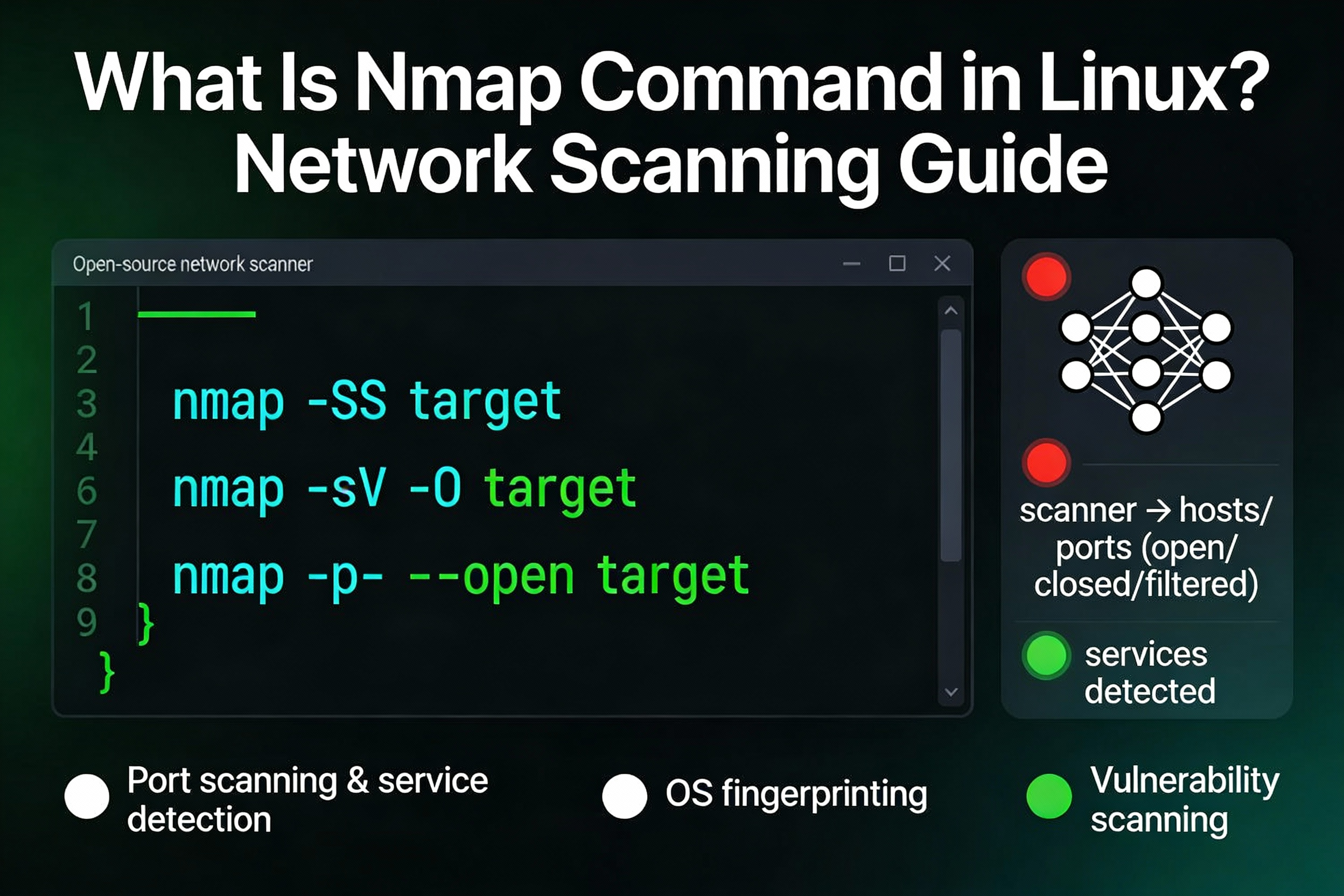
Nmap is a network discovery and port scanning tool that helps you understand what’s exposed on your systems. It goes beyond “is the host up” and reveals running services, software versions, potential CVEs via scripts (NSE), and misconfigurations. For Linux users, Nmap is the fastest way to audit infrastructure before, during, and after deployments.
Quick Start: Install and Verify Nmap on Linux
# Debian/Ubuntu
sudo apt update && sudo apt install nmap -y

# RHEL/CentOS (with EPEL if needed)
sudo dnf install nmap -y
# or
sudo yum install nmap -y

# Fedora
sudo dnf install nmap -y

# Arch/Manjaro
sudo pacman -S nmap

# Verify
nmap --version
Tip: Always use the latest stable Nmap to access updated NSE scripts and fingerprint databases, especially when scanning internet facing servers.
Nmap Command in Linux: Core Syntax and Safety
Nmap follows a simple pattern: decide how to find live hosts, which ports to test, what to probe for (service, OS, scripts), and how to output results. Start with minimal, safe scans and escalate as needed.
# Basic syntax
nmap [scan types] [options] <target>

# Examples
nmap 192.168.1.10
nmap -p 1-1024 192.168.1.10
nmap -sV -O -p 22,80,443 example.com
nmap -A --top-ports 100 target.example
Ethics and legality: Only scan systems and networks you own or have written permission to test. Unauthorised scanning can be illegal and disruptive.
Host Discovery (Ping Sweep) Before Port Scanning
Identify live hosts quickly so you don’t waste time scanning unreachable IPs. In firewalled environments, traditional ICMP pings may be blocked, use TCP or UDP probes.
# Discover live hosts only (no port scan)
nmap -sn 192.168.1.0/24

# Use TCP SYN ping to bypass ICMP filtering
nmap -sn -PS80,443 10.0.0.0/24

# Use UDP ping to DNS/ NTP ports
nmap -sn -PU53,123 10.10.10.0/24

# Treat all hosts as online (skip host discovery)
nmap -Pn 192.0.2.10
Port Scanning Techniques You’ll Use Daily
Choose the right scan for the job. TCP SYN is the standard, TCP Connect is reliable without privileges, and UDP scanning finds services like DNS, NTP, and SNMP.
# Fast and stealthy (root required): SYN scan
sudo nmap -sS -p 1-1000 target

# When you don't have root: TCP Connect scan
nmap -sT -p 22,80,443 target

# UDP services (slower, more false-negatives)
sudo nmap -sU -p 53,67,123,161 target

# Common 100 ports only
nmap --top-ports 100 target

# Show only open ports
nmap --open target
Service and Version Detection (-sV) and OS Detection (-O)
Service detection helps you identify what’s really behind a port (e.g., Apache vs. Nginx). OS detection provides a best effort fingerprint based on network responses. Combine both when auditing a new server or after firewall changes.
# Identify services and versions
nmap -sV -p 22,80,443 target

# OS fingerprinting (best run with SYN scan)
sudo nmap -O target

# All-in-one audit (more traffic)
sudo nmap -A target
Note: -A enables -sV, -O, default NSE scripts, and traceroute. Use it on your own assets; it’s noisy but comprehensive.
Nmap Scripting Engine (NSE): From Info Gathering to Vulnerability Checks
NSE unlocks targeted checks for common misconfigurations and CVEs. You can run entire categories or specific scripts with arguments.
# List script categories
ls -1 /usr/share/nmap/scripts | head

# Run "default" safe scripts
nmap -sC target

# Vulnerability checks (use cautiously, may be intrusive)
nmap --script vuln target

# Focused scripts
nmap --script http-title,ssl-enum-ciphers -p 80,443 target
nmap --script smb-os-discovery -p 445 target

# Script with arguments
nmap --script dns-brute --script-args dns-brute.threads=10 target
Practical tip: On production servers (including YouStable VPS or Dedicated Servers), start with -sV and “default” scripts, review results, then selectively run “vuln” scripts during scheduled maintenance windows.
Performance Tuning: Faster Scans Without Losing Accuracy
Scanning large subnets or high latency hosts can be slow. Use timing templates and rate controls carefully to keep scans efficient and stable.
# Timing templates: T0 (paranoid) to T5 (insane)
nmap -T4 --top-ports 100 10.0.0.0/24

# Control probe rates (be cautious on fragile networks)
nmap --min-rate 200 --max-retries 2 target

# Parallelism and timeouts
nmap --min-parallelism 10 --host-timeout 2m target

# Respect DNS bottlenecks
nmap -n target  # disable reverse DNS lookups for speed
Rule of thumb: -T4 is a solid default on LANs and many cloud networks; use -T3 on WAN links to reduce packet loss. Always monitor CPU and network load on the target environment.
Firewall and IDS Considerations (Use Responsibly)
Firewalls and intrusion detection systems may throttle or log scans. While Nmap offers evasion features, you should only use them when authorised and with change control in place.
# Decoys and source spoofing (advanced; legal/ethical use only)
sudo nmap -D RND:5 target
sudo nmap -S <spoofed-ip> -e eth0 target

# Custom scan probes to bypass simple filters
sudo nmap -sA -p 80,443 target        # ACK scan (firewall rule discovery)
sudo nmap -sN -p 80,443 target        # NULL scan
sudo nmap -f target                   # Fragment packets (may break, often logged)
At YouStable, we recommend focusing on configuration hygiene, least privilege firewall rules, predictable allowlists, and documented maintenance scans rather than relying on evasion techniques.
Target Selection, Exclusions, and Input Files
Curate your target list to avoid noisy or irrelevant scans. Use CIDR ranges, hostnames, and files; exclude known sensitive IPs to keep scans safe.
# Multiple targets
nmap 192.168.1.10 example.com 2001:db8::10

# Ranges and CIDR
nmap 192.168.1.1-50
nmap 10.0.0.0/16

# Input file and exclusions
nmap -iL hosts.txt --exclude 10.0.0.5,10.0.0.6
nmap -iL hosts.txt --excludefile exclude.txt

# IPv6 scanning
nmap -6 2001:db8::/64
Output and Reporting: Shareable, Greppable Results
Use structured outputs for audits, CI pipelines, or ticketing systems. Combine outputs to satisfy both human-readable and machine parsing needs.
# Normal, XML, and "all" outputs
nmap -oN scan.txt target
nmap -oX scan.xml target
nmap -oA web-scan -p 80,443 -sV target   # web-scan.nmap/.xml/.gnmap

# Increase verbosity and show reasons
nmap -vv --reason target

# Only open ports for quick reports
nmap --open -oN open.txt target
Tip: XML output imports cleanly into many SIEMs and vulnerability managers. The -oA option is perfect for centralized reporting across teams.
Practical Use Cases for Sysadmins and DevOps
- Post deploy validation: Confirm only intended ports are open after provisioning a YouStable VPS with firewall rules.
- Asset inventory: Quarterly sweep (e.g., 10.0.0.0/16) to find shadow services and stale instances.
- Patch verification: Run -sV to verify specific service versions after upgrades (e.g., OpenSSH, Nginx).
- Web surface audit: Enumerate HTTPS and cipher strength using ssl-enum-ciphers on public hosts.
- Incident response: Identify unexpected listeners (-sS, –open) on a compromised host.
- Compliance checks: Export XML reports for audit attachments and change logs.
Common Pitfalls and How to Avoid Them
- Scanning without permission: Always obtain written approval, especially outside your org’s IP space.
- Over-aggressive timing: -T5 can cause packet loss and false negatives; prefer -T3 or -T4.
- Ignoring UDP: Many critical services use UDP; include targeted -sU scans.
- Not using -n: Reverse DNS slows scans and may trigger IDS noise.
- Assuming “closed” means safe: Firewalls can hide services; corroborate with host based checks.
Scan Types Compared (Cheat Sheet)
+----------------------+---------------------------+---------------------------+---------------------------------------+
| Scan Type            | Best For                  | Command                   | Notes                                 |
+----------------------+---------------------------+---------------------------+---------------------------------------+
| TCP SYN (-sS)        | Fast, low-noise audits    | sudo nmap -sS target      | Needs root; preferred for accuracy    |
| TCP Connect (-sT)    | No root privileges        | nmap -sT target           | Higher overhead; reliable fallback    |
| UDP (-sU)            | DNS/NTP/SNMP discovery    | sudo nmap -sU -p53,123    | Slow; expect timeouts; partial info   |
| Service Detect (-sV) | Version enumeration       | nmap -sV -p 22,80,443     | Use to verify patch levels            |
| OS Detect (-O)       | OS fingerprinting         | sudo nmap -O target       | Best with SYN scan                    |
| Aggressive (-A)      | All-in-one audits         | sudo nmap -A target       | Noisy; scheduled windows recommended  |
| Top Ports            | Quick exposure snapshot   | nmap --top-ports 100      | Fast triage and continuous checks     |
+----------------------+---------------------------+---------------------------+---------------------------------------+
Real World Workflow: Secure a New Public Server
- Baseline: nmap -sn your-public-subnet to confirm active instances.
- Exposure scan: sudo nmap -sS –top-ports 100 –open yourserver
- Service map: nmap -sV -p 22,80,443 yourserver
- TLS review: nmap –script ssl-enum-ciphers -p 443 yourserver
- Harden and retest: close unwanted ports (UFW/iptables/Cloud firewall), re-run scans.
- Report: nmap -oA post-harden yourserver for audit evidence.
With YouStable hosting, place a lightweight “allowlist-first” firewall at the instance level and a stricter perimeter ACL at the network layer. Use Nmap to verify both layers after every change.
Security and Compliance: Do’s and Don’ts
- Do schedule scans during maintenance windows and notify stakeholders.
- Do store outputs (-oA) centrally with timestamps for traceability.
- Do combine Nmap findings with host based tools (e.g., systemctl, ss, netstat).
- Don’t scan third party IPs without explicit written permission.
- Don’t rely on a single scan; create a recurring cadence (weekly/monthly).
Nmap Command Examples: Copy and Run
# 1) Quick open port snapshot
nmap --top-ports 100 --open -oN snapshot.txt target

# 2) Full TCP audit with versions
sudo nmap -sS -sV -p 1-65535 -oA tcp-full target

# 3) Critical UDP services check
sudo nmap -sU -p 53,67,123,161 --open -oN udp-essentials.txt target

# 4) Web stack review
nmap -sV --script http-title,ssl-enum-ciphers -p 80,443 target

# 5) Large subnet discovery
nmap -sn -PS80,443 10.10.0.0/16 -oG hosts.gnmap

# 6) CI-friendly XML output
nmap -sV -oX services.xml -iL hosts.txt --open
How YouStable Helps
Strong security starts with visibility. YouStable’s VPS and Dedicated Servers give you root access, stable network performance, and predictable firewalling, ideal conditions for accurate Nmap scans. Our support team can guide you on best practice port exposure and TLS hardening so your scans reflect a truly minimized attack surface.
Also take a look at these commands
• Chocolatey Install Command Explained With Example
• Chown Command in Linux Explained With Examples
• Echo Command in Linux Explained With Examples
• Head Command in linux | Complete User Guide with Examples
FAQs
Is using Nmap legal?
Nmap is legal to use on assets you own or have written permission to test. Unauthorized scanning can violate laws and provider policies. Always document approvals and scope before running scans.
What’s the difference between -sS and -sT?
-sS (SYN scan) sends half-open SYN packets and requires root; it’s fast and less noisy. -sT (TCP Connect) completes full TCP handshakes without root; it’s reliable but slower and more conspicuous.
How can I speed up large scans safely?
Use -T4, disable reverse DNS with -n, scan top ports first (–top-ports 100), and tune –min-rate with conservative values. Parallelize with -iL and split targets across time windows to reduce network impact.
Should I always run -A?
No. -A is comprehensive but noisy. Prefer incremental steps: discovery (-sn), exposure (–open), services (-sV), then targeted scripts. Use -A during planned windows or on lab environments first.
How do I export results for audits?
Use -oA to generate .nmap, .xml, and .gnmap (grepable) files in one shot. XML imports well into SIEMs or reporting tools; normal output is ideal for human review and ticket attachments.
What are safe Nmap commands for production servers?
Start with nmap –top-ports 100 –open -n, then move to nmap -sV -p <needed-ports>. Avoid aggressive timing and intrusive vuln scripts on live systems without change control and stakeholder sign off.
Conclusion
The Nmap command in Linux is an indispensable tool for mapping, auditing, and hardening networks. Start simple, scan ethically, and document everything.
Pair Nmap with well defined firewall policies and secure hosting. If you need predictable, high-performance environments for accurate scans, YouStable’s servers are built for exactly that.




