

To set up SELinux on a Linux server, install the SELinux policy packages, switch the mode to Enforcing, relabel the filesystem, and then configure booleans, ports, and file contexts for your services. Use audit logs and tools like sealert and audit2allow to troubleshoot and create minimal, persistent policy changes.
If you manage production systems, learning how to set up SELinux on a Linux server is one of the most impactful steps you can take to harden workloads. In this guide, I’ll show you exactly how to enable, configure, and troubleshoot SELinux with practical commands tested across RHEL, CentOS, AlmaLinux, Rocky Linux, Fedora, Debian, and Ubuntu.
What Is SELinux and Why It Matters
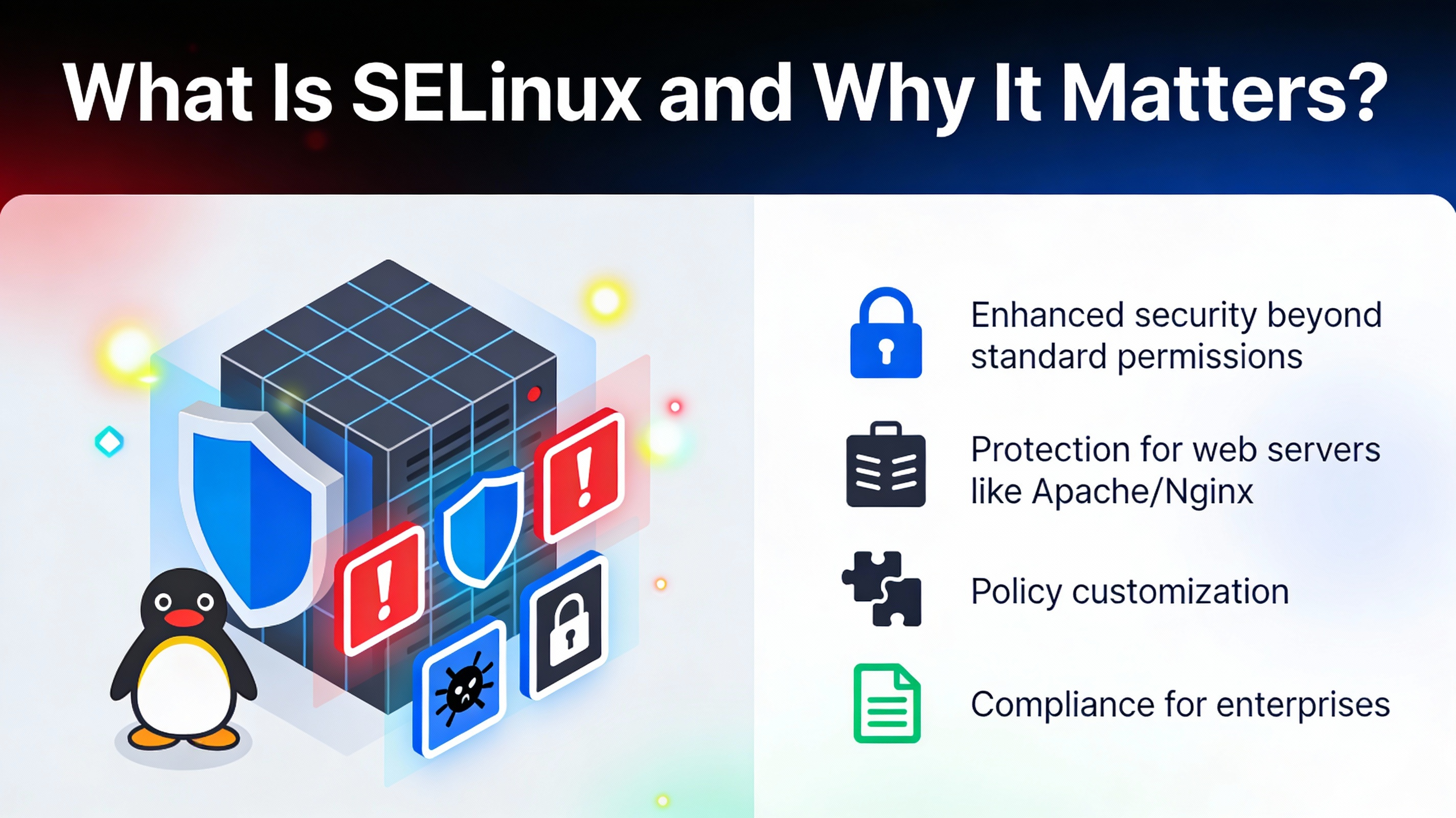
SELinux (Security-Enhanced Linux) is a kernel-level Mandatory Access Control (MAC) system that restricts processes and users beyond traditional Unix permissions. Even if an attacker gains access, SELinux confines what a compromised process can read, write, or execute, dramatically reducing blast radius and data exposure.
By default, many enterprise distributions ship with SELinux policies designed for common daemons (web servers, databases, mail, containers). Correctly enabling and tuning SELinux turns predictable service behavior into strong, enforced boundaries.
Prerequisites and Supported Distributions
SELinux is native on RHEL, CentOS, AlmaLinux, Rocky Linux, Fedora, and Amazon Linux. Debian/Ubuntu support SELinux but require additional setup. You should have:
- Root or sudo access
- Recent backups (file relabeling can take time)
- Console or out-of-band access (in case of boot or relabel issues)
Step-by-Step: How to Set Up SELinux on a Linux Server
1) Install SELinux Packages
On RHEL, CentOS, AlmaLinux, Rocky Linux, Fedora (most already have SELinux):
sudo dnf install -y selinux-policy selinux-policy-targeted policycoreutils policycoreutils-python-utils setools setools-console setroubleshoot-serverOn CentOS/RHEL 7, use policycoreutils-python instead of policycoreutils-python-utils.
On Debian/Ubuntu (requires enabling SELinux):
sudo apt update
sudo apt install -y selinux-basics selinux-policy-default policycoreutils selinux-utils setools setools-console auditd
After installation on Debian/Ubuntu, you must enable SELinux in GRUB and config (details below).
2) Check Current SELinux Status
sestatus
getenforce
Typical states:
- Enforcing: SELinux policy is enforced (recommended for production).
- Permissive: Policy decisions are logged but not enforced.
- Disabled: SELinux is turned off.
3) Enable and Set Mode (Temporary vs Persistent)
To temporarily switch modes (no reboot):
# Enforce now
sudo setenforce 1

# Permissive now
sudo setenforce 0
To set persistent mode across reboots, edit /etc/selinux/config:
sudo nano /etc/selinux/config
# Set:
SELINUX=enforcing
SELINUXTYPE=targeted
On Debian/Ubuntu, also edit GRUB defaults to enable SELinux at boot:
sudo sed -i 's/^GRUB_CMDLINE_LINUX="/GRUB_CMDLINE_LINUX="selinux=1 security=selinux /' /etc/default/grub
sudo update-grub
Then reboot:
sudo reboot4) Relabel the Filesystem (First Boot After Enabling)
If SELinux was disabled or policies changed significantly, force a full relabel so files get correct contexts:
sudo touch /.autorelabel
sudo reboot
For targeted relabels (faster), use:
# Restore default contexts recursively
sudo restorecon -Rv /var/www

# For full system relabel without reboot (RHEL-family)
sudo fixfiles -F relabel
5) Configure SELinux Booleans for Services
Booleans toggle optional policy behavior and persist with -P. Common web stack examples:
# List available httpd-related booleans
getsebool -a | grep httpd

# Allow web server to connect to the network (APIs, DB via TCP)
sudo setsebool -P httpd_can_network_connect on

# Allow HTTPD to send mail
sudo setsebool -P httpd_can_sendmail on

# Allow HTTPD to read user home dirs (if serving from ~user/public_html)
sudo setsebool -P httpd_read_user_content on

# NFS-backed web content
sudo setsebool -P httpd_use_nfs on
Useful for Samba/FTP:
# FTP full access (use carefully)
sudo setsebool -P allow_ftpd_full_access on

# Samba share home directories
sudo setsebool -P samba_enable_home_dirs on
6) Label Content the Right Way (Persistent Contexts)
Use semanage fcontext to define persistent labels, then apply with restorecon. Avoid using chcon for permanent changes because it’s not persistent across relabels.
# Example: custom web root
sudo semanage fcontext -a -t httpd_sys_content_t "/srv/www(/.*)?"
sudo restorecon -Rv /srv/www

# Example: directory requiring web write access (uploads/cache)
sudo semanage fcontext -a -t httpd_sys_rw_content_t "/srv/www/uploads(/.*)?"
sudo restorecon -Rv /srv/www/uploads
For databases or services writing outside their defaults, apply the service-appropriate type (e.g., var_lib_t, mysqld_db_t, redis_var_lib_t), or consult man -k _t and seinfo/sesearch from setools.
7) Allow Services to Use Non-Standard Ports
SELinux restricts domains to specific ports. When you change a daemon port, teach SELinux about it:
# Allow HTTP on port 8080
sudo semanage port -a -t http_port_t -p tcp 8080

# If port exists with wrong type, modify instead
sudo semanage port -m -t http_port_t -p tcp 8080

# Verify
sudo semanage port -l | grep http_port_t
8) Troubleshoot Denials (Audit, sealert, audit2allow)
When something breaks under Enforcing, check AVC denials in audit logs:
# Live tail
sudo ausearch -m AVC -ts recent
sudo journalctl -t setroubleshoot

# Full log
sudo less /var/log/audit/audit.log
Use setroubleshoot to get human-readable advice:
sudo sealert -a /var/log/audit/audit.logIf policy needs a small extension, generate a module from recent denials. Do this carefully and prefer fixing labels/booleans first:
# Explain why a denial occurred
sudo ausearch -m AVC -ts recent | audit2why

# Create a minimal local policy module
sudo ausearch -m AVC -ts recent | audit2allow -M mylocalpolicy
sudo semodule -i mylocalpolicy.pp
Security tip: never blindly whitelist all denials. Validate that the behavior is intended, correct the file context or boolean, and only then consider a narrow policy exception.
Real-World Scenarios
Host a Site from /srv/www on Port 8080
# Set persistent labels
sudo semanage fcontext -a -t httpd_sys_content_t "/srv/www(/.*)?"
sudo semanage fcontext -a -t httpd_sys_rw_content_t "/srv/www/uploads(/.*)?"
sudo restorecon -Rv /srv/www

# Allow network and non-standard port
sudo setsebool -P httpd_can_network_connect on
sudo semanage port -a -t http_port_t -p tcp 8080
Docker/Podman Volumes with SELinux
Containers run under container_t. When mounting host paths into containers, add a label option to avoid denials:
# Docker: relabel target path for container use
docker run -v /data/app:/data/app:Z nginx

# Podman behaves similarly
podman run -v /data/app:/data/app:Z nginx

# Or prelabel recursively
sudo chcon -Rt svirt_sandbox_file_t /data/app
NFS/CIFS Mounts and SELinux
Network filesystems may not carry extended attributes. Use mount options or fcontext matches:
# For NFS exported web content
sudo setsebool -P httpd_use_nfs on
sudo semanage fcontext -a -t httpd_sys_content_t "/mnt/webshare(/.*)?"
sudo restorecon -Rv /mnt/webshare
Best Practices for Running SELinux in Production
- Prefer Enforcing mode; use Permissive briefly for debugging.
- Fix root causes with correct contexts and booleans before writing custom modules.
- Keep policy changes minimal and documented; version-control custom .te files.
- Monitor denials proactively with
sealert,auditd, and alerts. - Use persistent tools:
semanage fcontext,restorecon,setsebool -P,semanage port. - Avoid disabling SELinux. If you must, do so temporarily with a rollback plan.
Common Mistakes to Avoid
- Using
chconfor permanent labeling (it’s overwritten by relabels). Usesemanage fcontext+restorecon. - Opening broad policy exceptions with
audit2allowinstead of fixing file types or booleans. - Forgetting to add non-standard service ports via
semanage port. - Leaving servers in Permissive mode permanently.
- Not relabeling after enabling SELinux, causing widespread denials.
Quick Reference: Essential Commands
# Status and mode
sestatus
getenforce
sudo setenforce 1|0

# Persistent config
sudo nano /etc/selinux/config

# Label management
sudo semanage fcontext -a -t TYPE "REGEX"
sudo restorecon -Rv /path

# Booleans
getsebool -a
sudo setsebool -P boolean on|off

# Ports
sudo semanage port -l
sudo semanage port -a -t TYPE -p tcp|udp PORT

# Troubleshooting
sudo ausearch -m AVC -ts recent | audit2why
sudo sealert -a /var/log/audit/audit.log
sudo ausearch -m AVC -ts recent | audit2allow -M local && sudo semodule -i local.pp
With these steps and best practices, you now know how to set up SELinux on a Linux server, keep it in Enforcing mode, and tune it safely as your infrastructure evolves. If you want experts to handle this for you, YouStable can harden, monitor, and maintain SELinux across your fleet.
FAQs: SELinux Setup on Linux Servers
Is SELinux better than simply using file permissions and firewalls?
Yes. SELinux adds mandatory access controls on top of Unix permissions and network firewalls. It confines processes to least privilege, preventing lateral movement even if an attacker exploits an app or misconfiguration. It complements, not replaces, file permissions and firewalls.
How do I safely switch from Permissive to Enforcing?
Run in Permissive for a short period, exercise your applications, and review denials with sealert. Fix contexts and booleans. When logs are clean, set SELINUX=enforcing in /etc/selinux/config, ensure a clean relabel if needed, and reboot during a maintenance window.
How can I see what SELinux blocked?
Check /var/log/audit/audit.log for AVC messages, or use ausearch -m AVC -ts recent. Install setroubleshoot to get human-readable suggestions via sealert -a /var/log/audit/audit.log.
Should I disable SELinux on Ubuntu and use AppArmor instead?
Ubuntu ships with AppArmor by default and it’s well integrated. SELinux also works on Ubuntu but requires extra setup (GRUB flags, relabel). Choose one MAC system per host. If you need RHEL-like parity or strict policy, SELinux is excellent; otherwise AppArmor is simpler on Ubuntu.
What’s the difference between chcon and semanage fcontext?
chcon changes the context of files immediately but isn’t persistent; a full relabel will undo it. semanage fcontext creates persistent rules so future relabels or restorecon apply the correct labels automatically. Use semanage for long-term changes.




