

A VM escape is when code running inside a virtual machine exploits a vulnerability to break out of the guest and execute on the host hypervisor. This “hypervisor escape” allows an attacker to bypass isolation, access other VMs, steal data, or take control of the virtualization layer, turning one compromised VM into a full environment breach.
If you rely on virtualization, understanding VM escape is critical. In this guide, I’ll explain how a VM escape works, the real risks for cloud and on‑prem environments, notable examples, and proven defenses. You’ll learn practical steps to harden hypervisors and virtual machines and reduce your attack surface based on real world hosting experience.
What is a VM Escape?
A VM escape (virtual machine escape) is a class of vulnerability where a process inside a guest VM leverages a flaw to execute code on the host or hypervisor.
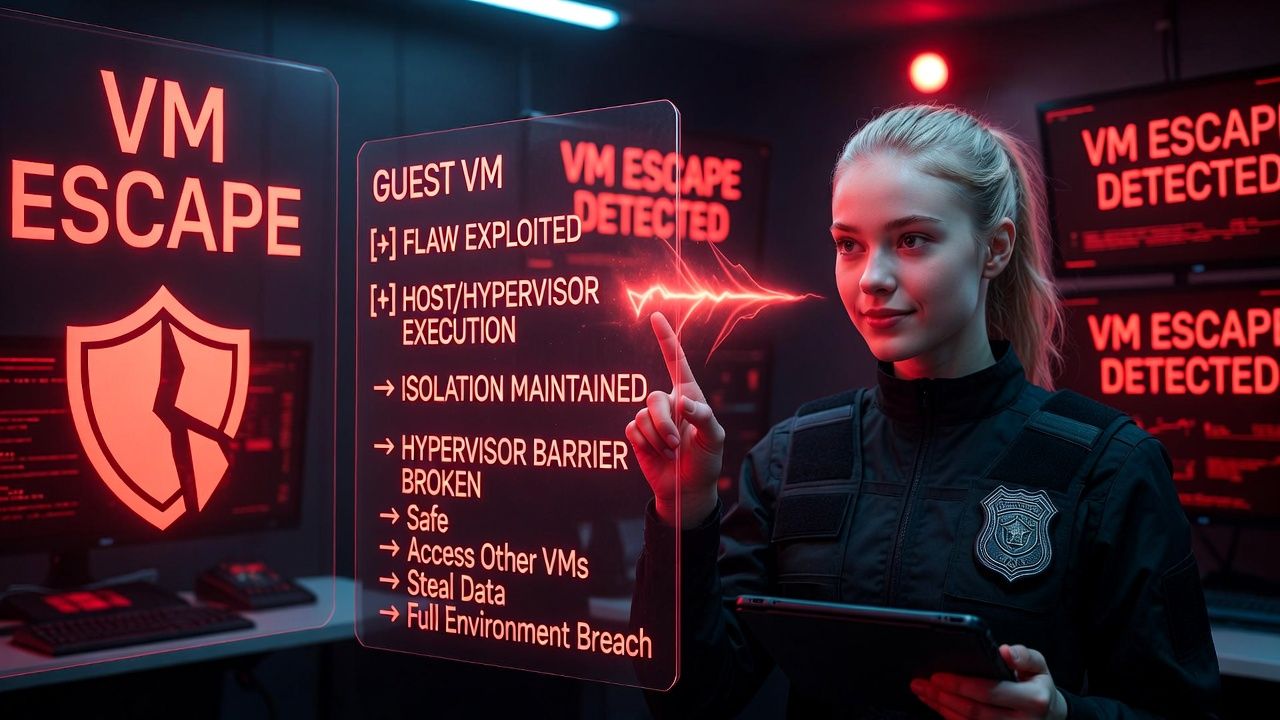
Since hypervisors enforce isolation, an escape effectively breaks that barrier. It’s among the most severe virtualization security failures because it can lead to cross‑tenant compromise in multi tenant clouds.
How a VM Escape Works (Step-by-Step)
The typical attack chain
- Initial foothold inside a VM: The attacker gains code execution in a guest via phishing, web app RCE, weak credentials, or a malicious binary.
- Target the virtualization boundary: The attacker probes hypervisor-facing components virtual devices, paravirtualized drivers (virtio, vmxnet3), snapshot/clipboard services, or device emulators (e.g., QEMU).
- Exploit a vulnerability: A bug (buffer overflow, use-after-free, logic flaw) in emulated hardware, management services, or hypercalls is triggered from inside the guest.
- Break isolation: The exploit achieves code execution on the host/hypervisor process (e.g., qemu-kvm, vmware-vmx) or escalates to root on the host.
- Pivot laterally: With host access, the attacker inspects memory, disks, or networks of other VMs, or tampers with the hypervisor itself.
Common bug classes abused for escapes
- Device emulation flaws: Vulnerabilities in virtual floppy, CD-ROM, SCSI, NICs, GPU/3D (e.g., QXL), or USB controllers (often in QEMU or vmware-vmx).
- Paravirtual drivers and hypercalls: Implementation bugs in virtio, ballooning, shared memory, or Xen hypercalls.
- Guest tools and integrations: Shared folders, drag-and-drop, copy/paste, time sync, and snapshot services (e.g., VMware Tools, VirtualBox Guest Additions) misused as bridges.
- Management plane exposures: Vulnerable APIs, consoles, or misconfigured sockets that the guest can indirectly reach.
- CPU/Microarchitectural data leaks: Issues like Spectre/Meltdown/L1TF can enable cross-VM data exposure (not a “true” escape but often discussed alongside).
What a successful VM escape enables
- Access to host filesystem, memory, and processes
- Inspection or tampering of other VMs’ disks and RAM
- Hypervisor reconfiguration or persistence
- Credential theft from management services
- Full environment downtime or ransomware at the host layer
Real World Examples and Lessons Learned
VENOM (CVE-2015-3456) — QEMU virtual floppy drive
VENOM was a buffer overflow in QEMU’s virtual floppy disk controller (FDC). A guest could send crafted FDC commands that overflowed buffers in the emulator, leading to arbitrary code execution on the host. Although many platforms didn’t attach virtual floppies by default, the incident taught teams to remove legacy devices and patch quickly.
“Cloudburst” VMware 3D acceleration escape
Cloudburst was a VMware Workstation escape that exploited flaws in virtualized 3D acceleration. Guests abused the graphics stack to achieve host code execution. The takeaway: disabling unnecessary features like 3D acceleration in server workloads reduces attack surface substantially.
Microarchitectural leaks (Spectre/Meltdown/L1TF/Foreshadow)
These side-channel vulnerabilities can allow cross-VM data leakage under specific conditions. They are not classic VM escapes (no direct host code execution), but they erode isolation guarantees. Mitigations include microcode updates, OS patches, disabling SMT in sensitive workloads, and careful scheduler/hardening policies.
Why VM Escape is a High Impact Risk
Multi tenant amplification
In shared cloud infrastructure, one compromised VM can cascade into many. A single hypervisor can host dozens or hundreds of VMs; a breakout can jeopardize multiple customers, violating confidentiality and uptime SLAs.
Regulatory and data exposure
Escapes risk exposure of regulated data (PII, PHI, PCI). Incident response becomes more complex because host forensics must verify whether other tenants or management systems were accessed. Compliance costs, notifications, and fines can be significant.
Operational disruption
If the hypervisor is compromised, providers may need to evacuate and rebuild hosts, snapshot and verify every VM, and rotate secrets system‑wide. This can translate to prolonged maintenance windows or customer downtime.
How to Prevent VM Escapes: Practical Defenses
For cloud/hosting providers (hypervisor owners)
- Relentless patching: Keep hypervisors (KVM/QEMU, Xen, ESXi), firmware/microcode, and management stacks up to date. Subscribe to vendor security advisories and act on critical CVEs quickly.
- Reduce emulation surface: Disable legacy devices (floppy, IDE, e1000), unnecessary 3D acceleration, USB passthrough, and shared clipboard/folders by default.
- Sandbox the emulator: Run qemu-kvm under AppArmor/SELinux, seccomp, namespaces, and with no-new-privileges; use cgroups to limit damage.
- Hardware isolation: Enable VT-d/IOMMU for DMA protection; pin critical workloads; consider CPU core isolation and SMT controls for sensitive tenants.
- Segregate management plane: Isolate APIs and hypervisor consoles on dedicated networks; enforce MFA, least privilege, and just-in-time access.
- Network microsegmentation: Strong east-west filtering between tenants and strict host firewall baselines.
- Observability and EDR: Telemetry on host processes (qemu, libvirtd, vmware-vmx), kernel events, and unusual inter-VM access patterns; alert on anomalous device errors or emulator crashes.
- Tenant isolation choices: Offer single-tenant VPS or dedicated nodes for customers with high compliance needs.
At YouStable, our KVM-based platforms are hardened with minimized virtual hardware, host level MAC/RBAC policies, and rapid patch SLAs. We isolate management networks, enforce MFA and change control, and offer dedicated compute plans for customers that prefer single-tenant isolation.
For sysadmins and developers (guest owners)
- Harden the guest: Patch OS and kernels, remove unneeded packages, and enforce least privilege. A stronger guest reduces the chance attackers reach the hypervisor boundary.
- Turn off risky integrations: Disable shared folders, drag-and-drop, clipboard sync, 3D acceleration, and unused virtual devices.
- Use paravirtual drivers wisely: Prefer modern virtio drivers but keep them patched; remove legacy device models (IDE/e1000) unless required.
- Secret management: Never store host or cloud credentials inside test VMs. Use short-lived tokens and role-based IAM.
- Runtime security: Install EDR on critical VMs, segment application tiers, and use outbound allowlists to limit attacker reach even within a VM.
For security teams (detection and response)
- Threat modeling: Include hypervisor escape in tabletop exercises; prepare host-level forensics and recovery runbooks.
- Telemetry baselines: Alert on emulator crashes, unexpected device attach events, or sudden spikes in hypervisor CPU due to malformed I/O.
- Compromise containment: Be ready to snapshot suspects, pause VMs, cordon hosts, and rotate secrets quickly.
# Example: launching QEMU with a reduced device set and sandboxing (lab/demo)
qemu-system-x86_64 \
  -machine accel=kvm,type=q35 \
  -cpu host,migratable=off \
  -m 4096 -smp 2 \
  -nodefaults -no-reboot -display none \
  -sandbox on \
  -device virtio-net-pci,netdev=n0 -netdev user,id=n0 \
  -device virtio-blk-pci,drive=d0 -drive file=disk.qcow2,if=none,id=d0,discard=unmap,detect-zeroes=unmap

# Notes:
# -nodefaults removes legacy devices (floppy, IDE, etc.).
# -sandbox on enables QEMU seccomp restrictions.
# Disable 3D/USB passthrough unless required.
# Always couple with AppArmor/SELinux profiles and host hardening.
VM Escape vs. Container Escape vs. Sandbox Escape
- VM escape: Guest → hypervisor/host compromise. Breaks VM-to-host boundary. Highest impact in multi-tenant virtualization.
- Container escape: Process → host kernel compromise. Containers share the host kernel; kernel bugs can lead to node takeover.
- Sandbox escape: Breaking out of restricted runtimes (browsers, JITs, serverless sandboxes) into the underlying OS.
In practice, both VMs and containers benefit from defense in depth. For ultra-sensitive workloads, consider microVMs (e.g., Firecracker) or running containers inside VMs with minimal device exposure to stack isolation layers.
When to Choose Dedicated vs. Shared Compute
Shared hypervisors deliver great efficiency, but certain scenarios justify single-tenant hosts:
- Regulatory workloads (PCI DSS, HIPAA, CJIS) that require strict tenant isolation
- High value targets (financial platforms, managed security services)
- Low latency trading or HPC where hardware features must be tightly controlled
- Teams needing custom kernel/firmware policies or SMT off globally
YouStable offers dedicated VPS and bare metal options so you can choose the isolation level that matches your risk profile while keeping modern KVM performance and our 24×7 security monitoring.
Key Takeaways
- A VM escape is a rare but high impact failure of hypervisor isolation.
- Most escapes abuse device emulation, guest integrations, or hypercalls, remove what you don’t need.
- Patch hypervisors, microcode, guests, and tools quickly; subscribe to vendor advisories.
- Sandbox emulators with SELinux/AppArmor/seccomp and lock down the management plane.
- For sensitive workloads, consider dedicated hosts or microVM architectures.
FAQs
Is a VM escape the same as a hypervisor escape?
Yes. Both terms describe breaking out of a guest to execute code on the host or hypervisor. Some articles use “VM breakout” or “virtualization escape” interchangeably. The essence is bypassing the isolation boundary enforced by the hypervisor.
How common are VM escapes in the wild?
They’re uncommon compared to web or endpoint exploits because they require specialized knowledge and exact conditions. However, when they occur, impact is severe, especially in multi-tenant clouds. Treat them as low-frequency, high-severity events and plan mitigation accordingly.
Which hypervisors are affected KVM, VMware, Hyper‑V, Xen?
Any hypervisor can have vulnerabilities. Over time, critical issues have been disclosed for KVM/QEMU, VMware, Xen, and others. Security depends less on brand and more on patch cadence, configuration, and operational discipline.
What are the best defenses against VM escape?
Patch everything (host, hypervisor, microcode, guest tools), minimize virtual devices, disable risky integrations, sandbox emulators (SELinux/AppArmor/seccomp), isolate management networks, enforce MFA/RBAC, and monitor hosts for anomalies. For critical data, consider single-tenant compute.
Are containers safer than VMs for isolation?
Not inherently. Containers share the host kernel, so kernel bugs can lead to container escapes. VMs add a stronger isolation boundary via a hypervisor. Many teams run containers inside VMs to combine agility with hardware-backed isolation.
If you need help assessing your virtualization security posture or want hardened, isolation-first hosting, talk to YouStable. We’ll map your risk, right-size the platform (shared or dedicated), and implement pragmatic controls that balance performance and protection.




