

SELinux on a Linux server is a mandatory access control system that labels every process and file, then enforces policy rules to confine services and prevent unauthorized access.
In Enforcing mode, it blocks violations; in Permissive, it only logs them; Disabled turns it off. Properly configured, SELinux dramatically reduces breach impact.
If you manage Linux servers, understanding SELinux on Linux server environments is essential for secure hosting. This guide explains how SELinux works, when to use each mode, how to troubleshoot denials, and the exact commands you’ll need.
You’ll learn to configure Apache/Nginx, open ports, set file labels, and use booleans with practical, real world examples.
What is SELinux and Why it Matters?
Security Enhanced Linux (SELinux) is a kernel level framework developed by the NSA and open source community to implement Mandatory Access Control (MAC).
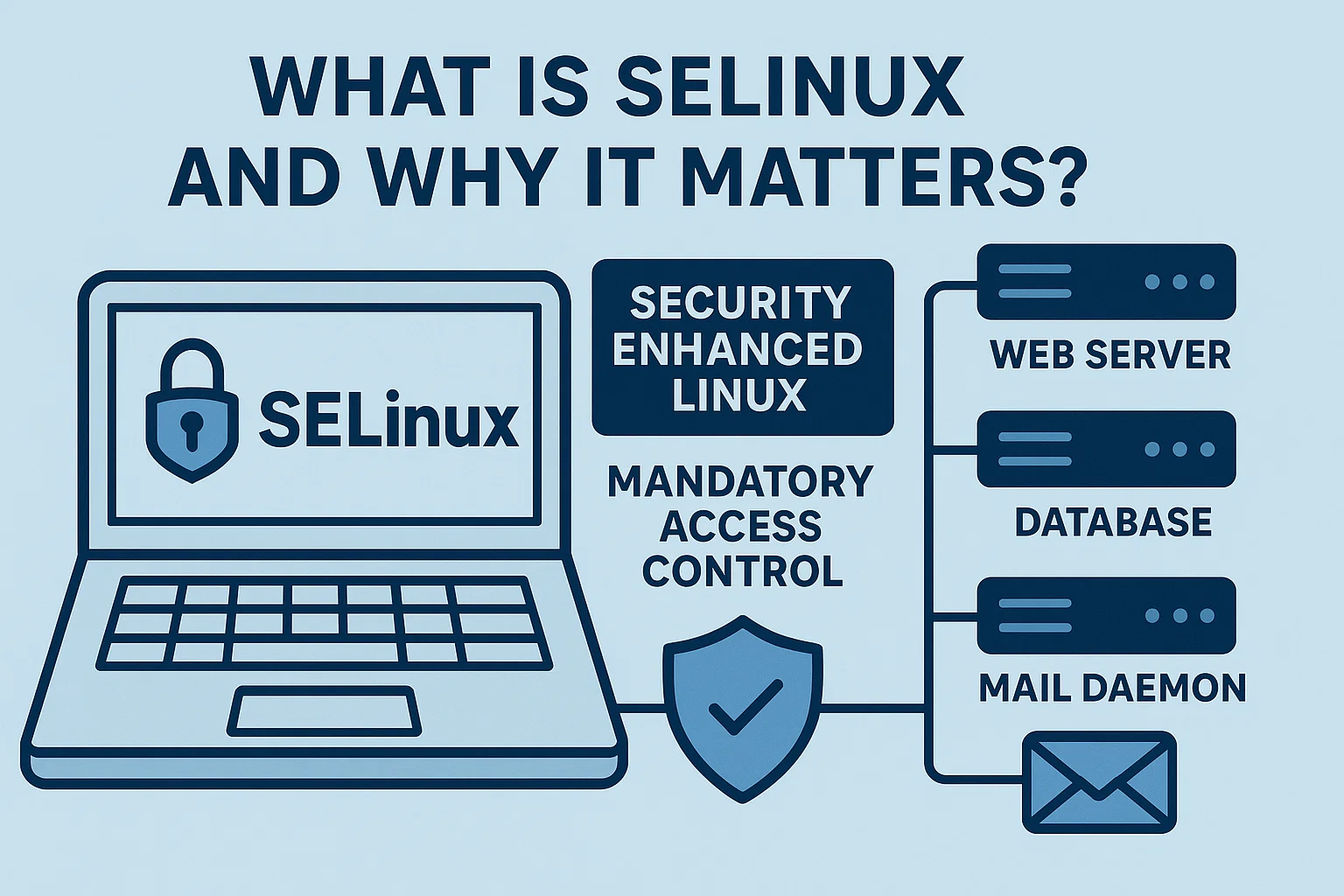
Unlike traditional UNIX permissions (DAC), SELinux enforces policy decisions based on labels (security contexts), keeping services like web servers, databases, and mail daemons strictly confined even if an application is exploited.
SELinux ships by default on RHEL, Rocky Linux, AlmaLinux, Fedora, and can be enabled on others. Ubuntu and Debian typically prefer AppArmor, but SELinux can be used there with extra steps. For web hosting, correctly configured SELinux is one of the strongest layers against lateral movement and privilege escalation.
How SELinux Works (Labels, Types, and Policy)
At the core of SELinux are labels and policy:
- Labels (Security Contexts): Every file, process, and port has a context like
system_u:object_r:httpd_sys_content_t:s0. The important piece for admins is the type (e.g.,httpd_tfor Apache,httpd_sys_content_tfor static web content). - Type Enforcement (TE): Rules define which types can access others (e.g.,
httpd_tcan readhttpd_sys_content_tbut notuser_home_t). - Booleans: Toggle specific, audited capabilities (e.g., allow Apache to make outbound connections or read user content).
- RBAC/MLS (Advanced): Role-Based Access Control and Multi-Level Security exist for specialized environments but are not required for typical hosting setups.
SELinux Modes Explained
- Enforcing: Actively blocks violations, logs AVC denials. Recommended for production after validation.
- Permissive: Does not block; only logs denials. Ideal for testing and troubleshooting.
- Disabled: SELinux is off. Only use temporarily or if using a distro/panel that cannot support SELinux.
Check and change mode quickly:
getenforce
setenforce 0   # Permissive (runtime)
setenforce 1   # Enforcing (runtime)

# Persistent mode (edit and reboot)
sudo vi /etc/selinux/config
SELINUX=enforcing    # or permissive/disabled
Quick Command Reference You’ll Use Daily
- View context of files:
ls -Z - View process context:
ps -eZ | grep httpd - Relabel files to default:
restorecon -Rv /path - Set persistent file context rule:
semanage fcontext -a -t TYPE '/path(/.*)?' - Apply labeling to files:
restorecon -Rv /path - List/modify booleans:
getsebool -a,setsebool -P boolean_name 1 - Manage SELinux ports:
semanage port -l,semanage port -a -t TYPE -p tcp 8080 - Inspect denials:
ausearch -m AVC -ts recent,journalctl -t setroubleshoot - Explain denials:
audit2why < /var/log/audit/audit.log - Generate allow module:
audit2allow -M mymodule < /var/log/audit/audit.log && semodule -i mymodule.pp
Common Hosting Scenarios (With Fixes)
1. Apache/Nginx serving content from a custom directory
By default, web content should have httpd_sys_content_t (read-only) or httpd_sys_rw_content_t (read/write) if the app uploads files.
# Read-only content
sudo semanage fcontext -a -t httpd_sys_content_t '/srv/www/site(/.*)?'
sudo restorecon -Rv /srv/www/site

# Writable uploads directory
sudo semanage fcontext -a -t httpd_sys_rw_content_t '/srv/www/site/uploads(/.*)?'
sudo restorecon -Rv /srv/www/site/uploads
Never rely on chcon for long-term fixes; it’s non-persistent across relabels. Use semanage fcontext plus restorecon.
2. Web server needs outbound network access (APIs, payment gateways)
# Allow Apache/Nginx to initiate network connections
sudo setsebool -P httpd_can_network_connect 1
3. Listening on a non-standard port (e.g., 8080)
# Label TCP 8080 as an HTTP port
sudo semanage port -a -t http_port_t -p tcp 8080
4. Databases and sockets
Place MySQL/PostgreSQL data where their default contexts apply, or add explicit rules. For app sockets, label the directory correctly (e.g., httpd_var_run_t for web app sockets in /var/run or /run).
Troubleshooting SELinux Denials (Step-by-Step)
- 1. Reproduce the issue: Hit the endpoint or action that fails (e.g., file upload, API call).
- 2. Check denial logs: Use
ausearch -m AVC -ts recentor open/var/log/audit/audit.log. - 3. Get a human explanation:
audit2why < /var/log/audit/audit.logto understand the reason. - 4. Fix the root cause: Commonly missing file contexts, wrong booleans, or unlisted ports.
- 5. Validate in Enforcing: Switch to
setenforce 1, retest, and ensure no new AVC denials are logged.
# Example: see latest AVC denials for httpd
sudo ausearch -m AVC -c httpd -ts recent | aureport -avc -i
sudo cat /var/log/audit/audit.log | audit2why
# If policy change is truly needed:
sudo cat /var/log/audit/audit.log | audit2allow -M myhttpdfix
sudo semodule -i myhttpdfix.pp
Tip: Avoid generating broad “allow all” modules. Prefer fixing labels, ports, or booleans first. Only craft a custom policy when you fully understand the implication of each allow rule.
Booleans You’ll Actually Use
httpd_can_network_connect: Allow web server outbound connections.httpd_read_user_content: Allow reading content in users’ home directories.httpd_can_sendmail: Permit sending emails via local MTA.httpd_enable_homedirs: Serve content from~/public_html.ftpd_anon_write,ftpd_full_access: Control FTP behaviors.
# Discover relevant booleans
getsebool -a | grep httpd
# Enable persistently
setsebool -P httpd_enable_homedirs 1
Best Practices for Running SELinux in Production
- Keep Enforcing in production after validating in staging or Permissive mode.
- Use default paths for services (e.g.,
/var/www,/var/lib/mysql) to inherit correct contexts. - Prefer semanage + restorecon over
chconfor persistent, predictable labeling. - Document customizations (fcontext rules, booleans, ports, modules) and version-control them.
- Monitor denials regularly; recurring AVCs are a signal to fix configuration, not disable SELinux.
- Container awareness: On container hosts, ensure
container-selinuxis installed; use proper volume labels like:zor:Zwith Docker/Podman. - Don’t over-permit: Avoid broad policies that weaken isolation. Start least privilege and grow narrowly.
Performance Impact and Stability
Modern SELinux introduces a minimal overhead (typically low single-digit percentages) in exchange for significant risk reduction. On RHEL-compatible systems it’s mature and stable. Issues usually stem from mislabeling or missing policy rather than SELinux itself.
SELinux vs AppArmor (Quick Comparison)
- Policy model: SELinux uses label-based Type Enforcement; AppArmor uses path-based profiles.
- Distro defaults: SELinux on RHEL/Rocky/Alma/Fedora; AppArmor on Ubuntu/Debian.
- Granularity: SELinux often provides deeper, system-wide confinement; AppArmor can be simpler to author per-app.
- Hosting takeaway: If you’re on RHEL-like servers, SELinux is the native, well-supported choice. Stick with the distro default for consistency and tooling.
When Should You Disable SELinux?
Rarely. Prefer Permissive mode to troubleshoot and fix root causes. Consider disabling only if an essential vendor stack or control panel is incompatible and no supported SELinux policy exists. Even then, document the risk and isolate the workload with other controls (network segmentation, strong firewall, WAF).
Real World Example: Fix a “Permission Denied” for File Uploads
Symptom: Web app can’t write to /var/www/html/uploads; errors show “Permission denied” and an AVC denial in audit logs.
# Correct the directory to be writable by the web server
sudo semanage fcontext -a -t httpd_sys_rw_content_t '/var/www/html/uploads(/.*)?'
sudo restorecon -Rv /var/www/html/uploads

# If the app needs outbound network calls (e.g., S3, API)
sudo setsebool -P httpd_can_network_connect 1

# Validate
sudo ausearch -m AVC -ts recent | audit2why
If denials persist, re-check ownership/UNIX permissions, SELinux context, and required booleans. Avoid turning SELinux off; it’s rarely necessary.
YouStable’s Take: Managed Servers with SELinux Done Right
At YouStable, we harden RHEL-compatible servers with SELinux in Enforcing mode, pre-tune policies for common stacks (LAMP/LEMP, PHP-FPM, Node.js), and monitor AVCs so your apps stay secure without surprises. If you prefer to focus on development rather than policy tuning, our managed hosting keeps SELinux working for you.
Action Checklist to Configure SELinux Safely
- Confirm mode:
getenforce; plan to run Enforcing in production. - Audit current denials:
ausearch -m AVC -ts today. - Label custom directories with
semanage fcontextandrestorecon. - Enable only necessary booleans for your stack.
- Map non-standard ports with
semanage port. - Retest under Enforcing; ensure zero critical AVCs.
- Document every SELinux change in your infrastructure repo.
FAQ’s About SELinux on Linux Server
Is SELinux necessary for a web server?
Yes—especially on Internet-facing servers. SELinux confines services so a compromised app can’t freely access the system. It’s a critical defense-in-depth control on RHEL-like distributions and adds minimal overhead when correctly configured.
How do I allow Apache to serve files from a custom path?
Assign the correct SELinux type and restore the context:sudo semanage fcontext -a -t httpd_sys_content_t '/srv/www/site(/.*)?' sudo restorecon -Rv /srv/www/site
If uploads are needed, use httpd_sys_rw_content_t for the writable directory.
What’s the difference between Permissive and Enforcing?
Permissive logs policy violations but does not block them—useful for testing and diagnosing. Enforcing blocks violations and logs them—use this in production after validation.
How do I open a non-standard port with SELinux?
Map the port to the correct type:
sudo semanage port -a -t http_port_t -p tcp 8080
Ensure your firewall (e.g., firewalld, iptables) also allows the port.
Should I disable SELinux if an app breaks?
No. Switch to Permissive, reproduce the issue, review AVC logs, and fix contexts/booleans/ports. Disabling removes a vital security layer and should be a last resort only when a vendor explicitly doesn’t support SELinux and no policy exists.
Mastering SELinux on Linux servers unlocks stronger isolation, safer deployments, and fewer late-night incidents. With the right habits—label properly, toggle precise booleans, and monitor denials—you can run Enforcing confidently in production. If you need expert help, YouStable can manage this entire layer for you.




