

RAID (Redundant Array of Independent Disks) is a method of combining multiple drives to improve performance, increase fault tolerance, or both. Common levels include RAID 0 (striping), RAID 1 (mirroring), RAID 5 (striping with parity), and RAID 10 (striped mirrors). Each level balances speed, capacity, and redundancy differently.
If you’ve ever wondered “what is RAID” and which RAID level is right for your server, this guide explains RAID 0, 1, 5, and 10 in plain language. As a hosting professional, I’ll share practical examples, capacity formulas, and use cases so you can choose confidently for websites, databases, or file servers.
What Is RAID and How Does It Work?
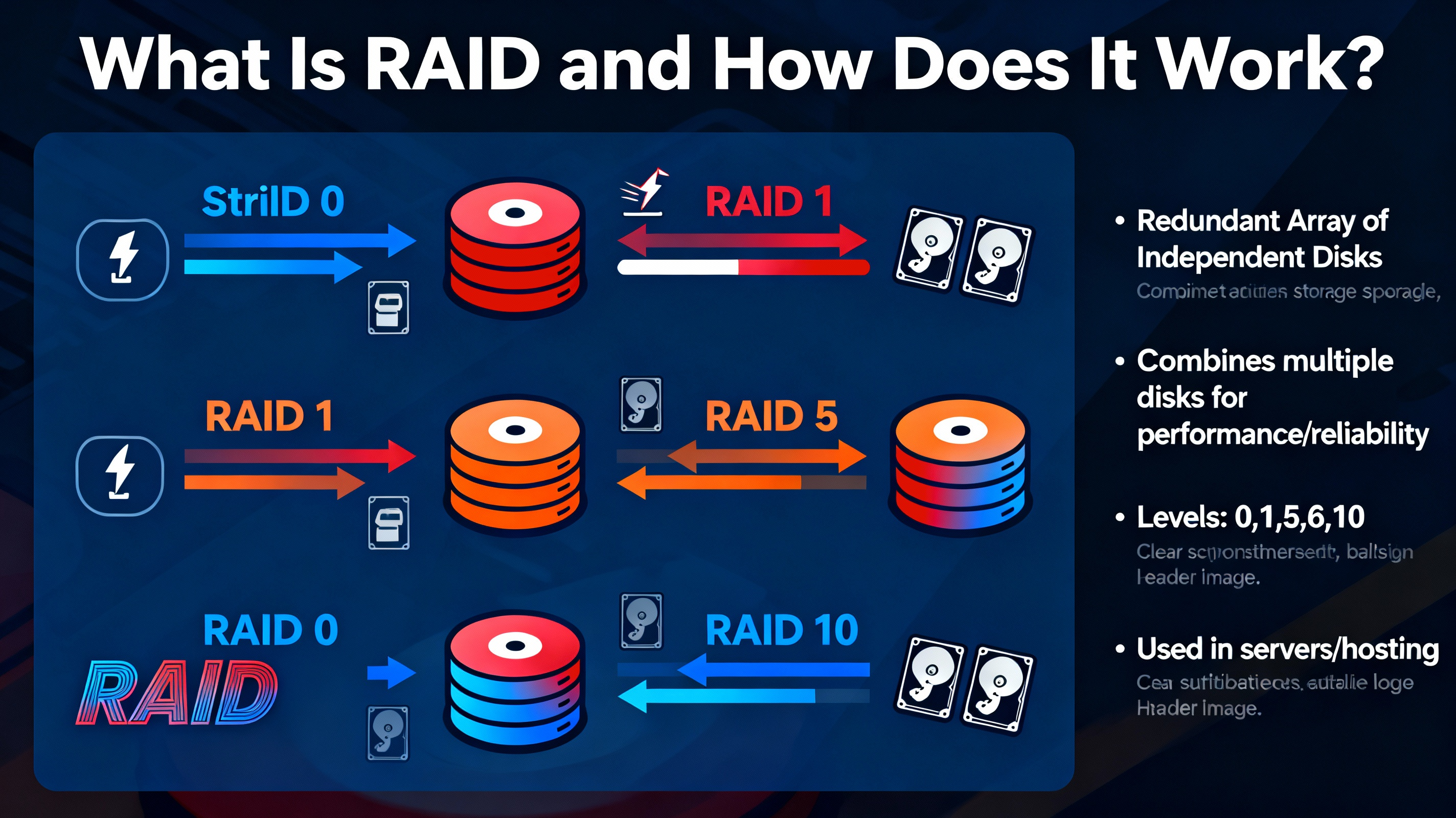
RAID is a storage technology that links two or more disks into a single logical volume. Depending on the RAID level, data can be split across disks (striping), copied to multiple disks (mirroring), or protected with parity (error-correcting information). The goals are higher throughput, continuous availability, and streamlined storage management.
Key concepts:
- Striping: Splits data into blocks across multiple disks for speed (e.g., RAID 0, 5, 10).
- Mirroring: Stores identical copies on two or more disks for redundancy (e.g., RAID 1, 10).
- Parity: Calculates extra information that allows reconstructing data if a drive fails (e.g., RAID 5).
In servers and web hosting, RAID helps maintain uptime and throughput. However, RAID is not a backup, it cannot protect against deletion, corruption, ransomware, or catastrophic site errors. You still need versioned, offsite backups.
RAID Levels Explained: 0, 1, 5, and 10
RAID 0 (Striping) — Maximum Speed, Zero Redundancy
RAID 0 stripes data across two or more disks without redundancy. It delivers excellent performance by reading and writing to multiple disks simultaneously, but if any disk fails, the entire array goes down and data is lost.
- Minimum disks: 2
- Usable capacity: Sum of all disks
- Fault tolerance: None
- Performance: Highest throughput and IOPS for sequential and random workloads
- Best for: Temporary scratch space, high speed caches, non critical workloads
Recommendation: Avoid RAID 0 for production websites or databases. A single drive failure means full downtime and potential data loss.
RAID 1 (Mirroring) — Simple Redundancy, Solid Reliability
RAID 1 writes identical data to two or more disks. If one disk fails, the system keeps running from the mirror. Reads can be faster since the controller can read from multiple mirrors; writes are generally similar to a single disk.
- Minimum disks: 2
- Usable capacity: Size of a single disk (50% of total with 2 disks)
- Fault tolerance: 1 disk (in a 2 disk mirror)
- Performance: Faster reads, similar writes to single disk; low write penalty
- Best for: Small databases, boot volumes, critical systems needing simple redundancy
Recommendation: Ideal for small servers that need reliability without complex parity. Straightforward to manage and recover.
RAID 5 (Striping with Single Parity) — Capacity Efficient Redundancy
RAID 5 stripes data and parity across all disks. If one disk fails, parity reconstructs data. It offers a good balance of capacity and protection but suffers from a write penalty (extra operations for parity) and lengthy rebuild times on large disks.
- Minimum disks: 3
- Usable capacity: (N − 1) × smallest disk
- Fault tolerance: 1 disk
- Performance: Strong reads; moderate to slow writes due to parity overhead
- Best for: Read heavy file servers, archives, media libraries, backups on NAS
Caution: On multi terabyte drives, RAID 5 rebuilds can be slow and stressful on remaining disks. A second failure during rebuild causes data loss. For critical, write heavy workloads, RAID 10 is safer.
RAID 10 (1+0, Striped Mirrors) — Performance Meets High Availability
RAID 10 mirrors pairs of disks and stripes across those mirrors. It combines the speed of striping with the safety of mirroring. Multiple disks can fail as long as they’re in different mirror pairs.
- Minimum disks: 4 (two mirrored pairs, striped)
- Usable capacity: 50% of total (sum of disks ÷ 2)
- Fault tolerance: Multiple failures possible if they don’t occur in the same mirror pair
- Performance: Excellent reads and writes; low latency; great for IOPS
- Best for: Databases, high traffic websites, virtualization, eCommerce
Recommendation: For business critical hosting and database servers, RAID 10 provides the best balance of speed, resilience, and predictable rebuilds.
Quick Comparison: Capacity, Speed, and Fault Tolerance
- RAID 0: 100% capacity, fastest speed, 0-disk fault tolerance.
- RAID 1: 50% capacity (with two disks), good read speed, 1-disk fault tolerance.
- RAID 5: (N − 1) capacity, strong reads, parity write penalty, 1-disk fault tolerance.
- RAID 10: 50% capacity, top tier performance, can survive multiple failures (across different mirrors).
Write penalty insight (per random write): RAID 1 ≈ 2 I/Os; RAID 5 ≈ 4 I/Os; RAID 10 ≈ 2 I/Os. For heavy write workloads (databases, logging), RAID 10 is usually the right choice.
Hardware RAID vs. Software RAID
Both approaches can be reliable if implemented correctly. Your choice depends on budget, manageability, and features needed.
- Hardware RAID: Dedicated controller, often with cache and battery/flash backup (BBU). Pros: offloaded parity calculations, great performance with write back cache, unified management. Cons: cost, controller as single point of failure without a matching spare, proprietary metadata.
- Software RAID: Managed by the OS (e.g., Linux mdadm, ZFS, Windows Storage Spaces). Pros: low cost, portable arrays, advanced checksums (ZFS), easy monitoring. Cons: CPU overhead (usually negligible on modern CPUs), depends on OS.
For Linux servers, mdadm RAID 1/10 is battle tested and fast. For end to end data integrity with checksums and scrubbing, ZFS mirrors or RAIDZ are compelling. Hosting providers often deploy RAID 10 on NVMe with either hardware RAID + cache or mdadm for predictable performance.
How to Choose the Right RAID Level
- High traffic websites and databases: Choose RAID 10 for low latency and fast recovery.
- General file storage with read heavy access: Choose RAID 5 for capacity efficiency (consider drive size and rebuild risk).
- Small but critical servers (simple setup): Choose RAID 1 for straightforward resilience.
- Scratch space, non critical workloads: If you can afford risk, use RAID 0 for speed.
- Using very large HDDs (10–20 TB): Prefer RAID 10 or consider ZFS with RAIDZ2 for safer rebuilds.
Also consider drive type (HDD vs SSD vs NVMe), controller cache, hot spares, and your recovery objectives (RPO/RTO). The larger the disks, the more careful you must be with parity RAID rebuild times.
Capacity and Planning: Simple Formulas
- RAID 0 usable: Sum of all disks.
- RAID 1 usable: Size of the smallest disk in the mirror.
- RAID 5 usable: (Number of disks − 1) × smallest disk.
- RAID 10 usable: (Sum of all disks) ÷ 2.
Never run high capacity arrays near 100% full. Keep 15–20% free for performance, snapshots, and safe rebuilds. Maintain at least one hot spare for RAID 5/10 so rebuilds start automatically when a disk fails.
Practical Setup Example (Linux mdadm)
Below are simplified commands for demonstration. Replace device names with your actual disks. Always back up before modifying storage.
# Create RAID 1 (mirror) with two devices
sudo mdadm --create /dev/md0 --level=1 --raid-devices=2 /dev/sdb /dev/sdc

# Create RAID 10 with four devices
sudo mdadm --create /dev/md1 --level=10 --raid-devices=4 /dev/sdb /dev/sdc /dev/sdd /dev/sde

# View array status
cat /proc/mdstat
sudo mdadm --detail /dev/md0

# Save mdadm config
sudo mdadm --detail --scan | sudo tee -a /etc/mdadm/mdadm.conf

# Create filesystem and mount
sudo mkfs.ext4 /dev/md0
sudo mkdir -p /data
echo "/dev/md0 /data ext4 defaults 0 0" | sudo tee -a /etc/fstab
sudo mount -a
For production, add monitoring, email alerts, SMART tests, and scheduled scrubs. If using hardware RAID, configure write back cache with a healthy BBU/flash module and enable patrol reads.
Best Practices to Keep RAID Healthy
- Use enterprise grade drives with consistent firmware and workload ratings.
- Enable monitoring (SMART, RAID controller alerts) and act on warnings immediately.
- Keep cold and hot spares on hand to minimize rebuild windows.
- Schedule scrubs to detect latent sector errors before a failure.
- Avoid mixing sizes and speeds; the array runs at the slowest/smallest member.
- Document recovery steps and test restores. RAID is not a backup, keep versioned, offsite backups.
Common Misconceptions: RAID vs Backup
- RAID protects against hardware failure, not against accidental deletion, malware, or software bugs.
- Backups protect data history with point in time recovery, even if your RAID array is healthy.
- Use both: RAID for availability, backups for recoverability.
FAQs
Is RAID 10 better than RAID 5?
For write heavy or latency sensitive workloads (databases, transactional sites), RAID 10 is better. It avoids parity overhead, rebuilds faster, and handles multiple disk failures across different mirrors. RAID 5 is more capacity efficient and suits read heavy, less write intensive workloads.
How many drives do I need for RAID 10?
RAID 10 requires at least 4 drives (two mirrored pairs, striped). You can scale in pairs: 4, 6, 8, etc., but always ensure an even number and consider a hot spare for rapid rebuilds.
Can I mix SSDs and HDDs in the same RAID?
Technically yes, but not recommended. The array will perform like the slowest disk and may have uneven wear. Keep media types and sizes consistent. If mixing is unavoidable, consider tiered storage rather than a single RAID set.
Does RAID work with NVMe drives?
Yes. You can use software RAID (mdadm, ZFS) with NVMe or hardware RAID controllers designed for NVMe. Ensure adequate PCIe lanes, cooling, and a controller/driver stack optimized for high IOPS and low latency.
How long does a RAID rebuild take?
It depends on disk size, RAID level, load, and controller speed. HDD arrays with multi terabyte drives can take many hours to over a day. RAID 10 typically rebuilds faster and with lower risk than RAID 5 because it copies from a mirror instead of recalculating parity across all disks.
Is software RAID reliable for production?
Yes. Linux mdadm and ZFS are widely used in production environments, including hosting and cloud. With proper monitoring, backups, and enterprise SSDs or HDDs, software RAID provides excellent reliability and flexibility at a lower cost than proprietary controllers.
Does RAID increase website speed?
RAID can improve storage throughput and IOPS. RAID 10 on NVMe significantly reduces disk latency, which helps database queries and dynamic content. However, overall site speed also depends on CPU, RAM, caching, web server tuning, and network, RAID is one piece of the stack.




