To use ZFS on a Linux server, install OpenZFS, create a storage pool from raw disks, add datasets with compression enabled, set mountpoints, and protect data with snapshots and zfs send/receive backups. Monitor health with zpool status, schedule scrubs, and avoid hardware RAID—use HBA controllers and ECC RAM where possible.
ZFS on Linux delivers enterprise-grade reliability, snapshots, checksums, and flexible storage pools in one filesystem.
This guide walks you through installation, pool creation, dataset tuning, backups, and performance best practices, based on real-world hosting experience managing Linux servers at scale.
What is ZFS and Why Use it on Linux?
ZFS (specifically OpenZFS on Linux) is a combined filesystem and volume manager designed for data integrity, easy scaling, and simplified ops. Unlike traditional RAID+filesystem stacks, ZFS handles redundancy, caching, snapshots, and replication natively.
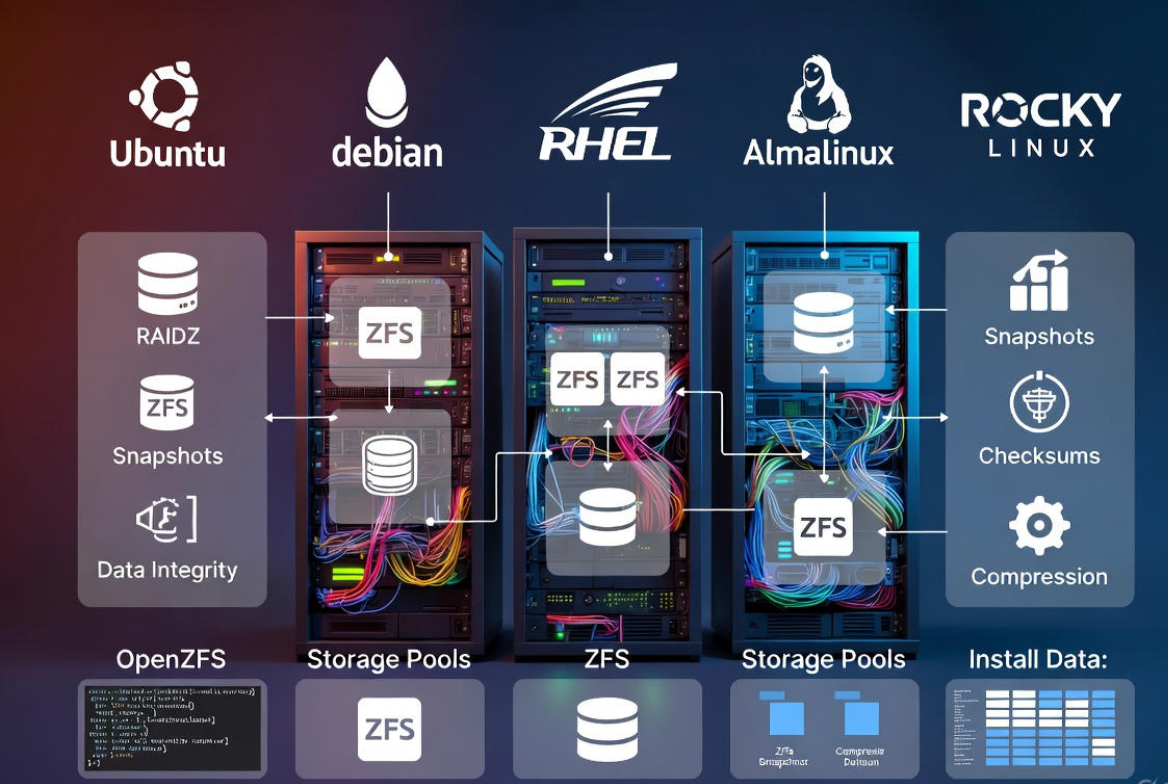
- End-to-end data integrity with checksums and self-healing
- Copy-on-write snapshots and clones for instant rollbacks
- Built-in RAID (mirror, RAIDZ1/2/3) without hardware RAID
- Transparent compression, encryption, and quotas
- Online growth, scrubs, and straightforward monitoring
Prerequisites and Best Practices
- Hardware: Use non-RAID HBAs (IT mode). Avoid hardware RAID; expose raw disks to ZFS.
- Memory: 8 GB minimum recommended; more RAM improves ARC caching. ECC RAM is strongly recommended for data integrity.
- Disks: Prefer identical drives. Use /dev/disk/by-id names to avoid device renumbering.
- Sector size: Force ashift=12 for modern 4K-sector drives to prevent write amplification.
- Backups: ZFS is resilient but not a backup. Implement offsite replication.
Install OpenZFS on Linux
Ubuntu and Debian
Ubuntu provides ZFS packages in the official repos; Debian uses contrib/non-free components. Ensure you have kernel headers for DKMS.
# Ubuntu 20.04+ / 22.04+ / 24.04+
sudo apt update
sudo apt install zfsutils-linux

# Debian (ensure contrib/non-free enabled)
sudo apt update
sudo apt install linux-headers-$(uname -r) zfs-dkms zfsutils-linux

# Load ZFS module
sudo modprobe zfs
zpool --version
RHEL, AlmaLinux, Rocky Linux
Use the OpenZFS on Linux repository to match your kernel. Install EPEL if required, then ZFS.
# Enable EPEL (if not already)
sudo dnf install epel-release -y

# Add OpenZFS repo (example for EL9)
sudo dnf install https://zfsonlinux.org/epel/zfs-release-2-2.el9.noarch.rpm -y

# Install and load
sudo dnf install zfs zfs-dkms -y
sudo modprobe zfs
zpool --version
Fedora
Fedora requires the OpenZFS COPR or official OpenZFS repo. Rebuilds may be needed after kernel updates (DKMS handles this).
# Add OpenZFS repo (example)
sudo dnf install https://zfsonlinux.org/fedora/zfs-release-2-2.fc$(rpm -E %fedora).noarch.rpm -y
sudo dnf install zfs zfs-dkms -y
sudo modprobe zfs
Tip: After kernel updates, ensure the ZFS module builds successfully. If not, reboot into the previous kernel and update ZFS.
Discover Disks and Plan Your Pool
Identify disks by stable IDs and decide your redundancy level: mirror (like RAID1), RAIDZ1 (similar to RAID5), RAIDZ2 (RAID6), or RAIDZ3. For critical data, use mirrors or RAIDZ2+.
# List disks with stable paths
ls -l /dev/disk/by-id/

# Check current block devices
lsblk -o NAME,SIZE,MODEL,SERIAL
Create Your First ZFS Pool
Example 1: Mirror (2-disk)
# Force ashift=12 for 4K-sector drives
sudo zpool create -o ashift=12 tank mirror \
  /dev/disk/by-id/ata-DISK_A_SERIAL \
  /dev/disk/by-id/ata-DISK_B_SERIAL

# Verify
zpool status tank
zfs list
Example 2: RAIDZ2 (4–8 disks recommended)
sudo zpool create -o ashift=12 tank raidz2 \
  /dev/disk/by-id/ata-DISK1 /dev/disk/by-id/ata-DISK2 \
  /dev/disk/by-id/ata-DISK3 /dev/disk/by-id/ata-DISK4

zpool status tank
Set a default mountpoint or use legacy mounting (fstab). By default, ZFS mounts at /tank for a pool named tank.
Create Datasets and Set Properties
Datasets are lightweight filesystems with independent settings. Enable compression, disable atime for performance, and tune recordsize to your workload.
# Create datasets
sudo zfs create tank/data
sudo zfs create tank/backups

# Baseline recommendations
sudo zfs set compression=lz4 tank
sudo zfs set atime=off tank

# Workload tuning examples:
# VM images or databases (8K–16K); media/archive (1M)
sudo zfs set recordsize=16K tank/vmstore
sudo zfs set recordsize=1M tank/media

# Quotas and reservations
sudo zfs set quota=2T tank/backups
sudo zfs set reservation=200G tank/vmstore
Avoid dedup unless you fully understand the RAM impact. Compression=lz4 is safe and usually increases performance.
Snapshots, Clones, and Backups
Snapshots are space-efficient restore points. Clones are writable copies derived from snapshots. Use zfs send|receive for backups and replication.
# Create and list snapshots
sudo zfs snapshot tank/data@pre-change
sudo zfs list -t snapshot

# Roll back
sudo zfs rollback tank/data@pre-change

# Clone (creates tank/clone from a snapshot)
sudo zfs clone tank/data@pre-change tank/clone

# Full send to another pool or host
sudo zfs send tank/data@pre-change | ssh backuphost sudo zfs receive backup/data

# Incremental send (from s1 to s2)
sudo zfs send -I tank/data@s1 tank/data@s2 | ssh backuphost sudo zfs receive -F backup/data
Automate snapshots with cron or systemd timers (e.g., hourly for 24 hours, daily for 7 days, weekly for 4 weeks). Prune older snapshots to control space.
Health Checks, Scrubs, and Drive Replacement
- Check status: zpool status -x (only reports problems)
- Run monthly scrubs: zpool scrub tank
- View errors and throughput: zpool iostat -v
# Replace a failed disk
zpool status tank
# Identify the FAULTED device, then:
sudo zpool replace tank <OLD-DISK-BY-ID> <NEW-DISK-BY-ID>

# Expand pool after larger-disk replacement completes resilver
sudo zpool online -e tank <NEW-DISK-BY-ID>

# Export/import a pool (move to another server)
sudo zpool export tank
sudo zpool import -d /dev/disk/by-id tank
Performance Tuning and Caching
- ARC (RAM): More memory equals faster reads. Default ARC auto-sizes; pin a max if needed.
- L2ARC (SSD read cache): Add fast SSDs for large working sets.
- SLOG (separate log): Only for sync-heavy writes (databases, NFS, VM hosts). Use power-loss-protected NVMe.
# Add L2ARC and SLOG devices
sudo zpool add tank cache /dev/disk/by-id/nvme-L2ARC1
sudo zpool add tank log   /dev/disk/by-id/nvme-PLP_SLOG

# Optional: cap ARC size (example 16 GiB)
echo $((16 * 1024 * 1024 * 1024)) | sudo tee /sys/module/zfs/parameters/zfs_arc_max
Do not enable dedup unless you’ve tested benefits; it is RAM-intensive. For Docker/VM images, use smaller recordsize and consider sync=disabled only when you fully accept data-loss risks on power failure.
Security and Native Encryption
OpenZFS supports per-dataset encryption with passphrases or key files. You can replicate encrypted datasets without exposing plaintext on the wire.
# Create an encrypted dataset
sudo zfs create -o encryption=on -o keyformat=passphrase tank/secure

# Load key and mount on boot via key location (example file)
sudo zfs set keyformat=passphrase tank/secure
sudo zfs load-key tank/secure
sudo zfs mount tank/secure
ZFS With Containers and VMs
- LXC/Proxmox: Create datasets per VM for snapshots and quotas.
- Docker: Store volumes on a dataset with compression=lz4 and atime=off.
- Databases: recordsize=8K–16K, logbias=throughput, consider SLOG for sync writes.
- VM images: recordsize=16K–128K depending on workload; test with fio.
Common Mistakes to Avoid
- Using hardware RAID: ZFS needs raw disks to manage redundancy and detect errors.
- Mixing drive sizes/SMR drives: Leads to unpredictable performance and resilver times.
- Skipping ashift=12: Misaligned writes hurt performance on 4K-sector drives.
- Enabling dedup casually: High memory footprint; test first.
- No scrubs or monitoring: Schedule scrubs and alert on zpool status changes.
Backup and Disaster Recovery Strategy
- Local snapshots for quick rollbacks (minutes to days of retention)
- Offsite zfs send|receive to a remote server for DR
- Periodic full plus incremental streams
- Test restores regularly; document recovery steps
For business workloads, pair ZFS with immutable offsite copies. Consider object storage exports for long-term retention.
YouStable Tip: Run ZFS on the Right Server
Deploying ZFS on a reliable VPS or dedicated server makes all the difference. YouStable’s Linux servers offer fast NVMe options ideal for L2ARC/SLOG, predictable CPU/RAM, and private networking for secure replication. Need help sizing your pool or tuning ARC? Our experts can guide your build without vendor lock-in.
Troubleshooting Quick Reference
- Pool won’t import: zpool import; if needed, zpool import -f; check dmesg for disk issues.
- After kernel update, ZFS missing: rebuild DKMS, verify zfs module loads, or boot previous kernel.
- Slow writes: check sync workload, consider SLOG with PLP NVMe; verify no SMR disks.
- High memory use: ARC grows by design; cap zfs_arc_max prudently.
FAQs
Is ZFS stable on Linux for production?
Yes. OpenZFS is production-grade and widely used by hosting providers and enterprises. Use stable distributions, keep ZFS and kernel in sync, and follow best practices (HBAs, ECC, scrubs).
How much RAM do I need for ZFS?
Start with 8 GB minimum; 16–64 GB is common in production. More RAM improves ARC caching. The old “1 GB per 1 TB” rule is outdated—size for your working set, not raw capacity.
Should I use RAIDZ1 or RAIDZ2?
For large disks (8 TB+), use RAIDZ2 to tolerate two failures and reduce unrecoverable read error risk during resilver. Mirrors offer the best performance and fastest rebuilds if capacity is sufficient.
Do I need ECC RAM for ZFS?
ECC is recommended to protect against memory corruption, especially for critical data. ZFS works without ECC, but ECC complements ZFS’s end-to-end integrity design.
Can I expand a ZFS pool later?
Yes. You can add new vdevs (e.g., another mirror or RAIDZ) to grow a pool. Replacing all drives in a vdev with larger ones also expands capacity. Mixing vdev types isn’t recommended for consistent performance.