Tally on Cloud has become the “new normal” for many CAs, agencies, and SMEs—but when you start checking prices, every provider shows different numbers, features, and technical jargon. Some charge “per user”, some charge “per VM”, some show monthly rates in rupees, some in dollars, and almost all of them hide key details in footnotes or PDFs.
Instead of getting lost in 10 tabs, this guide puts everything in one place: why Tally on Cloud pricing comparison matters, how top providers like YouStable, TallyCloudHub, TallyCloud.net, NetForChoice, and Ace Cloud Hosting position their plans, what factors actually affect the final bill, and which type of plan makes sense for different use cases. You’ll also get a quick comparison table and simple FAQ so you can stop guessing and start shortlisting.
Why Tally on Cloud Pricing Matters
Tally on Cloud is usually cheaper than building and maintaining your own server, but that doesn’t mean all plans are automatically “budget friendly” for you. The price you pay depends heavily on how many users you have, how much performance you need, what kind of security and backup you expect, and whether you prefer shared or dedicated infrastructure.
If you blindly pick the lowest monthly price, you might end up with underpowered servers, limited support, or weak backup policies, which can cost far more in downtime and data risk. On the flip side, overbuying an enterprise-grade plan when you just have one accountant and one company file is equally wasteful. Smart pricing comparison is about finding a sweet spot between per-user cost and “peace of mind” features.
Tally on Cloud Pricing Comparison Providers 2026
Compare Tally on Cloud pricing comparison across top providers. Find affordable plans, key features, and the best value for your business needs in %currentyear%.
#1. YouStable
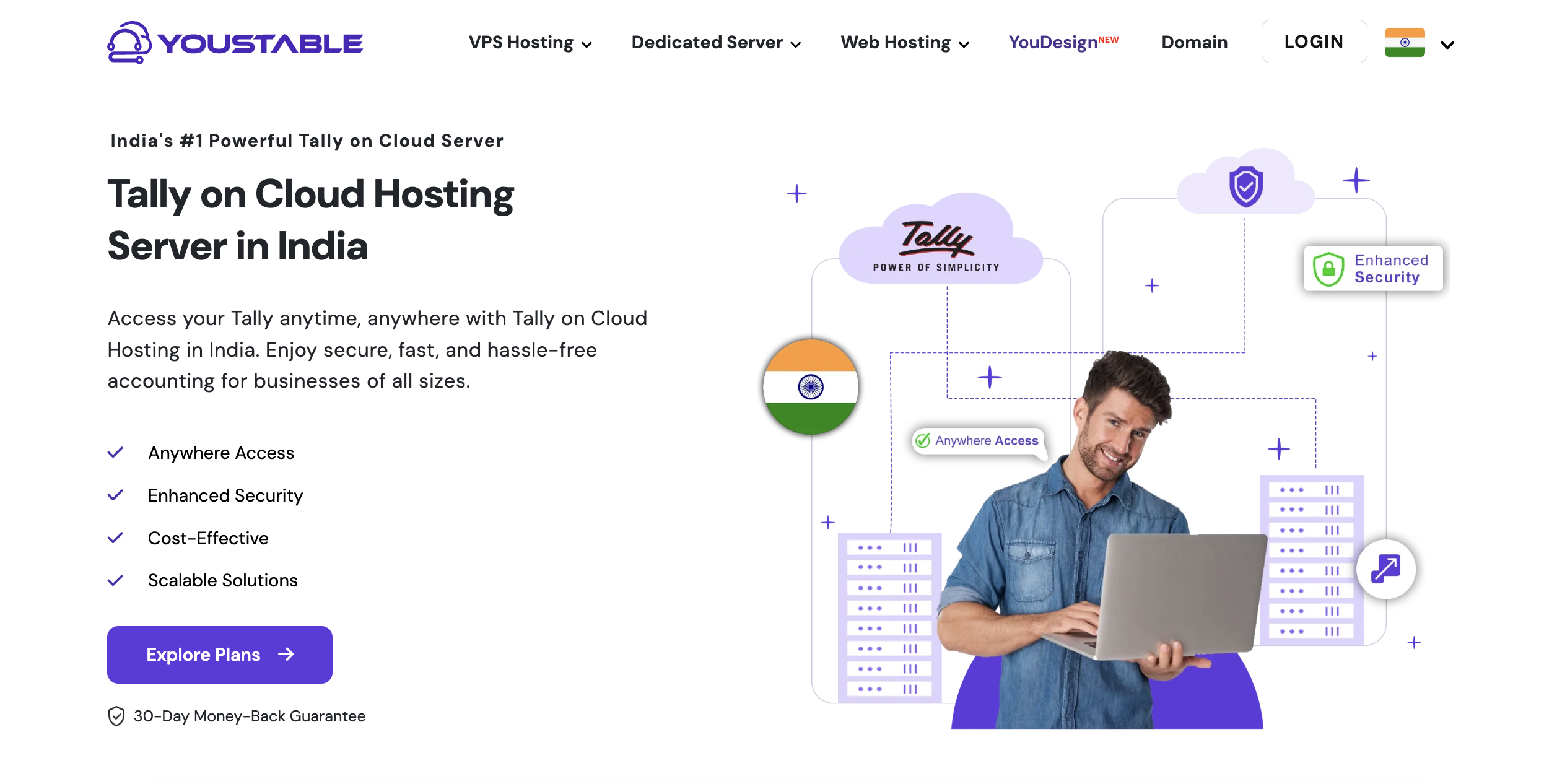
YouStable is a popular budget-friendly Tally on Cloud provider in India that focuses on affordable pricing with NVMe SSD storage, managed infrastructure, and India-based data centers. It positions itself as a value pick for small and mid-sized businesses that want secure remote access without enterprise pricing.
Features
- Tally on Cloud access from any device with secure remote connectivity.
- Competitive pricing starting close to a few hundred rupees per month with tiered plans.
- NVMe SSD storage, Windows server, and managed environment for better performance.
- Regular backups (weekly by default, with options for more frequent backups) and basic security.
- 24/7 support aimed at Indian businesses and accounting teams.
Price Range
Public comparisons show that YouStable Tally on Cloud packages usually start in the lower price band (around a ₹1,415/month) and scale up with more CPU, RAM, and storage. Exact per-user/per-VM prices vary by configuration, so real quotes depend on whether you want single-user, multi-user, or VM-based plans.
Best for
Best suited for cost-conscious CAs, freelancers, and small businesses that want a low-entry Tally on Cloud option with managed hosting and Indian support.
#2. TallyCloudHub
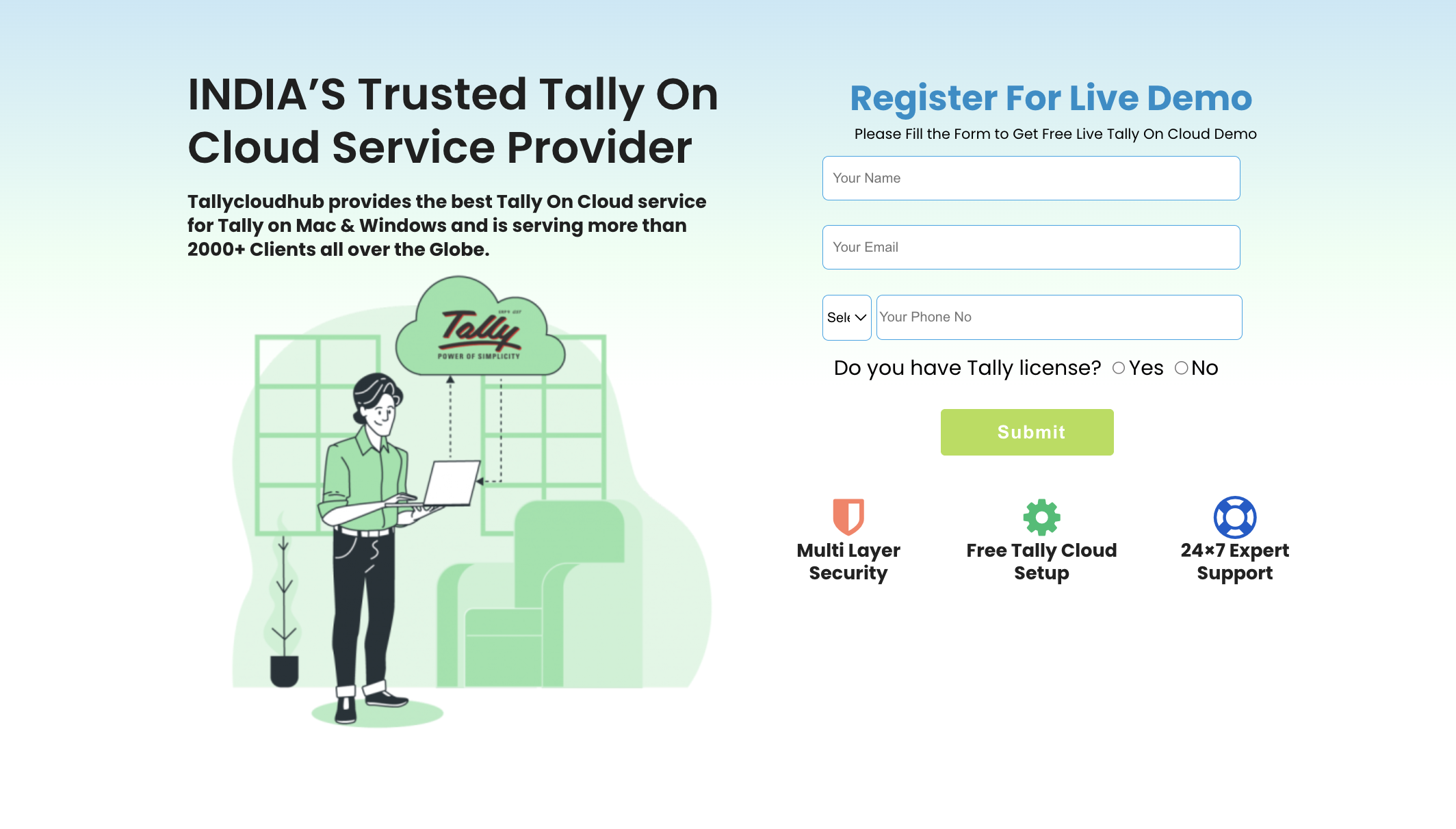
TallyCloudHub is a Tally-focused cloud provider from India known for flexible per-user pricing and separate VM and dedicated-server options. It caters to both small teams and larger companies that want scalable, Tally-centric infrastructure.
Features
- Tally on Cloud user-based plans starting from around ₹400 per user per month.
- VM-based Tally cloud plans for mid-sized usage and dedicated servers for high-performance needs.
- 99.9% uptime, daily backups, and strong security with encrypted access.
- Multi-user access, local printer integration, and remote connectivity.
- 24/7 support with demo options for testing before committing.
Price Range
- User-based cloud access starting around ₹449/user/month for smaller teams.
- Tally Cloud VM plans starting near ₹2,800/month for more resources.
- Dedicated Tally server plans starting around ₹11,760/month for high-load environments.
Best for
Best for CA firms, agencies, and SMEs that want clear per-user pricing with room to move up to VM or dedicated servers as their usage grows.
#3. TallyCloud.net
TallyCloud.net positions itself as a very economical Tally on Cloud provider with low entry-level pricing and options to bundle a Tally licence into the monthly bill. It targets businesses that want inexpensive, secure Tally access without heavy infrastructure investments.
Features
- Plans advertised starting at just ₹175/month for Tally on Cloud, with options including Tally licence bundles from about ₹899/month.
- Multiple hosting modes: shared, VPS-style Tally Cloud, and per-user pricing tiers.
- Data center–grade security with encrypted connections, controlled access, and daily automated backups in many plans.
- Remote printer support so users can print from local printers while using cloud Tally.
- Flexible billing cycles (monthly, quarterly, annual).
Price Range
Published info shows entry user-based plans as low as ₹175–₹299/month per user and VM-style options around ₹1,499/month, depending on resources and commitment. Prices increase with more CPU, RAM, and storage or when including Tally licensing.
Best for
Best for very price-sensitive users, small offices, and early-stage firms that want minimal starting cost with acceptable performance and built-in backups.
#4. NetForChoice
NetForChoice is a Tier III data center and managed hosting provider that also offers specialised Tally on Cloud solutions, with a strong emphasis on uptime, compliance, and security. It appeals to SMEs that want enterprise-level infrastructure while keeping subscription pricing under control.
Features
- Tally ERP hosting on Tier III/Tier IV data centers with 99.995% uptime claims.
- Full data encryption, daily backups, and multi-user support with 24×7 technical assistance.
- Focus on Indian regulatory requirements, including data locality and GST/RBI compliance aspects.
- Multiple configurations for different sizes—from small SMEs to larger, more demanding environments.
- Migration assistance from on-premise Tally to Tally on Cloud.
Price Range
NetForChoice doesn’t always publish exact per-user prices prominently; instead, it often uses quote-based or package-based pricing depending on configuration and compliance requirements. It generally sits in the mid-range: more than bare-minimum budget providers, but justified by uptime and data-center quality.
Best for
Best for SMEs and businesses that value very high uptime, strong security, and compliance, and are willing to pay a bit more than bare minimum shared-hosting options.
#5. Ace Cloud Hosting
Ace Cloud Hosting is a well-known cloud provider for accounting and financial applications, offering Tally on Cloud alongside other accounting software hosting. It targets CAs, outsourced bookkeeping firms, and businesses wanting a more global, accounting-centric cloud partner.
Features
- Managed Tally on Cloud environments optimised for accounting workloads.
- Strong focus on reliability, backup solutions, and secure remote access.
- 24/7 support with experience specifically in accounting and tax workflows.
- Flexible configurations, including dedicated hosting for high-volume firms.
- Integration-friendly environment for firms using multiple accounting tools.
Price Range
Ace Cloud Hosting generally follows a quote-based or region-based pricing model rather than very low entry sticker prices, and tends to sit in the mid-to-premium range among Tally cloud providers. Prices vary based on user count, resources, and additional services like advanced backup or DR options.
Best for
Best for CA and accounting firms, especially those running multiple tools or needing more consultative, accounting-aware cloud support instead of purely generic hosting.
Key Factors That Affect Tally on Cloud Pricing
Good Tally on Cloud pricing is not random; it follows clear technical and business factors that you should understand before choosing a plan.
Server configuration (RAM, CPU, SSD)
Higher RAM and CPU cores are needed when you have many users, heavy data, or years of transaction history, and this directly increases monthly cost. Using fast SSD or NVMe storage also costs more but improves performance during report generation and backups.
Number of users
Per-user pricing means each additional user adds to your monthly bill; VM-based pricing might let multiple users share a single virtual server up to a certain limit. CA firms and SMEs with 5–10 users will naturally pay more than a solo CA, but per-user cost can drop on larger bundles.
Storage & backup requirements
If you keep many years of data, multiple companies, or need longer backup retention, you pay for more storage and possibly advanced backup solutions. Providers offering daily backups with extended history or off-site DR usually charge higher than those with minimal weekly snapshots.
Data center location
Hosting in India-based data centers is usually best for Indian users due to latency and compliance, and pricing can vary by region tier. Some providers charge more for premium data centers with higher redundancy and certifications.
Support level
24/7 phone/chat support, priority incident response, and dedicated account managers all increase the cost of a Tally on Cloud plan. Budget providers might limit you to ticket-based or slower support to keep per-user rates low.
Security features
Advanced security like full data encryption, strict access control, WAF, IDS/IPS, and audited data centers adds to infrastructure and operational cost. Providers serving compliance-heavy industries often charge more in exchange for stronger security posture.
Dedicated vs shared environment
Shared cloud or user-based hosting lowers per-user pricing by sharing resources among multiple customers, but has performance ceilings. Dedicated VMs or servers cost more but provide consistent performance and isolation for larger or more critical workloads.
Licensing options
Cloud access pricing is usually separate from TallyPrime licence cost; if a provider bundles licence + hosting, total monthly price rises but billing becomes simpler. If you already own a licence, you may pay only for cloud hosting, which can be cheaper.
Tally on Cloud Pricing Comparison Table (Top Providers)
Note: Values are indicative ranges from public info, not exact quotes. Always confirm current pricing with each provider.
| Provider | Entry model / starting point | Typical starting price (approx) | Backup & uptime highlights |
| YouStable | Budget-friendly Tally on Cloud (shared/VM). | A few hundred INR/month, depending on config. | Regular backups (weekly default) and managed infra with 24/7 support. |
| TallyCloudHub | User-based, VM, and dedicated Tally cloud. | From ~₹400/user/month; VM from ~₹2,800/month; dedicated from ~₹11,760/month. | 99.9% uptime with daily backups and strong security. |
| TallyCloud.net | Very low entry Tally on Cloud and licence bundles. | From ~₹175–₹299/user/month; VMs around ₹1,499/month. | Daily backups, encrypted access, remote printer support. |
| NetForChoice | Tier III data center–backed Tally on Cloud. | Quote-based; typically mid-range, not rock-bottom. | 99.995% uptime, daily backups, full encryption, 24×7 support. |
| Ace Cloud Hosting | Accounting-focused managed Tally hosting. | Quote-based; mid-to-premium depending on config. | Managed backups, secure remote access, accounting-aware support. |
Which Tally on Cloud Plan Should You Choose?
For Single User
A single CA, freelancer, or small shop usually needs a basic shared or per-user plan with modest RAM/CPU and one user login. Low-entry plans from YouStable or TallyCloud.net, or user-based plans from TallyCloudHub, can be cost-effective here if they still include daily or at least frequent backups.
For CA & Accounting Firms
CA and accounting firms often need multi-user access, multiple companies, and reliable support around deadlines. Per-user multi-user plans from TallyCloudHub or accounting-focused hosting from Ace Cloud Hosting and NetForChoice are good fits because they balance performance, support, and compliance.
For SMEs With 3–10 Users
SMEs with a finance team usually outgrow entry-level shared plans and benefit from VM-based or robust multi-user setups. TallyCloudHub’s VM plans, stronger YouStable configurations, or NetForChoice’s SME-oriented offerings can handle this size with better performance and backup guarantees.
For Large Businesses
Larger businesses with many users, heavy data, or strict uptime requirements should look at dedicated VMs or dedicated servers with strong SLAs. NetForChoice and Ace Cloud Hosting are often better for this tier, as they provide enterprise-like infra, DR, and support, even though pricing is higher.
For Retail & Multi-branch Companies
Retailers and multi-branch setups need reliable remote access, printer integration, and centralised data with many concurrent sessions. User-based or VM-based plans from TallyCloudHub, NetForChoice, or TallyCloud.net with proper bandwidth, daily backups, and uptime guarantees are usually more suitable than the absolute cheapest shared options.
FAQs
Which Tally Cloud provider is the cheapest?
Among commonly visible brands, TallyCloud.net and some user-based plans from budget providers such as YouStable often advertise the lowest entry prices per user per month. However, “cheapest” can change once you add users, storage, and backup requirements, so it’s important to compare total cost for your actual scenario.
Why do providers charge different rates?
Providers charge different rates because they use different data centers, offer varying levels of RAM/CPU, backup retention, security, support, and uptime guarantees. A plan with premium Tier III/Tier IV infra, stricter security, and 24×7 expert support will naturally cost more than a basic shared server with limited guarantees.
How many users can one Tally cloud plan support?
It depends on the plan type: entry user-based plans might support 1–5 users, while VM or dedicated server plans can handle 10–20+ users with appropriate resources. Providers often share recommended user caps per configuration (e.g., 5 users on a basic VM, 10–14 on higher-end setups).
Is there any free trial available for Tally on Cloud?
Some providers, such as TallyCloudHub and others in this space, advertise free demos or trial access so you can test performance and interface before committing. Trials are typically short but enough to check speed, printing, and basic remote access from your locations.
What is the average cost for CA offices?
For small CA offices with a handful of users, practical monthly costs usually fall somewhere in the range of a few hundred to a few thousand rupees, depending on user count and performance requirements. Firms with many users or needing dedicated servers will naturally pay more, but may get lower per-user rates on higher tiers.
Are backups included in the pricing?
Yes, most serious Tally on Cloud providers include at least daily or scheduled backups as part of the plan, though details (frequency, retention, restore limits) differ. Higher-end or enterprise plans may offer more advanced backup and disaster recovery options for additional cost.
Is Tally Cloud cheaper than maintaining local hardware?
For many SMEs and CA firms, Tally on Cloud is cheaper over time because it removes server hardware, power, cooling, and much of the IT maintenance cost, replacing them with a predictable subscription. For very small setups with strong in-house IT and slow growth, local hardware might still be competitive, but it rarely matches the flexibility and uptime of well-managed cloud hosting.
Conclusion
Tally on Cloud pricing is not just about who shows the lowest number on their website—it’s about matching your user count, performance needs, and risk tolerance with the right mix of server power, backups, security, and support.
YouStable, TallyCloudHub, TallyCloud.net, NetForChoice, and Ace Cloud Hosting all have distinct pricing styles and strengths, so shortlist based on your size and use case, ask for clear quotes, and always confirm what’s included before shifting your live accounting to any provider.