The most secure cloud storage provider is one that offers audited, end to end (zero knowledge) encryption, strong authentication, and robust data governance. Today, leading choices include Proton Drive, Tresorit, and Sync.com, all prioritizing privacy by design.
The “most secure” option depends on your threat model, compliance needs, collaboration features, and where your data is legally stored.
Choosing the most secure cloud storage provider isn’t about brand popularity; it’s about verifiable encryption models, transparent security practices, and controls that fit how you work.
In this guide, I’ll compare top privacy focused providers, share real world hardening steps, and help you decide which service best meets your security and compliance needs.
What does most secure really mean for cloud storage?
Security is always relative to your risks. A journalist facing state level threats needs different assurances than a small agency complying with GDPR.
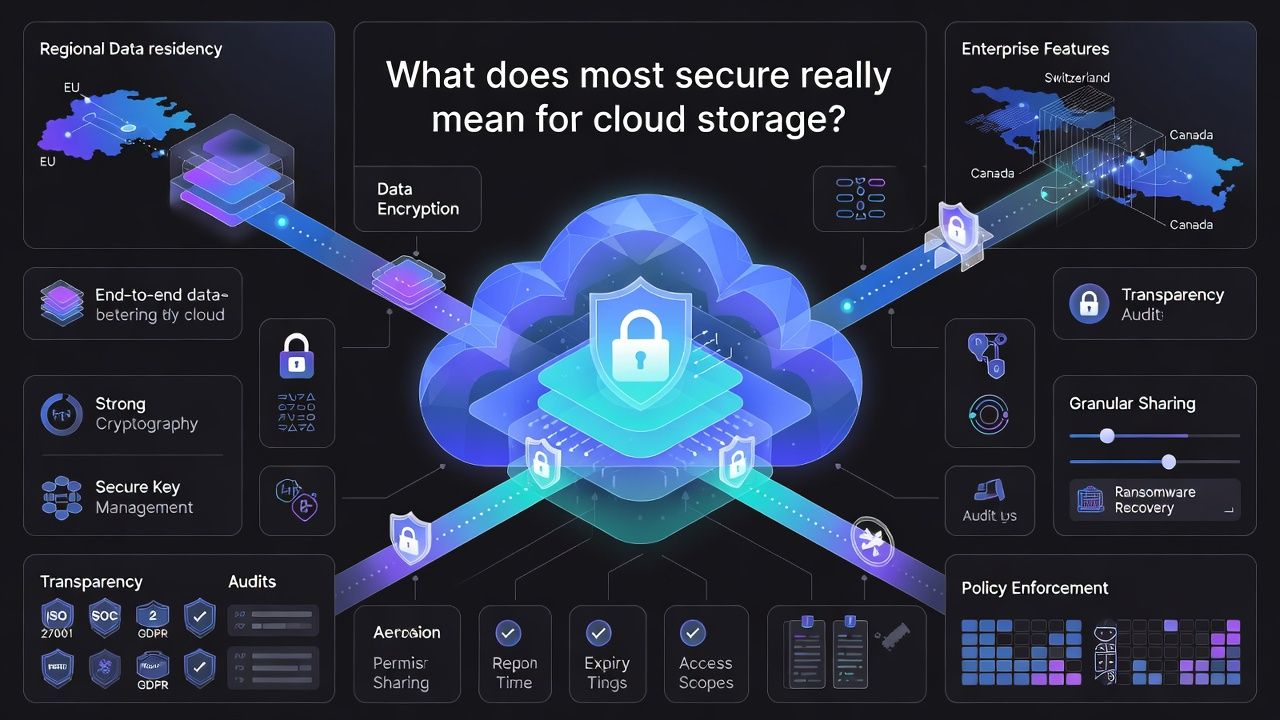
Use this checklist to define what “most secure” means for you.
Non Negotiable Security Must Haves
- End to end encryption (E2EE) with zero knowledge keys: Files are encrypted on your device and the provider cannot decrypt them.
- Strong crypto: AES 256 for data at rest, modern TLS with perfect forward secrecy in transit, and authenticated encryption (e.g., AES GCM or ChaCha20-Poly1305).
- Secure key management: Keys derived from your passphrase, protected with memory hard KDFs (e.g., Argon2).
- Account security: Passkeys or 2FA (TOTP or hardware keys), device/session management, and suspicious login alerts.
- Transparency: Public security documentation, regular third party testing or audits, and a history of fixing issues fast.
- Granular sharing: Link passwords, expiry, download limits, and view only permissions that still preserve E2EE.
Nice to Have Enterprise and Compliance Features
- Regional data residency and legal protections (e.g., EU/EEA, Switzerland, Canada).
- Compliance mappings: ISO/IEC 27001, SOC 2, GDPR support, HIPAA ready features (BAA for healthcare scenarios).
- Admin controls: SAML/SCIM, device policies, DLP, legal hold, audit trails, and ransomware restore.
- Open or source available clients, reproducible builds, and bug bounty programs.
Quick Verdict: Top secure cloud storage providers
Based on encryption design, privacy posture, and practical features, here are standout options for different needs:
- Best overall balance of privacy and usability: Proton Drive (Swiss based E2EE with growing collaboration features).
- Best for regulated teams and granular admin controls: Tresorit (mature E2EE sharing and enterprise governance).
- Best for families and small businesses on a budget: Sync.com (zero knowledge storage with simple sharing controls).
- Best for one folder E2EE flexibility: pCloud + Crypto add-on (Swiss jurisdiction; E2EE for designated folders).
- Best for generous storage and secure links: MEGA (E2EE by default; strong sharing features).
- Best for secure backup (not full drive sync): SpiderOak ONE Backup (zero knowledge backup with versioning).
Mainstream drives like Google Drive, Microsoft OneDrive, and iCloud use strong server side encryption but are not zero knowledge by default. You can still achieve excellent security with them by adding client side encryption (see the hardening section below).
Provider By Provider Deep Dive
1. Proton Drive – Swiss Zero Knowledge Secure Storage
Swiss based with a privacy by design ethos, Proton Drive brings E2EE to file storage and sharing across web and mobile apps. It integrates with the Proton ecosystem (Mail, Calendar, VPN) for a cohesive privacy stack.
- Pros: Default E2EE; strong link controls; Swiss jurisdiction; passkey/2FA support; fast product velocity; privacy culture.
- Cons: Desktop drive/sync still evolving compared to long standing competitors; fewer enterprise admin features than Tresorit.
- Best for: Individuals, creators, and small teams prioritizing zero knowledge and privacy.
2. Tresorit – Enterprise Encrypted Cloud with Control
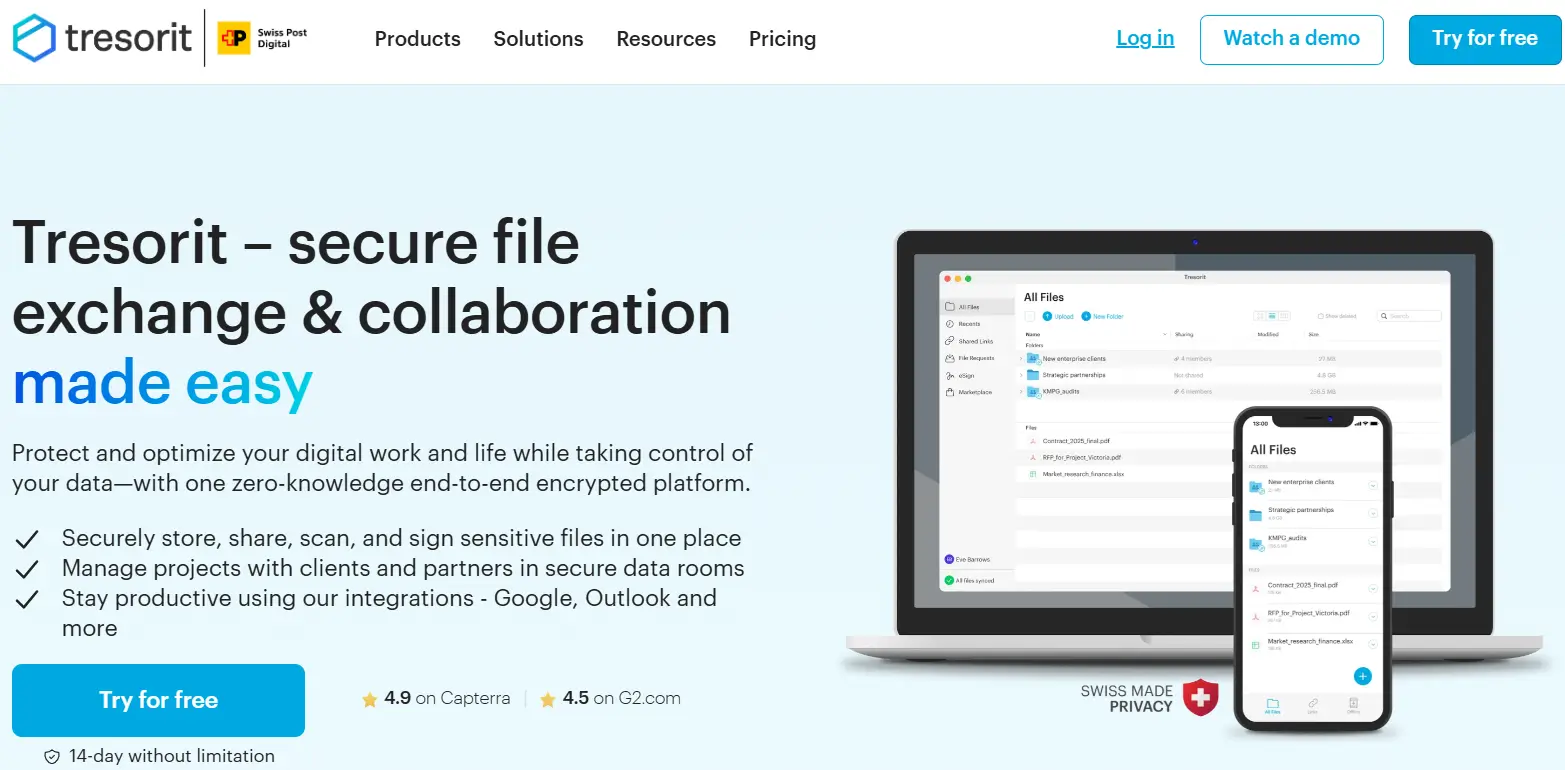
Tresorit is a pioneer of end to end encrypted collaboration for businesses. Its “tresors” (secure folders) offer granular permissions, strong link options, and enterprise grade administration.
- Pros: Mature E2EE sharing; admin console; SSO/SCIM; data residency options; compliance resources.
- Cons: Premium pricing; learning curve for non technical users.
- Best for: SMBs and enterprises needing governance with E2EE.
3. Sync.com – Affordable Zero Knowledge Cloud Storage
Sync.com delivers zero knowledge storage and straightforward sharing at compelling prices. Its simplicity makes it a favorite for families, freelancers, and small teams.
- Pros: Zero knowledge by default; easy link protection; affordable plans; versioning and recovery.
- Cons: Fewer enterprise controls; performance can vary with very large libraries.
- Best for: Individuals and small teams that want strong privacy with minimal complexity.
4. pCloud – Flexible Storage with Crypto Option
pCloud stores data in EU/US regions with Swiss corporate oversight. With the paid “Crypto” add-on, you get client side encryption for specific folders while keeping non encrypted areas for collaboration.
- Pros: Flexible setup; lifetime plans; selective E2EE; media friendly features.
- Cons: Full account E2EE is not default; Crypto is an extra cost.
- Best for: Users who need a mix of encrypted vaults and standard collaboration folders.
5. MEGA – Encrypted Cloud with Large Storage
MEGA offers E2EE by default and generous storage tiers. It’s known for robust link controls and cross platform clients. As with any provider, review its security documentation and keep your recovery keys safe.
- Pros: Default E2EE; feature rich sharing; large storage options.
- Cons: Some advanced enterprise controls are limited compared to dedicated business platforms.
- Best for: Power users and teams who need lots of space with E2EE.
6. SpiderOak.ONE – Zero Knowledge Secure Backup Storage
SpiderOak focuses on secure, zero knowledge backup and versioning rather than full drive style collaboration. If ransomware resilience and long term retention are your priority, it’s a strong candidate.
- Pros: Zero knowledge backup; extensive versioning; multi platform.
- Cons: Not a typical “drive” for real time collaboration; UI is oriented toward backup workflows.
- Best for: Individuals and organizations prioritizing immutable backups and recovery.
Mainstream drives with client side encryption
Google Drive, OneDrive, and iCloud use strong server side encryption but hold keys for various account and collaboration features. You can layer zero knowledge protection by encrypting files before upload using tools like Cryptomator, Boxcryptor, or rclone crypt, gaining most benefits of privacy focused drives while keeping familiar ecosystems.
Security and compliance checklist to compare providers
- Encryption model: E2EE/zero knowledge across devices and sharing?
- Authentication: Passkeys, TOTP, hardware keys, device approvals?
- Sharing controls: Passwords, expirations, access logs, view only, watermarking?
- Data location: EU/EEA, Switzerland, Canada, or other regions with strong privacy laws?
- Compliance posture: ISO 27001, SOC 2, GDPR tooling, HIPAA features where needed?
- Resilience: Versioning, ransomware restore, immutable snapshots, tested disaster recovery?
- Transparency: Public security docs, responsible disclosure, third party testing?
How to Harden Your Cloud Storage Today
- Use a strong passphrase and enable passkeys or 2FA. Prefer authenticator apps or security keys over SMS.
- Encrypt before you upload for true zero knowledge. Tools like Cryptomator or rclone’s “crypt” give you client side control.
- Segment sensitive data into dedicated encrypted folders or vaults with unique passwords.
- Lock down sharing: set link passwords, expiration dates, and download limits; review access logs regularly.
- Enable versioning and test restores quarterly to counter accidental deletions and ransomware.
- Keep offline copies of recovery keys and store them in a separate location.
# Example: client-side encryption with rclone "crypt" over an S3/B2 backend
# 1) Configure your remote (e.g., Backblaze B2 as "b2remote")
rclone config

# 2) Create a crypt wrapper over a folder on that remote
rclone config create securevault crypt remote b2remote:team-archive \
  filename-encryption standard \
  directory-name-encryption true \
  password-command "pass show vault/password" \
  password2-command "pass show vault/salt"

# 3) Sync a local folder to the encrypted remote
rclone sync ~/Documents/Finance securevault:finance --fast-list --checksum --progress

# Result: Files are encrypted locally before upload, and the provider cannot read contents or filenames.
FAQs
Which cloud storage is truly zero knowledge?
Providers such as Proton Drive, Tresorit, Sync.com, and MEGA implement end to end encryption so only you hold the keys. pCloud offers zero knowledge for folders protected by its Crypto add-on. Always verify the scope: some services encrypt everything; others encrypt only designated folders or links.
Is Google Drive secure, and can I make it zero knowledge?
Google Drive uses strong encryption but holds server side keys. To gain zero knowledge privacy, encrypt files before upload with tools like Cryptomator or rclone crypt. You keep the keys, Google stores only ciphertext, and you retain the convenience of Drive’s ecosystem.
Are Swiss or EU providers more secure by default?
Jurisdiction impacts legal protections and data access rules. Switzerland and the EU generally offer strong privacy frameworks. However, the encryption model matters more: a zero knowledge design with sound engineering usually outweighs jurisdiction alone.
What’s the difference between end to end and server side encryption?
With end to end encryption, data is encrypted on your device and the provider cannot decrypt it. With server side encryption, data is encrypted at rest in the provider’s cloud, but the provider controls the keys for features like web previews and search.
How do I migrate securely between cloud providers?
First, export and verify your data. If moving to a non zero knowledge provider, encrypt locally before uploading. Transfer over TLS using a trusted client (rclone, vendor sync app), validate checksums, and keep your old account active until you confirm versions and permissions.
Conclusion
If your top priority is privacy with modern usability, Proton Drive, Tresorit, and Sync.com are excellent zero knowledge choices. For mixed workflows, pCloud with Crypto or MEGA can work well.
If you must stay in Google/Microsoft ecosystems, add client side encryption. And for ultimate control, consider a self hosted stack on a secure YouStable cloud server.