

To create and enable SELinux on a Linux server, install the SELinux packages, set the mode to “enforcing” in /etc/selinux/config, trigger a file-system relabel, and reboot. On RHEL-based systems use dnf/yum; on Ubuntu/Debian install selinux basics and setenforce.
Verify with getenforce and fix denials using restorecon, semanage, and booleans. In this guide, you’ll learn exactly how to create, enable, and configure SELinux on a Linux server step-by-step.
We’ll cover RHEL, AlmaLinux, Rocky Linux, CentOS Stream, and Ubuntu/Debian, explain SELinux modes, contexts, booleans, and show you how to troubleshoot with audit logs and audit2allow. Whether you run a web server or databases, this tutorial keeps “SELinux on Linux server” practical and beginner friendly.
What is SELinux and Why Should You Use it?
SELinux (Security-Enhanced Linux) is a Mandatory Access Control (MAC) framework in the Linux kernel. Instead of trusting users and applications, SELinux enforces system-wide policies that restrict what processes can read, write, or execute—dramatically reducing the blast radius of zero-days, misconfigurations, and privilege escalation attempts.
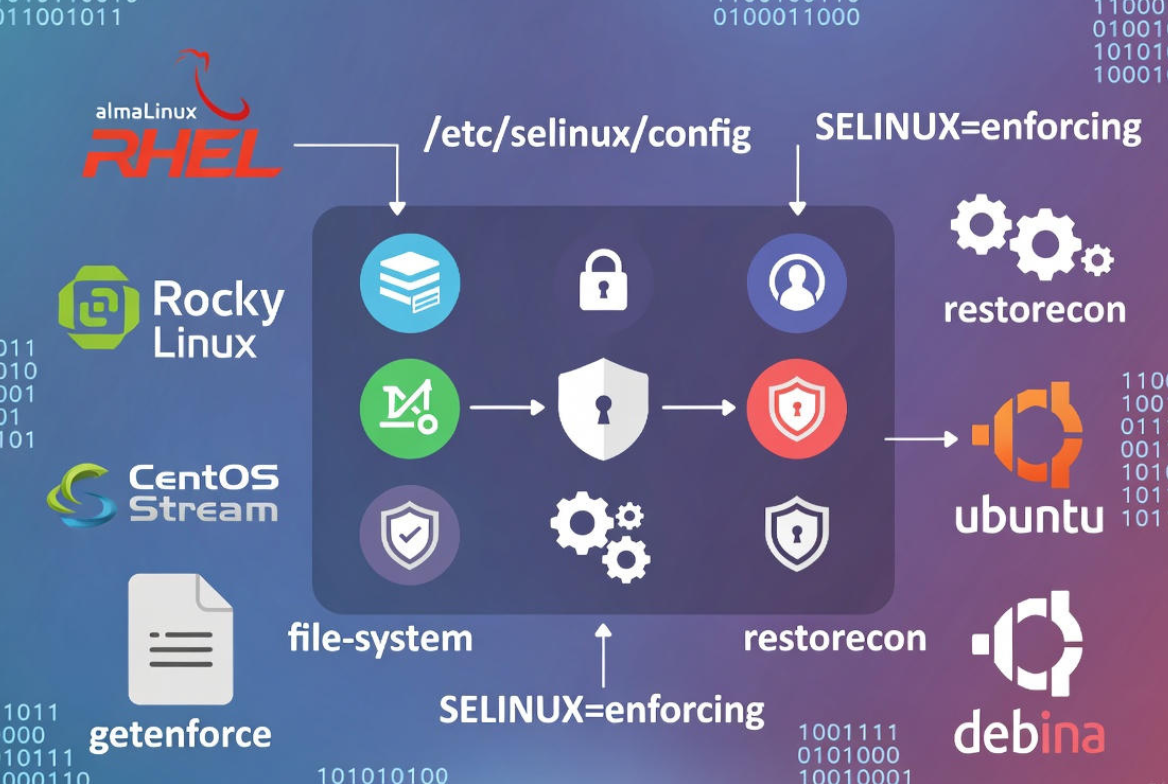
For hosting and cloud servers, SELinux adds a defense-in-depth layer: if Nginx, PHP-FPM, MySQL, or a container is compromised, SELinux can stop it from touching files, sockets, or ports it shouldn’t. That’s why enterprise distributions ship with SELinux by default.
Prerequisites and Supported Distributions
- Root or sudo access
- RHEL 8/9, AlmaLinux 8/9, Rocky Linux 8/9, CentOS Stream (SELinux native)
- Ubuntu 20.04/22.04/24.04 and Debian 11/12 (SELinux available but not default; AppArmor is default)
- Maintenance window for first-time relabel (can take several minutes)
Check Your Current SELinux Status
Confirm whether SELinux is installed and which mode it’s in.
getenforce
sestatus
cat /etc/selinux/config
Expected output: Enforcing, Permissive, or Disabled. If disabled or command not found, follow the installation steps next.
Install and Enable SELinux on RHEL, AlmaLinux, Rocky Linux, CentOS Stream
These distributions include SELinux by default. If components are missing or SELinux is disabled, install core tools and enable enforcing mode.
sudo dnf install -y selinux-policy selinux-policy-targeted policycoreutils policycoreutils-python-utils setools setools-console
# For older CentOS/RHEL: use 'yum' instead of 'dnf'
Set default mode to enforcing and trigger an automatic relabel on next boot (required when enabling SELinux from disabled state).
sudo sed -i 's/^SELINUX=.*/SELINUX=enforcing/' /etc/selinux/config
sudo sed -i 's/^SELINUXTYPE=.*/SELINUXTYPE=targeted/' /etc/selinux/config
sudo touch /.autorelabel
sudo reboot
After reboot, verify:
getenforce
sestatus
If it shows “Enforcing”, SELinux is active. If services fail, temporarily switch to permissive to investigate without turning protection off:
sudo setenforce 0   # permissive for this boot
sudo setenforce 1   # back to enforcing
Install and Enable SELinux on Ubuntu and Debian
Ubuntu/Debian ship with AppArmor by default. You can use SELinux instead, but avoid running both simultaneously. Consider this for advanced hardening or consistency with RHEL-based fleets.
sudo apt update
sudo apt install -y selinux-basics selinux-policy-default auditd policycoreutils selinux-utils setools

# Optional helper to configure base settings:
sudo selinux-activate    # Accept prompts to enable SELinux at boot
If selinux-activate isn’t available or you prefer manual steps:
# Ensure the kernel cmdline enables SELinux (GRUB)
# Add or ensure: selinux=1 security=selinux

sudo sed -i 's/^SELINUX=.*/SELINUX=enforcing/' /etc/selinux/config
sudo touch /.autorelabel
sudo reboot
After reboot, confirm with getenforce. If it still shows “Disabled”, check GRUB options and that packages are installed.
Understand SELinux Modes: Enforcing, Permissive, Disabled
- Enforcing: SELinux policy is applied; violations are blocked and logged.
- Permissive: Violations are allowed but logged. Ideal for troubleshooting.
- Disabled: SELinux off. Avoid in production unless necessary.
Change runtime mode without reboot:
sudo setenforce 1   # enforcing
sudo setenforce 0   # permissive
Make it persistent across reboots:
sudo nano /etc/selinux/config
# SELINUX=enforcing | permissive | disabled
SELinux Contexts and Labels: The Basics
Every file, directory, process, and port gets a label (context) like user:role:type:level. The “type” is the key for targeted policy. Common web types include httpd_t (process) and httpd_sys_content_t (files).
- List contexts: ls -Z, ps -eZ, netstat/ss with labels
- Restore default labels: restorecon
- Set custom persistent mapping: semanage fcontext + restorecon
# Inspect contexts
ls -Z /var/www/html
ps -eZ | grep httpd

# Restore default contexts recursively
sudo restorecon -Rv /var/www/html

# Persistently label a custom webroot
sudo semanage fcontext -a -t httpd_sys_content_t '/srv/www(/.*)?'
sudo restorecon -Rv /srv/www
Open Ports and Manage Network Access with semanage
By default, services may be restricted to known ports. Use semanage to add allowed ports for a service type.
# Allow Nginx/Apache (http_port_t) to bind to 8080
sudo semanage port -a -t http_port_t -p tcp 8080
sudo semanage port -l | grep http_port_t
Booleans: Feature Toggles for Common Use Cases
Booleans are pre-built switches that allow specific behaviors without writing policy. Make permanent with -P.
- Allow web apps to make outbound connections (APIs, SMTP): httpd_can_network_connect
- Allow web apps to connect to databases: httpd_can_network_connect_db
- Allow web content to be writable (uploads, cache): httpd_unified or use specific types like httpd_sys_rw_content_t
- Serving home dirs: httpd_enable_homedirs
- NFS/remote FS for web content: httpd_use_nfs
# View booleans affecting httpd
sudo getsebool -a | grep httpd

# Enable outbound network from httpd
sudo setsebool -P httpd_can_network_connect on

# Allow DB connections
sudo setsebool -P httpd_can_network_connect_db on
Real-World Examples: Web, DB, NFS, Containers, KVM
Web servers with custom docroot:
# Custom webroot at /srv/www
sudo semanage fcontext -a -t httpd_sys_content_t '/srv/www(/.*)?'
sudo restorecon -Rv /srv/www

# Writable uploads (WordPress, cache dirs)
sudo semanage fcontext -a -t httpd_sys_rw_content_t '/srv/www/example.com/wp-content/uploads(/.*)?'
sudo restorecon -Rv /srv/www/example.com/wp-content/uploads

# Outbound network for API calls
sudo setsebool -P httpd_can_network_connect on
Databases and sockets:
# If PHP-FPM connects to a local Unix socket
ls -Z /var/run/mysqld/mysqld.sock
# Ensure correct types; if needed, relabel:
sudo restorecon -v /var/run/mysqld/mysqld.sock
NFS-backed web content:
# Mount options must include context, or use types and boolean:
sudo setsebool -P httpd_use_nfs on
sudo semanage fcontext -a -t httpd_sys_content_t '/mnt/webshare(/.*)?'
sudo restorecon -Rv /mnt/webshare
Containers (Podman/Docker):
# Use :Z or :z on volume mounts to set proper labels
podman run -v /srv/app-data:/data:Z ...
docker run -v /srv/app-data:/data:Z ...
KVM/libvirt (virtual machines):
# Default libvirt storage is pre-labeled
# For custom images:
sudo semanage fcontext -a -t virt_image_t '/vmstore(/.*)?'
sudo restorecon -Rv /vmstore
Troubleshooting SELinux: Logs, Alerts, and Custom Policy
When something fails under enforcing mode, check the audit logs to see the exact denial and recommended fix.
# View recent denials
sudo ausearch -m AVC -ts recent
# Or
sudo journalctl -t setroubleshoot --since "1 hour ago"

# Human-friendly suggestions (install setroubleshoot-server on RHEL-family)
sudo sealert -a /var/log/audit/audit.log
If there’s no boolean or labeling fix available, generate a minimal custom policy module from a known-good denial sample. Use sparingly and review carefully.
sudo grep AVC /var/log/audit/audit.log | tail -n 50 | audit2allow -M mylocal
sudo semodule -i mylocal.pp
Best practice: First try restorecon and semanage fcontext, then booleans, then ports, and only then consider audit2allow.
Performance and Best Practices
- Enable SELinux in enforcing mode on production; use permissive only during controlled troubleshooting.
- Relabel after first enable or when moving data between servers: touch /.autorelabel and reboot.
- Keep policies updated: selinux-policy and policycoreutils packages.
- Use semanage for persistent changes; avoid chcon for long-term unless necessary.
- Document all booleans and custom modules for audits and compliance (PCI DSS, HIPAA, ISO 27001).
- Overhead is typically low (single-digit percent) and acceptable for most workloads.
Automate SELinux Configuration with Ansible (Optional)
Use configuration management to standardize SELinux across fleets.
---
- hosts: web
  become: yes
  tasks:
    - name: Install SELinux packages
      package:
        name:
          - selinux-policy
          - selinux-policy-targeted
          - policycoreutils
          - policycoreutils-python-utils
        state: present

    - name: Set SELinux enforcing
      selinux:
        policy: targeted
        state: enforcing

    - name: Ensure httpd can make outbound connections
      seboolean:
        name: httpd_can_network_connect
        state: true
        persistent: true

    - name: Label custom webroot
      command: semanage fcontext -a -t httpd_sys_content_t '/srv/www(/.*)?'
      args:
        creates: /etc/selinux/targeted/contexts/files/file_contexts.local

    - name: Restore contexts
      command: restorecon -Rv /srv/www
When to Use Permissive or Disable SELinux
- Permissive: Short-term while migrating apps, labeling data, or gathering AVC logs. Plan to return to enforcing.
- Disabled: Rarely recommended. Consider only for legacy, unsupported apps after exhaustive attempts to comply with policy.
In modern stacks, you can almost always run enforcing with correct labels, booleans, and port mappings.
YouStable Tip: Managed Servers with SELinux Hardened
If you’d rather not spend hours decoding AVC logs, YouStable’s managed VPS and dedicated servers arrive hardened with SELinux in enforcing mode, sane defaults for web/database stacks, and policy tuning for your applications—so you get enterprise-grade protection without the learning curve.
FAQs
Is SELinux better than a firewall?
They solve different problems. Firewalls control network traffic; SELinux controls process capabilities and file/port access on the host. Use both: firewall for ingress/egress, SELinux for least-privilege at the OS level.
How do I fix “Permission denied” when SELinux is enforcing?
Check audit logs, then apply the least-privilege fix: restorecon to fix labels, semanage fcontext for persistent labeling, setsebool for toggles, or semanage port for non-standard ports. Use audit2allow only if no policy/boolean exists.
Can I run SELinux on Ubuntu alongside AppArmor?
It’s possible but not recommended for most users. Choose one LSM for simplicity. If adopting SELinux, disable AppArmor and ensure the kernel boots with selinux=1 security=selinux.
What’s the difference between chcon and semanage fcontext?
chcon changes labels immediately but is not persistent—relabelling or restorecon can revert it. semanage fcontext writes persistent rules so future restorecon operations reapply the intended labels automatically.
Will SELinux break my WordPress site?
Not if configured correctly. Label the webroot as httpd_sys_content_t, mark upload/cache directories as httpd_sys_rw_content_t, and enable httpd_can_network_connect for outbound APIs. Most issues come from missing labels, not SELinux itself.


