

When you start using automation for real tasks, one question naturally comes up, how safe is your setup? As workflows become continuous and start handling important data, even small mistakes in security or configuration can create serious issues over time.
OpenClaw is built for advanced automation, but its safety depends on the environment you choose. Hosting it on a VPS can provide better control, stability, and protection, but only if it is set up correctly. This makes it important to understand how safe it really is and what you should do to avoid risks.
What Does Safe Mean for OpenClaw on VPS?
When you talk about safety, it’s not just about protecting your server from attacks. It also means how smoothly your automation runs, how secure
your data is, and whether your workflows continue without interruptions. A safe setup ensures everything stays stable and reliable during real usage.

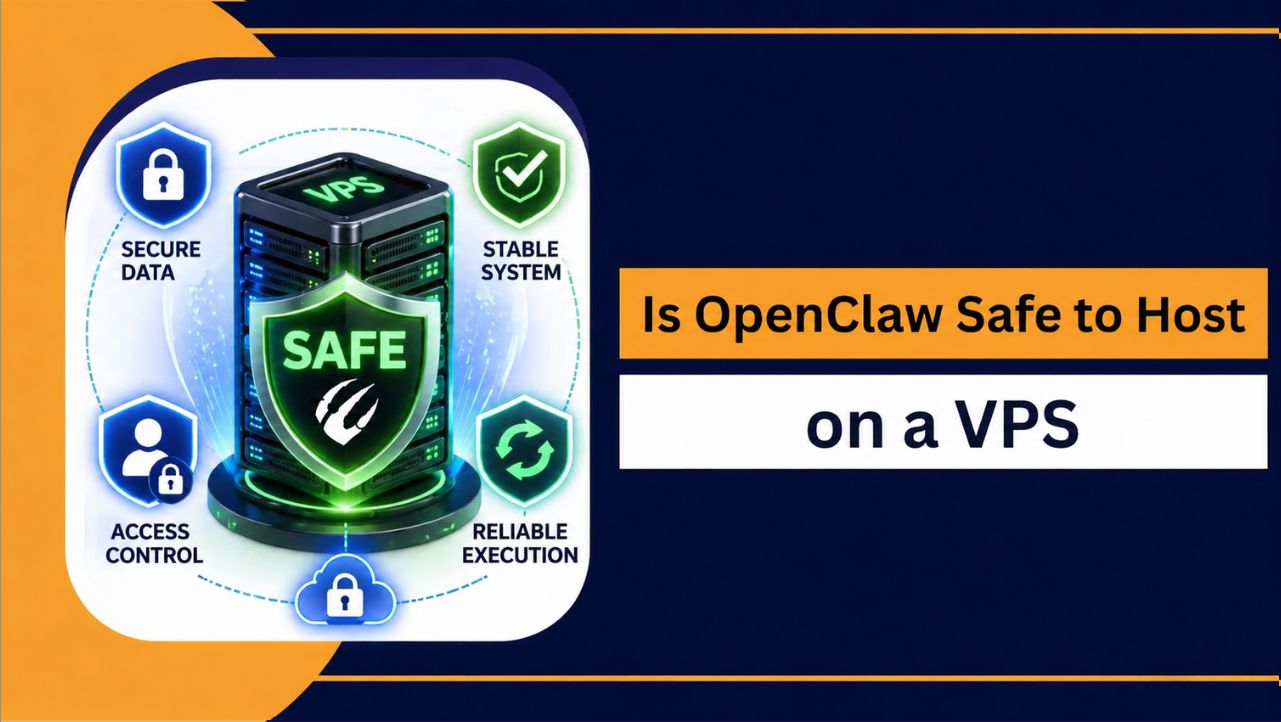
What Actually Makes It Safe
- Data Security: Your workflows, API keys, and important data stay protected from unauthorized access
- System Stability: Tasks run without crashes, slowdowns, or unexpected failures
- Access Control: Only you or authorized users can access and manage the server
- Execution Reliability: Automation runs continuously without stopping or breaking
Is OpenClaw Safe to Run on a VPS?
Yes, OpenClaw can be safely hosted on a VPS, but the level of safety depends on how well the server is configured and maintained. A properly secured VPS offers better control, isolated resources, and a stable environment, which makes it more reliable than running automation on a local system.
At the same time, security is not automatic. If basic practices like strong authentication, closed ports, regular updates, and proper firewall setup are ignored, the risk increases. In simple terms, the safety of OpenClaw on a VPS depends more on how you manage the server than the platform itself.
Key Security Factors You Must Consider
Keeping OpenClaw secure on a VPS depends on a few important areas. These are not complex, but they directly affect how safe and reliable your automation setup will be in real usage.
1. Server Security Configuration: A secure VPS setup always starts with proper configuration. You should enable a firewall, close unnecessary ports, and use SSH keys instead of passwords to reduce unauthorized access risks.
2. Data Protection: Automation workflows often involve APIs and sensitive data. Using encrypted connections, protecting API keys, and maintaining regular backups helps prevent data loss and unauthorized access.
3. Regular Updates: Keeping your operating system and software updated is essential. Outdated systems can have vulnerabilities, which may be exploited if not fixed in time.
Common Risks When Hosting OpenClaw on VPS
Hosting OpenClaw on a VPS is generally safe, but certain risks can arise if the server is not configured or managed properly. These issues are common and can affect both security and performance if ignored.
Where Problems Usually Happen
- Weak Authentication: Using simple passwords or not enabling SSH keys can make your server easier to access without permission
- Open Ports & Misconfiguration: Leaving unnecessary ports open or not configuring the firewall properly increases exposure to attacks
- Unsecured APIs: Storing API keys without protection or using insecure connections can lead to data leaks
- No Monitoring: Without tracking logs or activity, unusual behavior or attacks may go unnoticed
- Lack of Backups: If something fails or data is lost, recovery becomes difficult without regular backups
Understanding these risks helps you avoid common mistakes and maintain a secure and stable VPS environment for your automation workflows.
VPS vs Local Hosting (Security Comparison)
When it comes to running OpenClaw, security depends heavily on the environment you choose. A local setup may feel simple, but it often lacks proper control and protection. A VPS, on the other hand, gives you more control, better isolation, and stronger security options.
| Factor | Local System | VPS |
| Security Control | Limited control over advanced settings | Full control over firewall, access, and configuration |
| Access Management | Basic user level access | Secure SSH access and role based control |
| Exposure Risk | Depends on device security | Can be minimized with proper configuration |
| Data Protection | Limited backup and protection options | Regular backups and better data security |
| Reliability | Can be affected by local usage | Stable and consistent environment |
A VPS provides a more secure and controlled setup, especially for continuous automation. With proper configuration, it becomes a safer and more reliable choice than a local system.
How to Make OpenClaw VPS Setup Secure
A secure VPS setup is not about doing everything at once, but about following the right practices consistently. When your server is properly configured, your automation stays protected, runs smoothly, and avoids common risks that can affect performance or data safety.
Steps to Secure Your VPS
- Use SSH Keys Instead of Passwords: Disable password based login and allow access only through SSH keys to reduce the risk of unauthorized entry
- Enable Firewall and Limit Ports: Allow only required ports (like SSH or specific services) and block all unnecessary incoming traffic
- Keep System and Software Updated: Regular updates fix security vulnerabilities and keep your server protected from known threats
- Protect API Keys and Sensitive Data: Store credentials securely using environment variables or protected files, and never expose them publicly
- Monitor Server Activity Regularly: Check logs and resource usage to quickly detect unusual behavior or potential security issues
- Set Up Automated Backups: Maintain regular backups so you can recover your data quickly in case of failure or attack
Also Read: How to Setup OpenClaw On VPS
Why VPS Can Be Safer Than Local Setup
When you run OpenClaw on a local system, security depends on your personal device, which is not always configured for continuous automation or advanced protection. System interruptions, background processes, and limited control can affect both safety and reliability.
A VPS provides an isolated environment with dedicated resources where you can apply proper security measures like firewalls, access control, and monitoring. It allows better management of your server, reduces external interference, and ensures your automation runs in a more stable and protected setup.
Choosing a Secure VPS Provider for OpenClaw
The provider you choose plays a major role in overall security and performance. A good VPS provider should offer a balance of speed, protection, and reliability.
Key Things to Look For
- NVMe storage for faster performance
- DDoS protection and firewall support
- Regular backup options
- High uptime guarantee
- Reliable customer support
For a reliable and secure setup, YouStable offers VPS solutions with NVMe storage, strong security features, and stable performance, making it suitable for OpenClaw workflows.
Who Should Be More Careful?
Not everyone faces the same level of risk when hosting OpenClaw on a VPS. Some users should pay extra attention because their workflows involve sensitive data, continuous execution, or multiple integrations.
Users Who Need More Security Focus
- Developers Working with APIs: If your workflows use API keys or external integrations, securing credentials and connections becomes critical
- SaaS Builders: Handling user data requires strong access control, encryption, and proper server configuration
- Businesses Using Automation: Continuous workflows increase the need for uptime, monitoring, and data protection
- Advanced Automation Users: Multi step workflows and background tasks require a stable and well secured environment
For these users, basic setup is not enough. Proper security practices, regular monitoring, and controlled access are necessary to keep the system safe and reliable.
Limitations & Security Challenges
While hosting OpenClaw on a VPS improves control and security, it is not completely risk-free. The overall safety of your setup depends on how well the server is configured and maintained over time.
Where Challenges Can Arise
| Challenge | What It Means |
| Requires Proper Configuration | Misconfigured settings, open ports, or weak authentication can create security vulnerabilities |
| Ongoing Maintenance Needed | Regular updates, monitoring, and backups are required to keep the server secure and stable |
| User Responsibility | You are responsible for managing access, securing data, and maintaining the environment |
| Learning Curve for Beginners | Understanding server setup, SSH access, and security practices may take time initially |
FAQs
Is OpenClaw secure on VPS?
u003cstrongu003eYesu003c/strongu003e, OpenClaw is secure on a VPS when the server is properly configured. Using firewalls, SSH key authentication, and regular updates helps protect your data and ensures stable and reliable automation workflows.
Can a VPS be hacked?
u003cstrongu003eYesu003c/strongu003e, any VPS can be vulnerable if security practices are ignored. Weak passwords, open ports, or outdated software can increase risks, but proper configuration and monitoring significantly reduce the chances of attacks.
How can I secure OpenClaw on VPS?
You can secure your setup by following a few important steps:u003cbru003eu003cstrongu003e• u003c/strongu003eUse SSH keys instead of passwordsu003cbru003eu003cstrongu003e• u003c/strongu003eEnable firewall and restrict portsu003cbru003eu003cstrongu003e• u003c/strongu003eKeep system and software updatedu003cbru003eu003cstrongu003e• u003c/strongu003eMonitor server logs regularly
Which VPS is best for OpenClaw security?
A VPS with NVMe storage, strong security features, and reliable uptime is ideal. Providers like YouStable offer a balanced setup suitable for secure and stable OpenClaw workflows.
Conclusion
Hosting OpenClaw on a VPS is a safe and reliable option when the setup is properly configured and maintained. It gives you better control, improved stability, and stronger security compared to local environments, especially for continuous and complex automation workflows.
At the same time, safety depends on how you manage your server. Following basic security practices like proper configuration, regular updates, and controlled access helps reduce risks and ensures smooth performance. With the right setup and a reliable provider, you can run OpenClaw efficiently without major security concerns.










