
To start a blog in Canada in 2026, pick a niche, secure a .ca or .com domain, choose fast Canadian friendly hosting, and install WordPress. Configure SEO, privacy, and bilingual settings, then publish helpful, original content optimized for Canadian search intent. Ensure compliance with PIPEDA, Quebec’s Law 25, and CASL for email.
Monetize via ads, affiliates, and digital products, track results in GA4 and Search Console, and iterate with a 90 day content and promotion plan. Starting a blog in Canada this year is smarter than ever audiences are niche focused, and the tools are powerful yet beginner friendly.
Whether you want to build a side income or a full brand, mastering setup, SEO, compliance, and monetization will determine your trajectory. This guide walks you through everything from domain and hosting to bilingual SEO, Canadian legal requirements, Core Web Vitals performance, and growth frameworks tailored for 2026.
Plan Your Niche and Canadian Audience
Strong positioning beats noisy competition, and Canada’s market rewards specificity. Go narrow, validate demand, and align with local search trends and language context.

Clarify who you serve, where they live, and which problems they search for in English or French. Build topical depth, not scattered posts, to win trust and search visibility.
Your niche determines your keywords, content calendar, monetization, and partnerships. In Canada, consider regional specificity (Toronto vs. Calgary), climate, seasonality (tax season, RRSP/TFSA deadlines), and bilingual demand.
Use Google Trends (Canada filter), autocomplete suggestions, and tools like Ahrefs/SEMrush to find queries with viable volume and achievable difficulty. Validate interest by checking Facebook Groups, Reddit (r/Canada, r/Ontario), and competitor comment sections.
Niche validation steps
- List 3-5 audience problems you can solve with expertise and lived experience.
- Check Canadian SERPs: Does Google surface local sources, .ca domains, and PAA questions you can answer?
- Estimate revenue fit: affiliates (Amazon.ca), courses, services, or newsletter sponsorships.
- Draft a 10-20 topic topical map that clusters around a core problem, not disjointed posts.
Choose the Best Domain for Canada with YouStable
What does your domain say about your website? – When someone in Canada sees your domain name, they decide in seconds whether your site feels local, trustworthy, or generic. That’s why choosing the right domain is not just a technical step, it’s a branding decision.
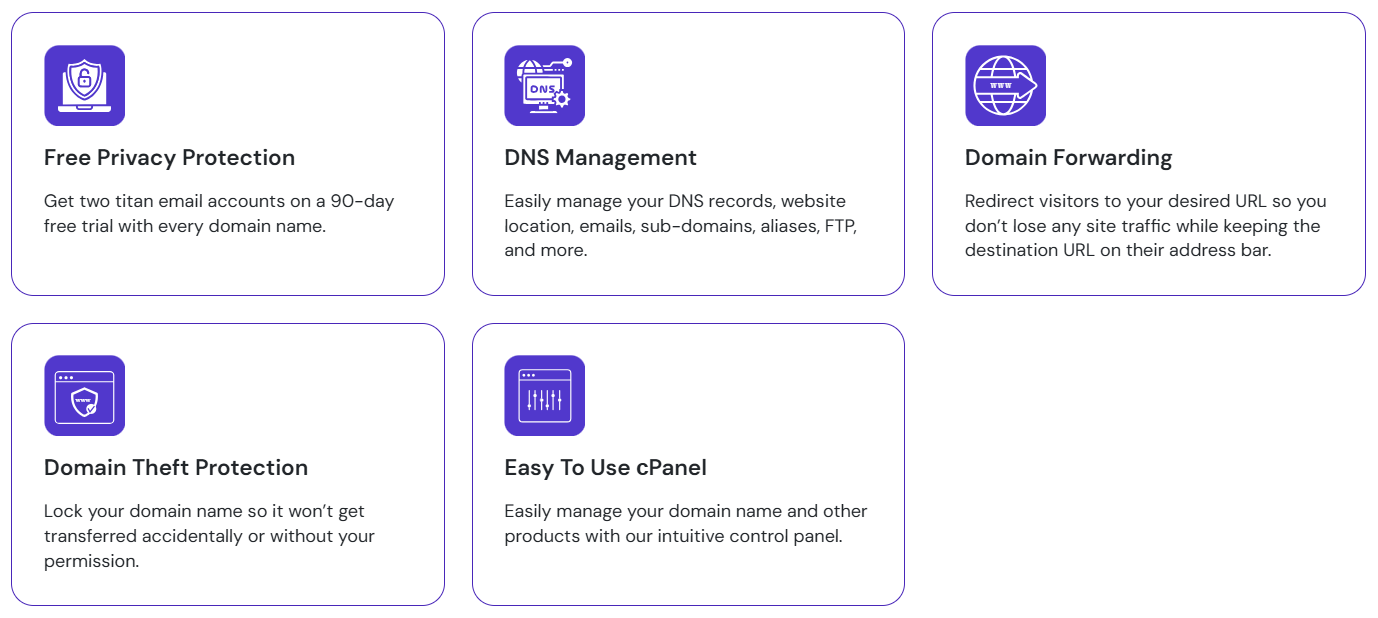
If your audience is mainly in Canada, a .ca domain instantly creates trust. It tells visitors, “Yes, this website is meant for Canadians.” Search engines also understand this signal. A .ca domain naturally aligns with Canadian search results, especially for local services, blogs, or businesses targeting specific provinces.
Now you might ask, “So should I always choose .ca?”
Not always.
If you plan to target Canada plus international visitors, or you want a globally flexible brand, .com still makes sense. It’s universal, easy to remember, and widely trusted across borders. Many creators choose .com when they want future expansion without limitations.
This is where YouStable helps you keep things simple.
With YouStable, you can check domain availability quickly, compare extensions, and register your domain without confusing add-ons. Whether you choose .ca or .com, the setup remains beginner friendly and fast.
A smart approach many professionals follow is:
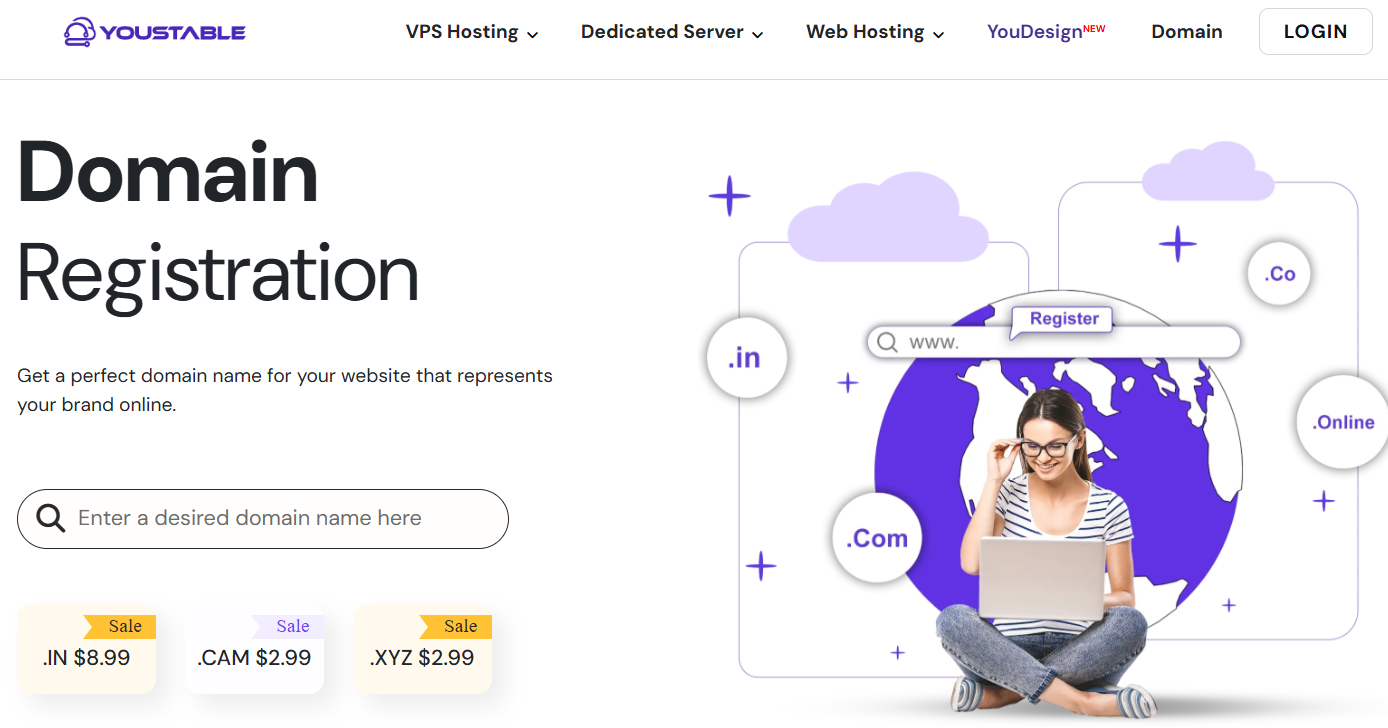
- Use .ca for Canada focused projects
- Use .com for global or brand centric websites
Before finalizing, ask yourself one clear question:
“Who do I want visiting my website one year from now?”
Your answer will guide you to the right domain choice.
Practical Domain Tips For 2026
Choosing a domain in 2026 is no longer about fancy or trendy words. It’s about clarity, trust, and long term value. Here are some practical points to keep in mind, explained simply:
- Keep the domain short and easy to say: If someone hears your domain once, they should type it correctly without confusion. Avoid hyphens, numbers, and complicated spellings.
- Think beyond today’s trend: A trendy name may sound good now but feel outdated later. Choose a neutral, professional name that can grow with your website or business.
- Check the domain’s history carefully: A domain with a bad past can affect your site from day one. Registering through a trusted provider like YouStable helps reduce the risk of spam affected domains.
- Don’t rely only on keywords: Keywords help a little, but trust matters more. A brand friendly domain that people remember performs better over time.
- Act quickly when you find the right name: Good domains don’t stay available for long. Once it feels right, secure it and move forward.
A domain is not just a web address.
It’s your online identity, so choose it wisely.
Select Canadian Friendly Hosting with YouStable
If your blog feels slow to someone in Canada, will they wait?
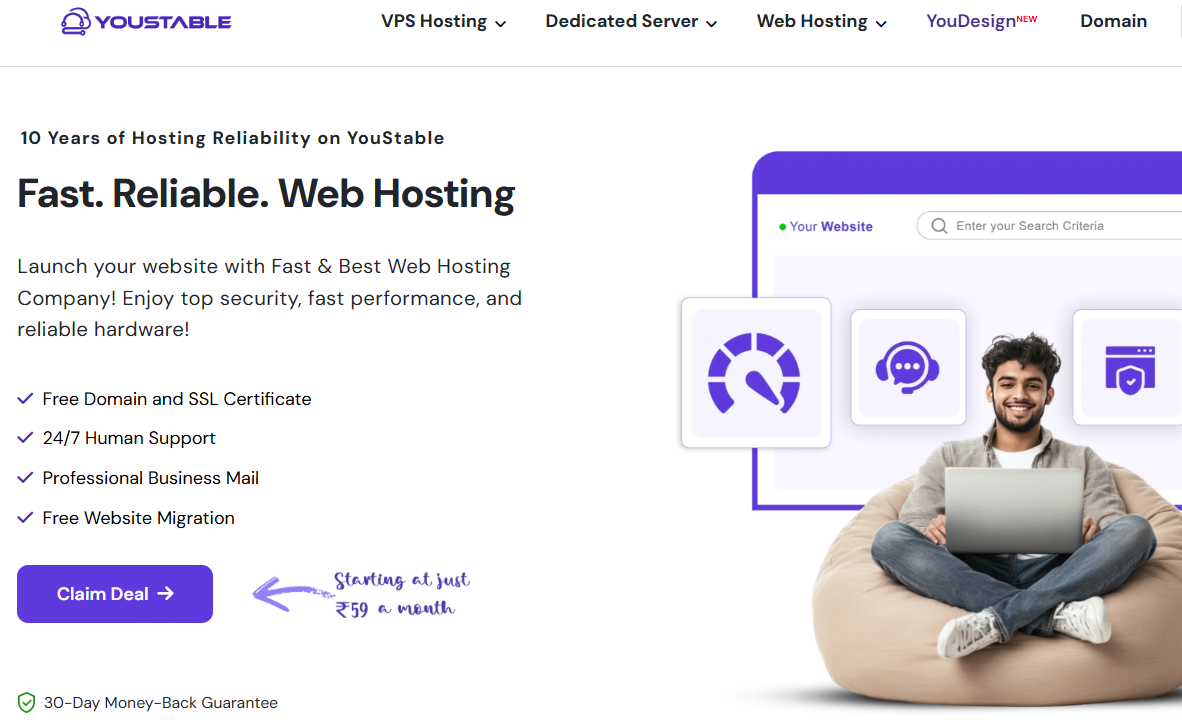
In most cases, the answer is no. People leave within seconds, and Google notices that behavior. That’s why choosing the right hosting is not a small decision. It directly affects user trust, search rankings, and long term growth.
Step 1: Understand what “Canadian friendly” Hosting really means
Canadian friendly hosting does not simply mean the cheapest plan or a popular brand name. It means your website should feel fast and reliable to visitors inside Canada.
In practical terms, this includes:
- Quick page loading for Canadian users
- Consistent uptime without frequent downtime
- Stable performance that supports Google rankings
Even if the main servers are not physically in Canada, modern infrastructure combined with CDN support can still deliver excellent speed to Canadian audiences when configured correctly.
Step 2: Choose Hosting that is beginner friendly
If you are starting a blog, the last thing you want is technical confusion. You should spend time creating content, not fixing server issues.
With YouStable, the setup process stays simple:
- WordPress can be installed in one click
- The control panel is clean and easy to use
- Free SSL and basic security are already enabled
This means you can focus on publishing and growing your blog instead of dealing with errors.
Step 3: Think about growth from the very beginning
Right now, your blog may be small. But what happens when traffic grows?
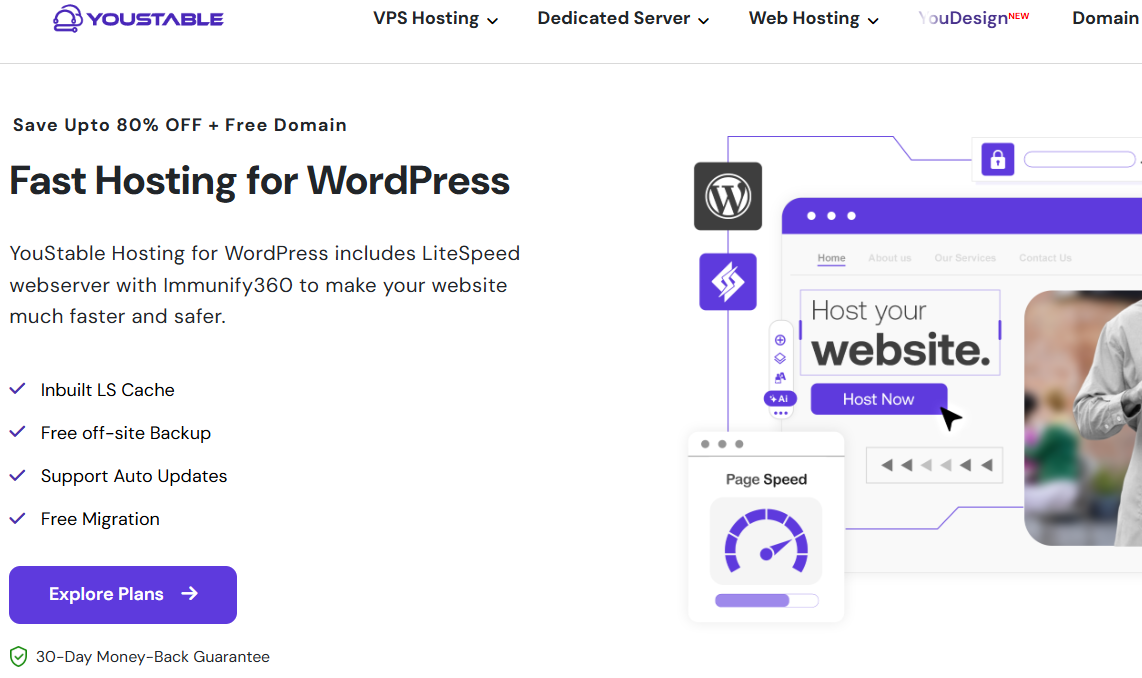
A good hosting provider lets you start small and scale smoothly. YouStable allows you to begin with shared or WordPress hosting and later upgrade to VPS when needed, without migrating to a new company. That flexibility saves time, money, and unnecessary stress.
| YouStable WordPress Hosting Plans & Pricing Table in 2026 | ||||
|---|---|---|---|---|
| Plans Name | Websites | Storage | Bandwidth | Monthly Pricing |
| DaStart | 1 | 50GB NVMe SSD | Unmetered | $0.65/mo |
| DaProfessional | 25 | 100GB NVMe SSD | Unmetered | $1.31/mo |
| DaElite | Unlimited | 200GB NVMe SSD | Unmetered | $2.42/mo |
Hosting Features to Insist on in 2026
Before buying any hosting plan, pause and check these essentials carefully.
- NVMe SSD storage: This is no longer optional. NVMe storage loads pages much faster than traditional SSDs, which improves user experience and helps with SEO.
- Free SSL and secure setup: Your site must load on HTTPS. SSL is a basic trust signal for both users and search engines. Paying extra for it makes no sense in 2026.
- Strong speed optimization: Look for optimized servers, built in caching, and CDN support. These factors directly affect Core Web Vitals and real world speed in Canada.
- Automatic backups: Updates can fail and mistakes happen. Regular backups protect your content and give peace of mind.
- Reliable human support: When something breaks, fast and knowledgeable support matters. Good hosting support is especially important when you’re still learning.
Install and Configure WordPress the Right Way
A clean install saves months of rework and performance debt. Start lean, set essentials, and document your stack to avoid plugin sprawl and conflicts later.
Use your host’s installer or WP CLI for a minimal, secure setup. Configure permalinks, timezone, and site language before publishing your first post.
Quick WP‑CLI install (optional)
# From your site root (SSH):
wp core download --locale=en_CA
wp config create --dbname=blog --dbuser=bloguser --dbpass='STRONGPASS' --dbhost=localhost --skip-check
wp db create
wp core install --url="https://example.ca" --title="Example Blog" --admin_user="admin" --admin_password="AnotherStrongPass!" --admin_email="[email protected]"
wp option update timezone_string "America/Toronto"
wp option update permalink_structure "/%postname%/"
wp plugin install litespeed-cache wordfence updraftplus wordpress-seo --activate
Essential initial settings
- General: Site Title/Tagline, timezone (Toronto/Vancouver), language (en-CA/fr-CA).
- Permalinks: Post name or a short SEO structure that includes categories if needed.
- Reading: Choose a static homepage later for conversions; keep blog index for now.
- Discussion: Tighten comment settings; enable manual approval and anti‑spam.
- Privacy: Publish a PIPEDA‑aligned privacy policy and link in the footer.
Theme and plugins (keep it lean)
- Theme: Use a lightweight block theme (e.g., Twenty Twenty‑Four or GeneratePress Block). Avoid multipurpose bloat unless necessary.
- SEO: Yoast SEO or Rank Math configure titles, meta, breadcrumbs, XML sitemaps.
- Performance: LiteSpeed Cache (with LiteSpeed server) or WP Rocket; enable page/object caching.
- Images: ShortPixel or Imagify for WebP/AVIF and adaptive compression.
- Security: Wordfence or Solid Security; enable 2FA, limit logins, and WAF rules.
- Backups: UpdraftPlus or Jetpack VaultPress; schedule offsite (S3/Wasabi/Drive).
- Translations: Polylang or WPML if bilingual (en‑CA and fr-CA).
Robots.txt and basic server hardening
# /robots.txt
User-agent: *
Disallow: /wp-admin/
Allow: /wp-admin/admin-ajax.php
Sitemap: https://example.ca/sitemap_index.xml
# .htaccess snippets for Apache (test on staging first)
# Security headers
<IfModule mod_headers.c>
Header set X-Content-Type-Options "nosniff"
Header set X-Frame-Options "SAMEORIGIN"
Header set Referrer-Policy "strict-origin-when-cross-origin"
Header set Permissions-Policy "geolocation=(), microphone=(), camera=()"
Header set X-XSS-Protection "1; mode=block"
</IfModule>

# Block XML-RPC if not using it
<Files xmlrpc.php>
Order allow,deny
Deny from all
</Files>
Design, UX, and Accessibility for Canadian Audiences
Clean design reduces bounce rates and amplifies content quality. Optimize for mobile, readability, and accessibility to meet Canadian expectations and regulations.
Block patterns help you ship fast without custom code. Use consistent spacing, color contrast, and typography for a trustworthy, professional feel.
Focus on scannable layouts: short paragraphs, descriptive subheadings, and clear calls‑to‑action. Choose a color palette with sufficient contrast and readable font sizes (16-18px base).
For accessibility, follow WCAG 2.2 AA; if you serve Ontario public audiences, be mindful of AODA requirements. Test with Lighthouse and screen readers. Avoid intrusive popups use simple banners for cookies and email capture to respect user experience and CASL.
Bilingual structure (English/French)
Quebec and francophone audiences expect native‑quality French content, not translations alone. Use a plugin like Polylang/WPML to create language‑specific URLs and menus, and implement hreflang for en‑CA and fr‑CA to prevent duplication and target the correct audience.
<!-- Place in your <head> or via SEO plugin -->
<link rel="alternate" href="https://example.ca/en/" hreflang="en-CA" />
<link rel="alternate" href="https://example.ca/fr/" hreflang="fr-CA" />
<link rel="alternate" href="https://example.ca/" hreflang="x-default" />
Content Strategy, SEO, and EEAT in 2026
Google rewards original insight, depth, and experience especially in YMYL topics. Build topical hubs and demonstrate hands‑on experience to earn trust and links.
Target mixed intent: informational queries for discovery and commercial intent for revenue. Optimize for Featured Snippets, PAA boxes, and local SERP features.
Topical maps and hub pages
- Cluster posts under a pillar page (e.g., “Beginner’s Guide to Canadian Investing”).
- Interlink clusters contextually; use descriptive anchors, not “click here.”
- Refresh posts quarterly with new examples, stats, and internal links.
On‑page best practices for 2026
- Title/meta: Front‑load primary keyword naturally; keep titles compelling but concise.
- Headings: Answer PAA questions within H2/H3; add FAQ schema via blocks.
- Media: Use WebP/AVIF, descriptive alt text, and lazy loading for Core Web Vitals.
- Schema: Article, FAQPage, HowTo where appropriate; validate in Rich Results Test.
- Internal links: 2-4 relevant internal links per post; add breadcrumb schema via SEO plugin.
Editorial calendar and cadence
- Publish 1-2 quality posts weekly for 90 days to seed topical authority.
- Alternate between evergreen guides, comparison posts, and timely Canadian news.
- Use GA4 and Search Console to double down on queries already generating impressions.
Canadian Legal, Privacy, and Tax Basics
Compliance increases trust and reduces risk as you grow. Canadian bloggers must consider privacy, email marketing, and taxes from day one even at small scale.
This is not legal advice; consult a professional for your situation. Use the following as a practical checklist to avoid common mistakes and penalties.
Privacy and consent
- PIPEDA: Have a clear privacy policy describing data collection, cookies, and retention.
- Quebec’s Law 25: Additional rules for consent, data governance, and breach reporting.
- Cookie consent: Use a banner that distinguishes necessary vs. non‑essential cookies.
Email marketing and CASL
- Use express consent for newsletters; double opt‑in is strongly recommended.
- Include sender info, unsubscribe link, and keep consent records for audits.
- Do not add contacts from purchases or events without clear consent evidence.
Business registration and taxes
- Structure: Start as a sole proprietorship; consider incorporation as revenue grows.
- GST/HST/PST/QST: Register when you exceed the small supplier threshold (currently $30k).
- Keep records of ad/affiliate income and expenses; use bookkeeping software.
- Disclose affiliate relationships per Canadian advertising guidance.
Add Terms of Use, Disclaimers (especially for finance/health), and an affiliate disclosure in the header, footer, or relevant posts. For bilingual sites, provide policies in both languages to respect audience needs and legal clarity.
Monetization for Canadian Bloggers in 2026
Diversify early to stabilize revenue and learn what fits your audience. Blend ads, affiliates, and owned products for resilient income across seasons and algorithms.
Choose networks and payment rails that support CAD and Canadian tax documentation. Track earnings by page and topic to scale what works, retire what doesn’t.
Popular revenue streams
- Ads: Google AdSense, Mediavine/Raptive (traffic thresholds apply); optimize CLS for better RPM.
- Affiliate: Amazon.ca, Impact, CJ, ShareASale; use Canadian merchants for higher conversion.
- Sponsorships: Pitch Canadian brands with media kits using GA4 audience and CTR metrics.
- Digital products: Ebooks, templates, or courses priced in CAD; use Stripe/PayPal.
- Memberships: Patreon or WooCommerce Memberships; offer community or premium content.
Always implement affiliate disclosures near links and in a sitewide policy. For e‑commerce or paid content, configure tax collection (GST/HST and provincial taxes where applicable) in WooCommerce or your payment processor, and provide clear refund policies.
Performance, Security, and Maintenance
Fast sites earn better rankings, more engagement, and higher ad/affiliate revenue. Aim for sub‑200 ms TTFB in Canada and green Core Web Vitals on mobile.
Security protects your reputation and revenue. Harden logins, updates, and backups, and monitor uptime to catch issues before users do.
Core Web Vitals checklist
- LCP: Optimize hero images; serve WebP/AVIF; preload critical assets; use a CDN with Canadian PoPs.
- INP: Minimize scripts; defer non‑critical JS; reduce plugins; use server‑level caching.
- CLS: Reserve space for ads and embeds; avoid layout shifts in sticky elements.
Security and reliability
- Updates: Weekly core/plugin/theme updates after testing on a staging site.
- Backups: Daily incremental, 7-30 day retention, offsite storage; test restores quarterly.
- Auth: Enforce 2FA for all admins; strong unique passwords; least‑privilege roles.
- WAF/CDN: Enable Cloudflare or your host’s WAF; restrict wp‑login by IP if needed.
Email deliverability (DNS)
; Add to your DNS (replace example.ca and keys)
example.ca.  TXT  "v=spf1 include:_spf.mailprovider.com ~all"
default._domainkey.example.ca.  TXT  "v=DKIM1; k=rsa; p=MIIBIjANBgkqh..."
_dmarc.example.ca.  TXT  "v=DMARC1; p=quarantine; rua=mailto:[email protected]; adkim=s; aspf=s"
Launch Checklist and First 90 Days
A tight launch plan accelerates indexing and momentum. Focus on discoverability, early backlinks, and audience feedback loops to refine content fast.
Measure what matters: impressions, click‑through rate, engaged sessions, and conversions. Iterate weekly based on data, not guesses.
Pre‑launch
- Publish 5-10 foundational posts plus About, Contact, Privacy, and Disclosure pages.
- Set up GA4, Search Console, Bing Webmaster Tools; submit your XML sitemap.
- Create branded social handles; design a simple logo and favicon for trust signals.
Post‑launch (weeks 1-12)
- Publish 1-2 posts weekly; expand clusters; answer PAA questions from your niche.
- Promote via Canadian subreddits and Facebook Groups be helpful, not spammy.
- Build an email list with a valuable lead magnet; use double opt‑in for CASL.
- Pitch 1-2 guest posts/month to relevant Canadian sites for high‑quality backlinks.
- Review Search Console queries weekly; create content to capture rising terms.
Budget and Timeline: What it Costs in Canada
Starting a blog is low cost compared to most ventures. Expect modest fixed costs, with optional upgrades as traffic and revenue grow. Keep everything in CAD for easier accounting.
Approximate yearly costs in 2026 for a beginner: domain CAD $10-20, hosting CAD $60-240, premium theme or plugins CAD $0-200 (optional), email marketing CAD $0-300 depending on list size, and CDN/security often included with host or free tiers. Invest more in content creation (your time or freelance help) than in tools. Hosts like YouStable package SSL, backups, and CDN, reducing add‑on spend.
Common Mistakes to Avoid
Skipping fundamentals leads to slow growth and cleanup later. Learn from thousands of launches and avoid the traps that stall new Canadian blogs.
Make deliberate choices about niche, tech stack, and cadence. Optimize early for speed and compliance to protect your brand and rankings.
- Choosing a broad niche with no clear audience or monetization path.
- Overloading plugins and heavy themes that break Core Web Vitals on mobile.
- Ignoring PIPEDA/CASL and missing required policies, disclosures, or consent.
- Inconsistent publishing and weak internal linking that kills topical authority.
- No backups, staging, or security until a hack or update breaks the site.
FAQs
Is a .ca domain better for Canadian SEO than .com?
For a Canada‑first audience, .ca provides a strong local signal and can improve click‑through rates. You must meet CIRA presence requirements. A .com can still rank in Canada, but .ca helps geotargeting and trust for local users.
How much does it cost to start a blog in Canada?
Expect CAD $100-$500 in year one depending on hosting, plugins, and design choices. The core costs are a domain (CAD $10–20) and hosting (CAD $60–240). Most other tools have free tiers; invest primarily in content quality.
Do I need to register a business to blog in Canada?
No, you can start as a sole proprietor. Register a business and for GST/HST when you approach or exceed the small supplier threshold (currently $30,000 in taxable revenue). Keep proper records and consult a tax professional as you grow.
How do I make money blogging in Canada?
Use ads (AdSense, Mediavine/Raptive), affiliate programs (Amazon.ca, Impact, CJ), sponsorships, and digital products. Price in CAD, disclose affiliates, and handle GST/HST where applicable. Track revenue per page in GA4 to scale winners.
Should my Canadian blog be bilingual?
If you target Quebec or francophone audiences, yes publish native‑quality French content. Use language‑specific URLs and hreflang for en‑CA and fr‑CA. Translate menus, policies, and CTAs, not just posts.
u003cstrongu003eWhich hosting is best for Canadian bloggers?u003c/strongu003e
Choose a host with Canadian data centers or strong Canadian CDN PoPs, NVMe storage, PHP 8.3+, Redis, backups, and a WAF. Managed WordPress simplifies updates and security. Providers like YouStable offer these features with beginner‑friendly tooling.
What legal pages do I need on a Canadian blog?
At minimum: Privacy Policy (PIPEDA‑aligned), Terms of Use, Affiliate Disclosure, and Cookie Notice. If you email subscribers, ensure CASL compliance with consent records and an unsubscribe link.
Conclusion
Success comes from clarity, consistency, and a fast, secure stack. Pick a focused niche, use a .ca if Canada is your core market, and host on Canadian friendly infrastructure with NVMe, HTTP/3, and robust backups.
Set up WordPress cleanly, publish helpful content weekly, follow PIPEDA/CASL, and diversify monetization. Track your wins in GA4 and Search Console and iterate. With this blueprint, your Canadian blog can grow reliably and profitably through 2026 and beyond.