

To create ZFS on a Linux server, install OpenZFS packages, identify disks, then build a storage pool with “zpool create.” Add datasets, enable compression and snapshots, configure mount points and permissions, and schedule scrubs and backups.
Use mirrors or RAIDZ for redundancy and monitor health with “zpool status” for a resilient, high-performance filesystem.
In this guide, you’ll learn exactly how to create ZFS on Linux server environments using OpenZFS. We’ll walk through installation on popular distros, designing pools (mirror, RAIDZ1/2/3), creating datasets, enabling encryption, snapshots, send/receive backups, performance tuning, and ongoing maintenance. The steps are beginner-friendly and grounded in real-world server operations.
What is ZFS and Why Use it on Linux?
ZFS (OpenZFS on Linux) is a 128-bit, copy-on-write filesystem and volume manager. It combines RAID, checksumming, snapshots, compression, and replication in one stack, making it ideal for virtualization, databases, containers, backups, and NAS workloads. Its design prevents silent data corruption and simplifies storage administration.
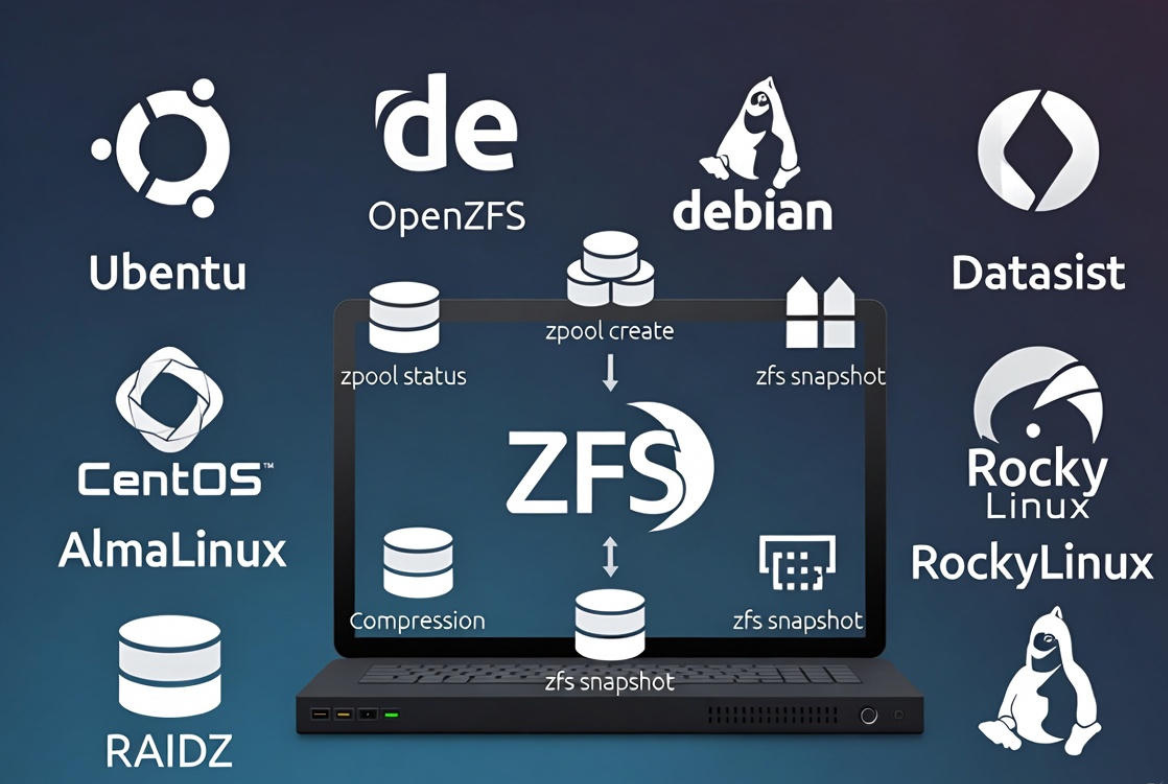
- End-to-end checksums: Detects and corrects bit rot.
- Copy-on-write: Safe writes and space-efficient clones.
- Self-healing mirrors/RAIDZ: Automatic repair on read.
- Instant snapshots and replication: Easy backups and DR.
- Inline compression (lz4): Better throughput and capacity.
- Scalable management: Pools, datasets, quotas, encryption.
Prerequisites and Planning
Hardware and Disk Layout
- Use identical disks for each vdev (e.g., same size/firmware).
- Prefer whole disks via /dev/disk/by-id/ to keep metadata stable.
- For SSD/NVMe, set ashift=12 (4K sectors) for performance and longevity.
- Avoid hardware RAID; use HBA or IT-mode controllers so ZFS sees individual drives.
- Recommended RAM: 8 GB minimum for meaningful workloads; more is better (ARC cache).
Safety and Data Protection
- Backup first: Creating pools wipes listed disks.
- Use UPS on critical servers to protect against power loss.
- Plan redundancy: Mirror for small/fast pools, RAIDZ2 for larger pools.
Install ZFS on Popular Linux Distros
Ubuntu / Debian
Ubuntu ships ZFS packages in the main repository. Debian also supports OpenZFS (enable contrib if needed).
sudo apt update
# Ubuntu:
sudo apt install -y zfsutils-linux

# Debian (if dkms modules are needed):
sudo apt install -y dkms linux-headers-$(uname -r) zfs-dkms zfsutils-linux

# Load kernel module
sudo modprobe zfs
RHEL / Rocky Linux / AlmaLinux
Enable the official OpenZFS repository for your release, then install ZFS. On enterprise systems, ensure kernel headers match and secure boot settings allow out-of-tree modules where applicable.
# Add OpenZFS repo for your exact version (see OpenZFS docs)
# Example flow:
sudo dnf install -y epel-release
# Install the zfs release package for your OS version, then:
sudo dnf install -y kernel-devel make
sudo dnf install -y zfs
sudo modprobe zfs
Fedora
Fedora requires enabling the OpenZFS repository matching the Fedora version, then installing packages.
# Add the OpenZFS repo for your Fedora release, then:
sudo dnf install -y zfs
sudo modprobe zfs
Create Your First ZFS Pool
Identify Disks Safely
lsblk -o NAME,SIZE,MODEL,SERIAL
sudo ls -l /dev/disk/by-id/
# Optional: wipe existing labels to avoid conflicts
sudo wipefs -a /dev/sdb /dev/sdc
Use /dev/disk/by-id paths to avoid device name changes after reboots.
Create a Pool (Stripe, Mirror, or RAIDZ)
- Stripe (no redundancy): Maximum performance, zero fault tolerance.
- Mirror: Redundancy with 50% usable capacity; fast reads, simple recovery.
- RAIDZ1/2/3: Parity-based; use RAIDZ2 for 6–12 disk vdevs (balanced protection).
# Example 1: 2-disk mirror pool
sudo zpool create -o ashift=12
  -O atime=off -O compression=lz4 -O xattr=sa -O acltype=posixacl
  tank mirror
  /dev/disk/by-id/ata-DISK_A /dev/disk/by-id/ata-DISK_B

# Example 2: 6-disk RAIDZ2
sudo zpool create -o ashift=12
  -O atime=off -O compression=lz4
  tank raidz2
  /dev/disk/by-id/ata-DISK_1 /dev/disk/by-id/ata-DISK_2 /dev/disk/by-id/ata-DISK_3
  /dev/disk/by-id/ata-DISK_4 /dev/disk/by-id/ata-DISK_5 /dev/disk/by-id/ata-DISK_6

# Verify
zpool status
zpool list
zfs list
By default, the pool mountpoint is /tank. You can change this per dataset for clean separation of workloads.
Create Datasets, Set Mountpoints, and Enable Features
Datasets are lightweight filesystems inside your pool. Use them to isolate applications, enable the right recordsize, and apply quotas/reservations independently.
# General-purpose dataset at /srv
sudo zfs create -o mountpoint=/srv tank/data

# App-specific datasets
sudo zfs create -o mountpoint=/var/lib/postgresql tank/pg
sudo zfs create -o mountpoint=/var/lib/libvirt/images tank/vms

# Recommended defaults
sudo zfs set compression=lz4 tank
sudo zfs set atime=off tank

# Tune recordsize by workload:
# DBs with 8–16K pages:
sudo zfs set recordsize=16K tank/pg
# VM/large files:
sudo zfs set recordsize=128K tank/vms

# Optional per-dataset quotas
sudo zfs set quota=1T tank/vms
Add Native Encryption (Optional)
ZFS supports built in encryption at the dataset level. You can passphrase-protect sensitive data without whole-disk encryption complexity.
# Create an encrypted dataset (prompt for passphrase)
sudo zfs create -o encryption=aes-256-gcm -o keyformat=passphrase tank/secure

# To load keys after reboot (interactive)
sudo zfs load-key tank/secure
sudo zfs mount tank/secure
Snapshots, Clones, and Backups (Send/Receive)
Snapshots are instantaneous and space-efficient. Use them for versioning, fast rollbacks, and replication to a backup server.
# Create snapshots (recursive -r includes children)
sudo zfs snapshot -r tank@daily-2025-12-16
sudo zfs list -t snapshot

# Roll back a dataset
sudo zfs rollback tank/data@daily-2025-12-16

# Replicate to another host (full then incremental)
sudo zfs send -R tank@daily-2025-12-16 | ssh backuphost sudo zfs receive -F backup/tank
sudo zfs send -R -i tank@daily-2025-12-16 tank@daily-2025-12-17 | ssh backuphost sudo zfs receive -F backup/tank
Performance and Tuning Essentials
- Compression: lz4 is fast and often increases throughput.
- ashift=12: Best for modern 4K sector disks and SSDs.
- Recordsize: Align with workload (DB pages vs large files).
- ARC size: Limit on memory-constrained systems.
- Dedup: Avoid unless you’ve sized RAM and validated gains; it’s memory-heavy.
# Limit ARC (example: 8 GiB). Set and reboot.
echo "options zfs zfs_arc_max=8589934592" | sudo tee /etc/modprobe.d/zfs.conf

# Add a dedicated SLOG (separate ZIL) for sync-write heavy workloads
sudo zpool add tank log /dev/disk/by-id/nvme-FAST_SLOG

# Add L2ARC (read cache) on fast NVMe if needed
sudo zpool add tank cache /dev/disk/by-id/nvme-FAST_CACHE
Notes: Use a power-loss-protected SSD for the SLOG. L2ARC helps read-heavy datasets but does not replace sufficient RAM. Always benchmark changes in a staging environment when possible.
Maintenance and Monitoring
Routine tasks keep your ZFS pool healthy and fast.
- Health checks: “zpool status” and “zpool list”.
- Scrubs: Run monthly to proactively detect and repair issues.
- Alerts: Enable ZED (ZFS Event Daemon) to receive notifications.
- Smart monitoring: Use smartctl for disk health outside of ZFS.
# Check health
zpool status
zpool status -x
zpool list
zfs list

# Manual scrub
sudo zpool scrub tank

# Enable ZFS event daemon for alerts
sudo systemctl enable --now zfs-zed.service

# Replace a failed disk
zpool status        # Identify the FAULTED device
sudo zpool replace tank <old-device> /dev/disk/by-id/ata-NEW_DISK

# Export/import a pool (move to another server)
sudo zpool export tank
sudo zpool import -d /dev/disk/by-id tank
Common Mistakes to Avoid
- Using hardware RAID: You lose ZFS’s visibility and integrity checks.
- Mixing disk sizes in the same vdev: Capacity and performance will follow the smallest drive.
- Turning on dedup by default: It can exhaust RAM and slow writes.
- Skipping backups: Snapshots are not backups unless replicated off the pool.
- Using /dev/sdX path instead of by-id: Device names can change on reboot.
Real-World Use Cases on Linux Servers
- Virtualization hosts: Store VM images on a dataset with 128K recordsize, compression=lz4, and snapshots for quick checkpoints.
- Databases: Align recordsize with DB page size (8–16K), disable atime, and mirror NVMe for low-latency storage.
- Container registries and CI caches: Fast clones and snapshots speed up builds.
- Backup targets: Use datasets, quotas, and receive incremental streams from remote sites.
If you prefer a managed route, YouStable’s managed servers can be provisioned with ZFS, tuned for your workload, and monitored 24×7—so you get integrity, performance, and clean backups without the learning curve.
Step-by-Step Quickstart Checklist
- Install OpenZFS packages for your distro and load the kernel module.
- Identify target disks via /dev/disk/by-id and wipe old labels if needed.
- Create a pool with ashift=12 and enable lz4 compression.
- Create datasets for apps, set mountpoints, recordsize, and quotas.
- Enable snapshots and set a replication routine to a backup server.
- Schedule monthly scrubs and enable zfs-zed alerts.
- Tune ARC and consider SLOG/L2ARC for specific workloads.
Troubleshooting Tips
- “module zfs not found”: Ensure headers match your kernel and secure boot is configured to allow out-of-tree modules.
- Pool won’t import: Use “zpool import” with “-f” only if absolutely necessary and check cabling/HBA.
- Slow writes: Verify compression, disable dedup, check for failing disks, and confirm no hardware RAID layer.
- Mount issues: Check “zfs get mountpoint canmount” and “systemctl status zfs-mount”.
FAQ’s
1. u003cstrongu003eIs ZFS better than ext4 or XFS for servers?u003c/strongu003e
For data integrity, snapshots, and integrated RAID, ZFS stands out. Ext4/XFS are lighter and fine for simple use, but ZFS’s checksums, replication, and pool management make it superior for mission-critical or data-heavy workloads.
2. u003cstrongu003eHow much RAM does ZFS need?u003c/strongu003e
ZFS benefits from RAM for its ARC cache. Start with 8 GB minimum; 16–64 GB+ is common on servers. You can cap ARC with zfs_arc_max if memory is tight or you’re running large applications alongside storage.
3. u003cstrongu003eCan I use ZFS with hardware RAID?u003c/strongu003e
It’s not recommended. Present individual disks (HBA/IT mode) so ZFS can manage redundancy, checksums, and error correction end-to-end. Hardware RAID can hide errors and reduce ZFS’s effectiveness.
4. u003cstrongu003eHow do I expand a ZFS pool later?u003c/strongu003e
You can add a new vdev (e.g., another mirror or RAIDZ) to grow the pool. Replacing each disk in a vdev with a larger one also works; after the last replacement resilvers, ZFS expands capacity automatically.
5. u003cstrongu003eHow do I migrate a ZFS pool to a new server?u003c/strongu003e
Export on the old server (“zpool export tank”), move the disks or JBOD, then import on the new server (“zpool import tank”). Alternatively, replicate datasets using “zfs send|receive” for zero-downtime migration.










