MySQL on a Linux server is an open‑source relational database system installed via a Linux package manager, managed with systemd, and configured through my.cnf.
It stores data in structured tables, enforces ACID transactions (InnoDB), and is secured with users, privileges, firewalls, and backups—powering websites, apps, and analytics at scale.
If you’re new to databases, understanding MySQL on Linux server environments will help you deploy faster, avoid data loss, and improve performance.
This guide explains what MySQL is, how it works on Linux, how to install and secure it, and the best practices we apply when building reliable hosting at YouStable.
What is MySQL and How it Works on Linux?
MySQL is a relational database management system (RDBMS) that uses SQL to store and query data. On Linux, the mysqld server process runs as a service, listening on a local socket or TCP port 3306.
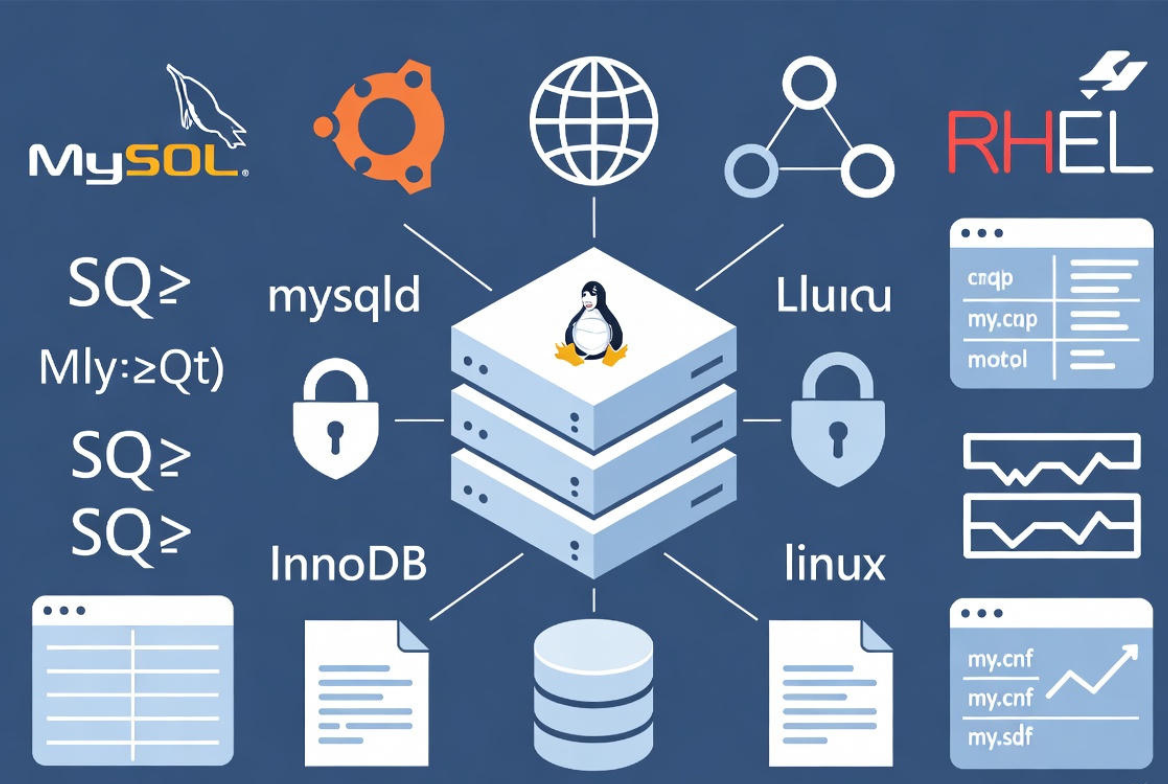
Clients connect via the mysql CLI, application drivers (PHP, Python, Java), or tools like phpMyAdmin.
Key components you’ll interact with:
- mysqld: The database server daemon managed by systemd.
- Storage engines: InnoDB (default) provides transactions, row-level locking, and crash recovery.
- Configuration: my.cnf (often under /etc/mysql/ or /etc/my.cnf) defines memory, logs, and security.
- Binary logs: Track changes for replication and point-in-time recovery.
- Data directory: Typically /var/lib/mysql, owned by the mysql user.
Prerequisites and Planning
- Linux distro: Ubuntu/Debian, RHEL/CentOS/AlmaLinux/Rocky Linux are common.
- Root or sudo: Required for installation and service management.
- Server sizing: Start with 2 vCPU, 4–8 GB RAM for small apps; scale buffer pool and IOPS for heavy workloads.
- Networking: Permit only trusted hosts to port 3306; prefer private networks.
- Backups: Plan daily logical dumps or physical backups before going live.
Install MySQL on Linux (Step by Step)
Ubuntu/Debian
sudo apt update
sudo apt install mysql-server -y
sudo systemctl enable --now mysql
sudo mysql_secure_installation

# Verify
systemctl status mysql
sudo mysql -e "SELECT VERSION();"
RHEL/CentOS/AlmaLinux/Rocky Linux
sudo dnf install @mysql -y  # or: sudo dnf install mysql-server
sudo systemctl enable --now mysqld

# Initial root password might be in the log for community packages:
sudo grep 'temporary password' /var/log/mysqld.log
sudo mysql_secure_installation

# Verify
systemctl status mysqld
mysql -u root -p -e "SELECT VERSION();"
mysql_secure_installation helps set a strong root password, remove anonymous users, disable remote root login, and drop test databases—basic steps for a safer production setup.
Secure Network Access
Expose MySQL only when needed. Prefer local sockets for same-server apps, or a private VPC network for remote apps. Use a firewall to restrict inbound connections.
UFW (Ubuntu)
sudo ufw allow from 10.0.0.0/24 to any port 3306 proto tcp
sudo ufw status
firewalld (RHEL family)
sudo firewall-cmd --permanent --add-rich-rule='rule family="ipv4"
  source address="10.0.0.0/24" port protocol="tcp" port="3306" accept'
sudo firewall-cmd --reload
Essential MySQL Commands for Beginners
# Connect (socket on same server)
sudo mysql

# Create database and user
CREATE DATABASE appdb DEFAULT CHARACTER SET utf8mb4 COLLATE utf8mb4_unicode_ci;
CREATE USER 'appuser'@'10.0.0.%' IDENTIFIED BY 'StrongP@ss!';
GRANT ALL PRIVILEGES ON appdb.* TO 'appuser'@'10.0.0.%';
FLUSH PRIVILEGES;

# Basic admin
SHOW DATABASES;
USE appdb;
SHOW TABLES;
SHOW PROCESSLIST;
SHOW ENGINE INNODB STATUS \G;
Always scope privileges to specific databases and hosts. Avoid using root for applications; create least-privilege users tailored to each app.
Backups and Restores (Never Skip This)
Backups are your safety net. Use logical backups for portability and physical backups for speed on large datasets.
Logical backups (mysqldump)
# Full dump
mysqldump -u root -p --routines --triggers --single-transaction --events --databases appdb > appdb.sql

# Restore
mysql -u root -p < appdb.sql
Binary logs and point‑in‑time recovery
# my.cnf (mysqld section)
log_bin = mysql-bin
server_id = 1
binlog_format = ROW
expire_logs_days = 7
With log_bin enabled, you can restore a dump and replay binlogs to recover up to a specific timestamp, minimizing data loss after incidents.
Performance Tuning Basics on Linux
Start with sane defaults, then measure and iterate. InnoDB and the Linux I/O stack determine most performance characteristics.
- InnoDB buffer pool: Set innodb_buffer_pool_size to ~50–70% of RAM for dedicated DB servers.
- Log file size: innodb_log_file_size of 512M–2G reduces checkpoints for write-heavy apps.
- Connections: Tune max_connections based on workload and app pooling.
- Slow query log: Capture queries to fix with indexing or query rewrites.
- Linux I/O: Use fast SSD/NVMe; mount with noatime; ensure adequate IOPS.
# /etc/mysql/mysql.conf.d/mysqld.cnf or /etc/my.cnf
[mysqld]
innodb_buffer_pool_size = 4G
innodb_log_file_size = 1G
innodb_flush_method = O_DIRECT
innodb_flush_log_at_trx_commit = 1
max_connections = 200
slow_query_log = 1
slow_query_log_file = /var/log/mysql/slow.log
long_query_time = 0.5
After changing buffer or log sizes, stop MySQL gracefully, move old log files if needed, and start the service to let MySQL recreate them. Always test changes in staging first.
Monitoring and Troubleshooting
- Systemd and logs: systemctl status mysql and journalctl -u mysql for service issues.
- MySQL metrics: SHOW GLOBAL STATUS, performance_schema, and information_schema tables.
- Slow log: Profile queries exceeding your long_query_time.
- Disk/CPU: Keep an eye on iostat, vmstat, top, and free -m.
# Quick health checks
mysqladmin -u root -p ping
mysql -e "SHOW GLOBAL STATUS LIKE 'Threads_connected';"
mysql -e "SHOW GLOBAL STATUS LIKE 'Uptime';"
mysql -e "SELECT * FROM performance_schema.events_statements_summary_by_digest ORDER BY SUM_TIMER_WAIT DESC LIMIT 10;"
Security Hardening Best Practices
- Principle of least privilege: Grant only required permissions; avoid global GRANT ALL.
- Network isolation: Bind to 127.0.0.1 for local apps or a private interface; restrict 3306.
- Strong auth: Use caching_sha2_password (MySQL 8). Rotate passwords and disable remote root.
- Encryption: Enable SSL/TLS for client connections and at-rest encryption on storage.
- OS security: Keep packages patched; leverage SELinux/AppArmor in enforcing mode.
- Auditing: Log admin actions and failed logins; monitor for anomalies.
# Force SSL (example)
[mysqld]
require_secure_transport = ON
High Availability and Scaling Options
- Asynchronous replication: Simple primary-replica setup for read scaling and backups.
- GTID replication: Simplifies failover and consistency tracking.
- Group Replication/InnoDB Cluster: Multi-primary (or single-primary) HA with automatic failover.
- Proxy layer: ProxySQL or HAProxy to route reads/writes and smooth failovers.
- Sharding: Application-level partitioning for very large datasets.
For business-critical workloads, use at least one replica in a different availability zone and test failover regularly. Automate backups and verify restores.
MySQL vs MariaDB vs Percona Server
- MySQL Community/Enterprise: Widely adopted, strong ecosystem, stable releases.
- MariaDB: Fork with some differing features and engines; not 100% drop-in for MySQL 8 syntax/features.
- Percona Server for MySQL: MySQL-compatible with performance and observability enhancements.
Choose MySQL 8 for compatibility and vendor support; pick Percona for added performance features; adopt MariaDB only if its feature set specifically benefits your app and you test thoroughly.
Common Mistakes to Avoid
- No backups: Always automate and test restores.
- Using root in apps: Create a dedicated user with scoped privileges.
- Ignoring slow queries: Turn on slow logs and add proper indexes.
- Default memory settings: Tune buffer pool and logs for your RAM.
- Open 3306 to the world: Restrict and use TLS.
Real-World Example: Small E‑commerce Stack
- Ubuntu 22.04, 4 vCPU, 8 GB RAM, NVMe storage.
- MySQL 8 with innodb_buffer_pool_size=4G, slow query log on.
- appuser with SELECT, INSERT, UPDATE, DELETE on appdb.* only.
- UFW allows 3306 from private app subnet only.
- Nightly mysqldump plus binlogs for point‑in‑time recovery.
- Read replica for analytics; ProxySQL routes reporting queries.
When to Consider Managed Hosting
If you’d rather not manage patches, tuning, backups, and HA, a managed VPS or dedicated server helps. At YouStable, our Linux servers come with 24/7 experts who can pre-harden MySQL, set up monitoring, and optimize performance for your workload—so you can focus on your application.
Quick Reference Commands
# Service control
sudo systemctl status mysql
sudo systemctl restart mysql

# Space and stats
du -sh /var/lib/mysql
mysql -e "SHOW GLOBAL STATUS LIKE 'Questions';"
mysql -e "SHOW GLOBAL VARIABLES LIKE 'innodb_buffer_pool_size';"

# User management
CREATE USER 'report'@'%' IDENTIFIED BY 'S3cure!';
GRANT SELECT ON appdb.* TO 'report'@'%';
FLUSH PRIVILEGES;
Best Practices Checklist
- Use the latest stable MySQL 8 from official repos or vendor RPM/DEB.
- Lock down port 3306 and require TLS for remote access.
- Enable slow query log and fix top offenders first.
- Size InnoDB buffer pool to your RAM and workload.
- Automate daily backups; test restores monthly.
- Enable binary logging for PITR and replication.
- Monitor disk latency, connection spikes, and error logs.
- Document procedures for failover and recovery.
FAQs: MySQL on Linux Server
Is MySQL or MariaDB better for a Linux server?
For most apps, MySQL 8 offers broad compatibility, predictable releases, and strong tooling. MariaDB can be faster in certain cases but diverges in features and syntax. If you start with MySQL, stay with it unless you have a tested reason to switch.
How do I secure MySQL on Linux?
Run mysql_secure_installation, restrict port 3306 via firewall, create least‑privilege users, enable TLS (require_secure_transport=ON), keep the OS and MySQL updated, and avoid remote root. Consider SELinux/AppArmor and regular audit reviews.
What’s the best way to back up MySQL?
Combine nightly mysqldump (for portability) with binary logs for point‑in‑time recovery. For large databases, use a physical backup tool like Percona XtraBackup. Always test restores to a staging server.
Why is MySQL slow on my Linux server?
Common causes include insufficient buffer pool, missing indexes, slow disks, and chatty queries. Enable slow logs, inspect the top queries, add proper indexes, and verify storage IOPS and CPU availability.
Can I run multiple MySQL instances on one Linux server?
Yes. Use separate data directories, ports, sockets, and systemd service files. Ensure each instance has dedicated memory limits and disk capacity to avoid resource contention.