Running OpenClaw on the wrong VPS setup can quickly lead to slow performance, crashes, and incomplete workflows. Many users only notice these issues after setup, when real workloads begin to strain the system and reveal resource limitations.
This article explains OpenClaw VPS requirements in a clear and practical way, covering minimum specs, recommended configurations, and real usage insights. You’ll understand how to choose a VPS that keeps performance stable and supports growth without issues.
What Is OpenClaw?
OpenClaw is an automation tool that helps handle repetitive tasks automatically, such as running workflows, processing data, and executing actions without needing constant manual input. It is mainly used in situations where tasks need to run continuously without interruption.
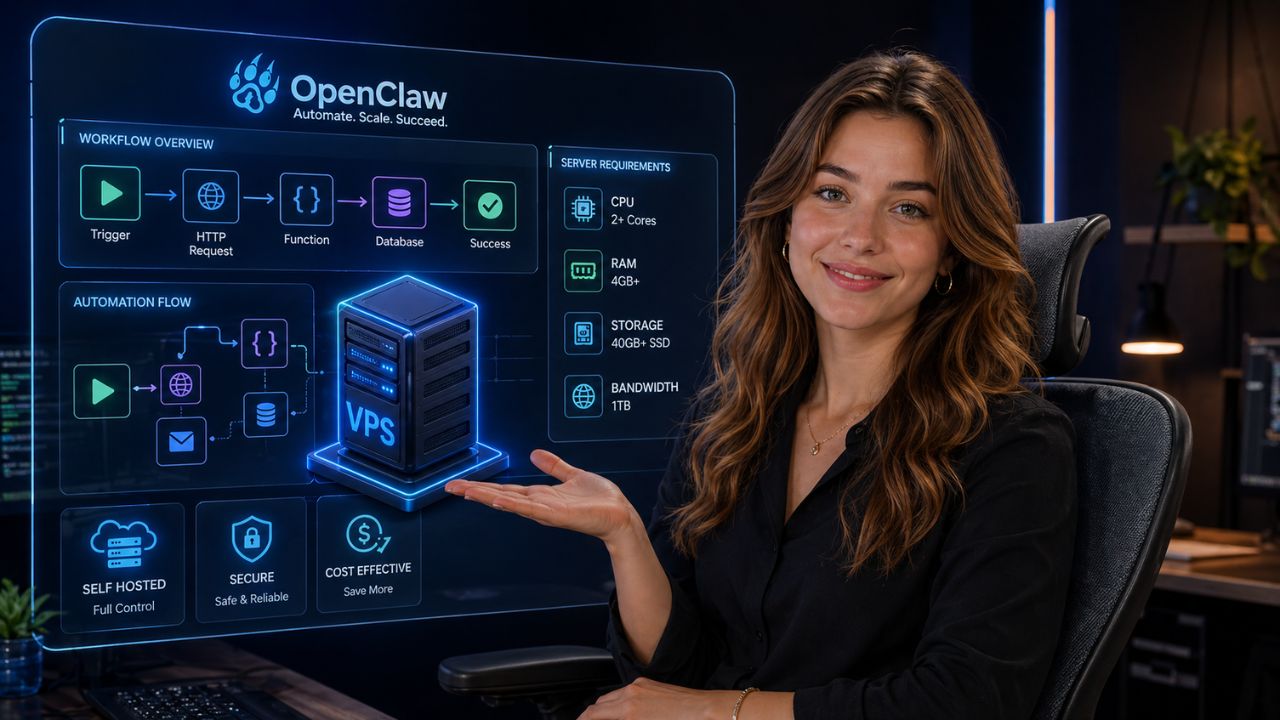
It doesn’t just handle one task at a time, OpenClaw can manage multiple processes together. Because of this, it works best in an environment where performance stays stable and resources are always available.
Users who are still learning the platform can also understand how OpenClaw works before choosing a VPS environment for automation tasks.
That’s why running OpenClaw on a VPS is a better option. A VPS provides dedicated resources and allows everything to run smoothly 24/7 without interruptions.
Why OpenClaw Needs a VPS
OpenClaw requires a stable environment to run smoothly, and a VPS provides exactly that. When you use a VPS, your system keeps working continuously without interruptions, which is important for automation tasks.
Main reasons:
- Continuous uptime: Your tasks keep running even when your personal device is turned off
- Dedicated resources: You get your own CPU and RAM, so performance is not affected by other users
- Better reliability: Lower chances of lag, crashes, or slowdowns
- Scalability: You can easily upgrade your server as your workload increases
If you try to run OpenClaw on a personal computer, maintaining this level of consistency over time becomes difficult. That’s why a VPS is a more reliable and practical choice.
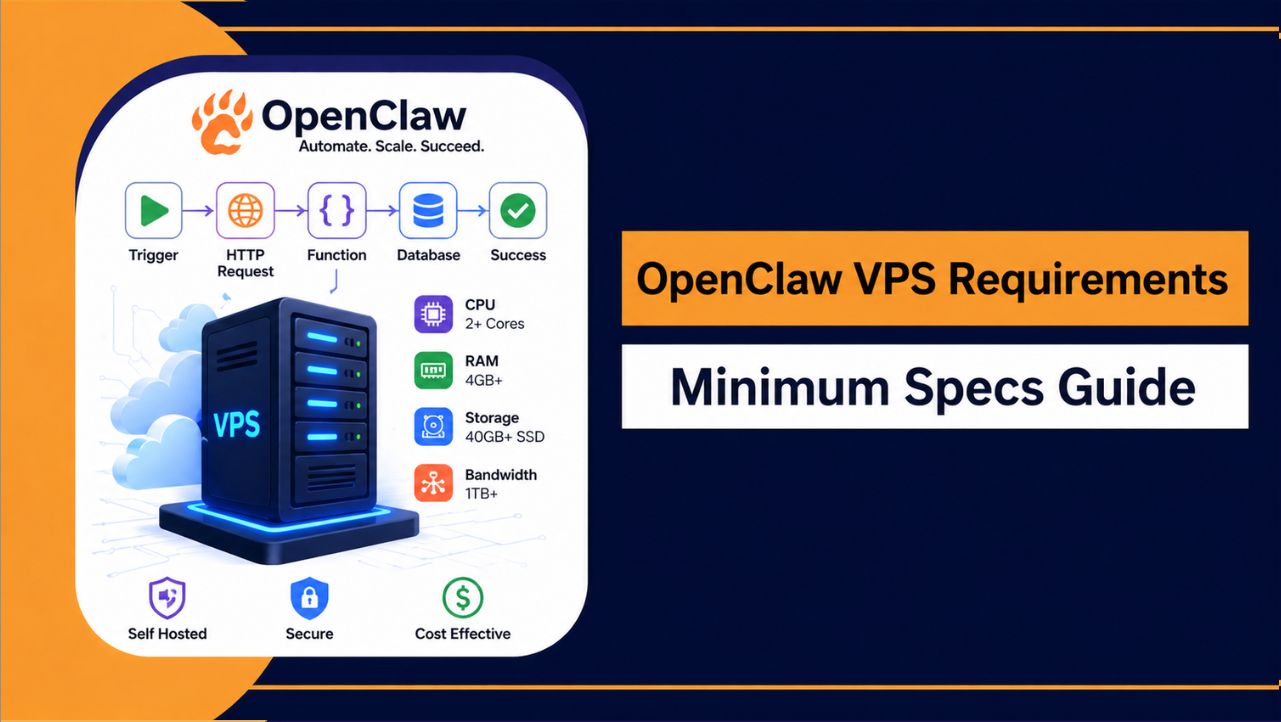
OpenClaw VPS Minimum Requirements 2026
If you’re starting with basic automation, you don’t need a heavy setup. A simple VPS with the right balance of resources is enough to run OpenClaw smoothly for light workloads.
| Resource | Minimum Requirement |
| CPU | 2 Cores |
| RAM | 4 GB |
| Storage | 40–60 GB SSD |
| OS | Ubuntu 20.04+ |
| Bandwidth | 1 TB |
Understanding the Minimum Setup
- 2 CPU cores: Enough to handle light processing and simple tasks
- 4GB RAM: Supports basic workflows without major slowdowns
- SSD storage: Helps in faster data access and better overall speed
- Ubuntu OS: Provides a stable and widely supported environment
This setup works well if you are just getting started or running low intensity automation. As your workload increases, you can always upgrade to higher specs for better performance.
Recommended VPS Specs for Better Performance
For smooth and stable performance, especially with multiple tasks running at the same time, a stronger VPS setup works much better.
| Resource | Recommended Specs |
| CPU | 4+ Cores |
| RAM | 8–16 GB |
| Storage | 80+ GB NVMe SSD |
| OS | Ubuntu 22.04 |
| Network | High speed |
Why Recommended Specs Matter
- Handles multiple workflows: Runs several tasks together without slowing down
- Faster execution: Reduces delays and improves response time
- Better stability: Keeps performance consistent under load
- Future ready setup: Supports growth without frequent upgrades
A setup like this keeps OpenClaw running smoothly, even as workload increases.
Minimum vs Recommended Specs
The difference between minimum and recommended specs mainly comes down to performance and stability. A basic setup can handle simple tasks, but as workload increases, limitations start to appear. A recommended setup provides a smoother experience and handles growth more efficiently.
| Feature | Minimum Setup | Recommended Setup |
| Performance | Basic | High |
| Stability | Moderate | Strong |
| Scalability | Limited | Flexible |
| Best For | Beginners | Advanced Users |
For simple usage, minimum specs are enough, but for long term performance and heavier workloads, recommended specs are a more reliable choice.
Factors That Affect OpenClaw Performance
OpenClaw performance doesn’t depend only on server specs. How the system is used also makes a noticeable difference.
- Number of concurrent tasks: Running multiple processes at the same time increases CPU and RAM usage
- Workflow complexity: More complex automation requires higher processing power
- API and external integrations: Frequent external requests can slow down execution if not handled efficiently
- Data processing load: Larger datasets need more memory and faster storage
- Server configuration: Poorly optimized settings can limit overall performance
A balanced setup with the right resources and proper usage helps maintain smooth and stable performance over time.
Best Operating Systems for OpenClaw VPS
Choosing the right operating system helps OpenClaw run more smoothly and reduces compatibility issues.
- Ubuntu (Recommended): Stable, widely supported, and easy to manage. Works well with most automation tools and server setups
- Debian: Lightweight and reliable, suitable for users who prefer a minimal and efficient environment
- CentOS: Can be used in some cases, but not the best choice due to limited modern support
Ubuntu is generally the most practical option because of its strong community support, regular updates, and better compatibility with most VPS environments.
Also Read: Benefits of Hosting OpenClaw
Common Mistakes to Avoid
Small mistakes during setup can lead to slow performance, instability, or unnecessary costs. Avoiding these early helps keep your OpenClaw environment running smoothly.
- Choosing low RAM for heavy tasks: Causes lag, slow execution, and possible crashes
- Using HDD instead of SSD/NVMe: Slower storage directly affects performance
- Ignoring scalability options: Makes it difficult to upgrade as workload increases
- Overloading a single VPS: Too many processes reduce system stability
- Selecting the wrong operating system: Can lead to compatibility issues
Avoiding these mistakes helps maintain consistent performance and ensures your setup remains stable as your usage grows.
How to Choose the Best OpenClaw VPS Hosting
Choosing the right VPS is not just about cost. The focus should be on performance, reliability, and how well the server can handle continuous automation without issues.
What to Look For
- Consistent performance: Stable CPU and RAM without sudden slowdowns
- Easy upgrade options: Ability to scale resources as your workload grows
- High uptime: Reliable infrastructure that keeps your system running 24/7
- Fast storage: SSD or NVMe for better speed and responsiveness
- Strong network speed: Smooth data transfer and faster execution
Recommended Option
A VPS that is already optimized for OpenClaw can save time and reduce setup complexity.
A practical choice is OpenClaw VPS Hosting by YouStable
This is suitable for users who want:
- A smoother setup without dealing with technical configurations
- Reliable performance for automation and workflows
- Stability for long running tasks without interruptions
Instead of spending time on server tuning, this approach allows you to focus directly on running your workflows efficiently.
Also Read: Learn Setup OpenClaw On VPS
FAQs
How much RAM is required for OpenClaw?
OpenClaw can run on different RAM levels depending on how you use it:
• 4GB RAM: Suitable for basic automation and light workflows
• 8GB RAM: Better for running multiple tasks smoothly
• 16GB RAM or more: Ideal for heavy automation and complex processes
More RAM improves stability and allows OpenClaw to handle multiple tasks without slowdowns.
Can OpenClaw run on shared hosting?
No, OpenClaw is not suitable for shared hosting. It requires dedicated resources and proper server control to run automation tasks smoothly. Shared hosting environments limit both performance and flexibility, which can lead to slow execution and interruptions.
Is GPU required for OpenClaw?
No, OpenClaw does not require a GPU. It runs efficiently on CPU based systems. A multi core CPU combined with sufficient RAM is enough to handle most automation tasks without any issues.
Which operating system is best?
Ubuntu is the most recommended operating system for OpenClaw. It offers better stability, regular updates, and strong compatibility with most server environments, making it a reliable choice for VPS setups.
Conclusion
Choosing the right VPS for OpenClaw directly impacts how smoothly your automation runs over time. While minimum specs can handle basic tasks, a stronger setup provides better performance, stability, and flexibility as your workload increases.
Starting with the right configuration helps avoid slowdowns, crashes, and frequent upgrades later. A well balanced VPS not only improves efficiency but also ensures your system stays reliable, scalable, and ready to handle future growth without interruptions.