

SELinux (Security-Enhanced Linux) is a kernel-level Mandatory Access Control system that labels processes and files and enforces policy rules. To use SELinux on a Linux server: keep it in Enforcing mode, label files correctly, enable safe SELinux booleans, and troubleshoot denials with audit logs, restorecon, and minimal custom policy modules.
Learning how to use SELinux on Linux server environments is one of the most impactful steps you can take to harden infrastructure.
This beginner-friendly guide breaks down SELinux modes, policies, labels, and the exact commands you’ll use daily—plus practical web server examples, troubleshooting tips, and best practices from real-world hosting.
What is SELinux and Why it Matters?
SELinux adds Mandatory Access Control (MAC) to Linux. Instead of relying only on Unix permissions and sudo, SELinux labels processes and objects (files, ports, sockets, etc.) and enforces a policy describing precisely what each domain (type) can do. If a process tries to do something outside that policy, the kernel denies it and logs an AVC (Access Vector Cache) message.
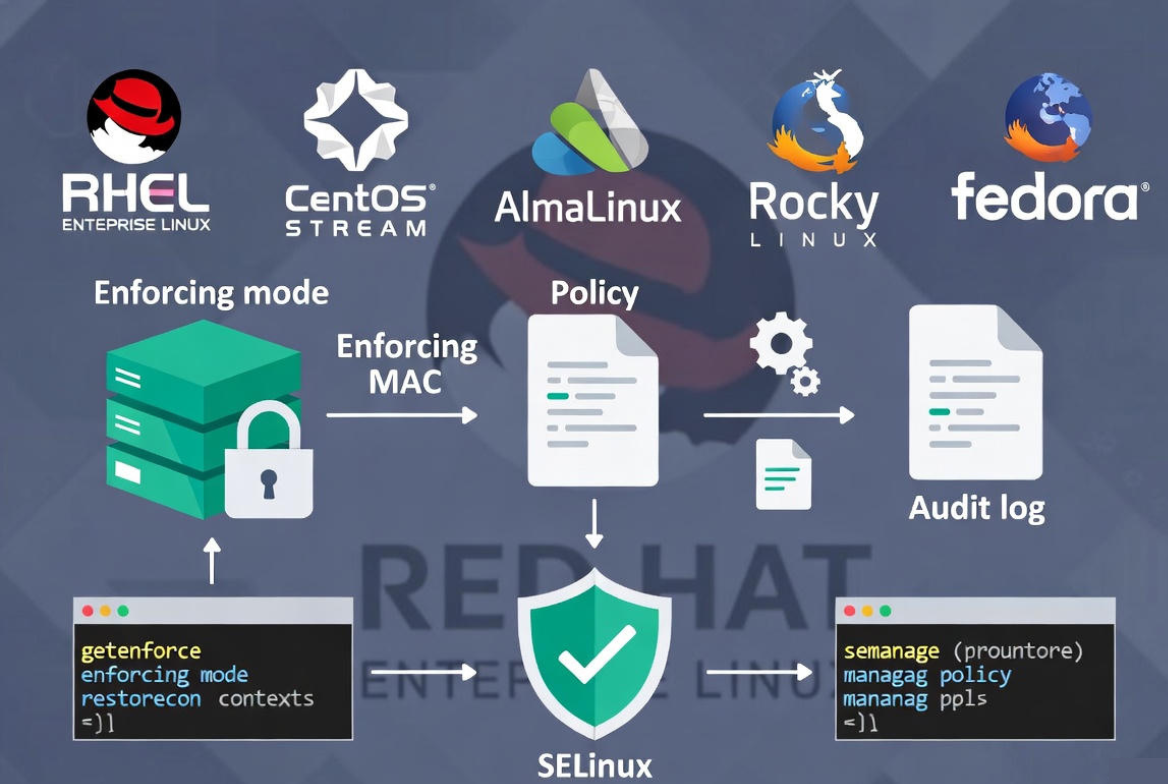
On enterprise distributions—RHEL, CentOS Stream, AlmaLinux, Rocky Linux, and Fedora—SELinux is first-class and supported out of the box. Ubuntu and Debian favor AppArmor by default, though SELinux can be installed with extra steps. In hosting, SELinux helps contain compromises so a single vulnerable service doesn’t become a full-system breach.
SELinux Modes and Policies
SELinux Modes
Mode controls how the policy is applied:
- Enforcing: Blocks violations and logs AVC denials (recommended for production).
- Permissive: Doesn’t block; only logs what would have been denied (useful for troubleshooting).
- Disabled: SELinux is off and provides no protection (avoid except for rare, temporary cases).
SELinux Policies
Policy defines the rules. Most servers use:
- targeted: Default. Confines network-facing services like httpd, named, sshd.
- mls: Multi-Level Security for highly classified environments.
- minimum: Smaller subset for compact systems.
When to Use Each
- Production servers: Enforcing + targeted.
- Troubleshooting: Temporarily switch to Permissive.
- Special compliance: Consider mls with careful planning.
Quick Start: Enable and Verify SELinux
Check Current Status
getenforce
sestatus
Temporarily Switch Modes
# Enforce for this boot only:
sudo setenforce 1

# Permissive for this boot only:
sudo setenforce 0
Enable Enforcing Mode Permanently (RHEL/CentOS/Alma/Rocky/Fedora)
sudo sed -i 's/^SELINUX=.*/SELINUX=enforcing/' /etc/selinux/config
sudo sed -i 's/^SELINUXTYPE=.*/SELINUXTYPE=targeted/' /etc/selinux/config
sudo reboot
After reboot, verify with sestatus. If you’re migrating from disabled, the system may relabel on boot (expect a longer first reboot). This ensures default contexts are applied correctly.
Note for Ubuntu/Debian Users
Ubuntu and Debian use AppArmor by default. You can install SELinux, but it’s more complex and less documented on those platforms. For most users, stick with AppArmor there, or choose a RHEL-compatible distro for first-class SELinux support.
Core SELinux Concepts You’ll Actually Use
Labels (Contexts) and Types
Every process and object has a context like system_u:object_r:httpd_sys_content_t:s0. The type (e.g., httpd_t for the Apache process and httpd_sys_content_t for web files) is what policy rules use to allow or deny actions.
# View file contexts
ls -Z /var/www/html

# View process contexts
ps -eZ | grep httpd
Booleans (Feature Toggles)
Booleans safely toggle optional capabilities without custom policy. For example, let Apache connect to the network or read user content.
# List all booleans
getsebool -a | less

# Enable httpd network connections (persistent)
sudo setsebool -P httpd_can_network_connect on
Managing Ports with semanage
SELinux maps services to allowed ports. If you run a service on a non-standard port, register it with semanage port.
# Allow httpd to listen on TCP 8080
sudo semanage port -a -t http_port_t -p tcp 8080

# Verify mapping
sudo semanage port -l | grep http_port_t
Common Admin Tasks with SELinux (Step by Step)
Serve Web Content from a Custom Directory
Goal: Serve content from /srv/www with Apache or NGINX under SELinux.
# 1) Define default file contexts for the path
sudo semanage fcontext -a -t httpd_sys_content_t "/srv/www(/.*)?"

# 2) Apply labels on disk
sudo restorecon -R -v /srv/www

# 3) If the service must write to that path, use a writeable type:
#    (Or better, keep writes to a separate directory)
sudo semanage fcontext -a -t httpd_sys_rw_content_t "/srv/www/uploads(/.*)?"
sudo restorecon -R -v /srv/www/uploads
Allow Web Server to Reach Backends (APIs/DBs)
# Permit outbound network connections from httpd
sudo setsebool -P httpd_can_network_connect on

# If connecting to databases via TCP sockets, no special file labels are needed.
# For local Unix sockets, ensure the socket path has a suitable type the httpd_t domain can use.
Run a Service on a Non-Standard Port
# Example: move SSH to 2222 (after updating sshd_config)
sudo semanage port -a -t ssh_port_t -p tcp 2222
sudo systemctl restart sshd
Fix Mislabeled Files After a Restore or Migration
When files are copied or restored, labels can break. Reset them to the policy defaults:
# Recursively restore default labels under /var/www/html
sudo restorecon -RFvv /var/www/html

# If defaults don't exist, define them first with semanage fcontext (then restorecon).
Troubleshooting SELinux Denials the Right Way
Where to Look
AVC denials are logged to /var/log/audit/audit.log (auditd) or sometimes /var/log/messages/journalctl. Start here:
sudo ausearch -m avc -ts recent
sudo tail -f /var/log/audit/audit.log
sudo journalctl -t setroubleshoot --since "1 hour ago"
Understand and Fix with audit2why and audit2allow
These tools translate denials and build minimal allow rules. Prefer booleans and correct labeling before custom modules.
# Explain why it was denied
sudo ausearch -m avc -ts recent | audit2why

# If needed, generate a small policy module
sudo ausearch -m avc -ts recent | audit2allow -M mypolicy
sudo semodule -i mypolicy.pp
Review the generated rules carefully; avoid broad permissions. In most hosting cases, correcting file contexts (restorecon) or flipping a boolean solves the issue without custom policy.
Best Practices for Running SELinux in Production
- Keep SELinux in Enforcing. Use Permissive only while diagnosing, then switch back.
- Prefer semanage fcontext + restorecon over ad-hoc
chconso labels persist across relabels. - Use booleans (e.g.,
httpd_can_network_connect) before writing custom policy. - Track changes in configuration management (Ansible, Terraform) for repeatability.
- Monitor AVC denials routinely; build alerts for spikes.
- Document any non-standard ports with
semanage portfor services. - Test in staging with SELinux Enforcing to catch issues before production.
SELinux vs. AppArmor (Quick Comparison)
- Model: SELinux uses labels and fine-grained type enforcement; AppArmor profiles paths and capabilities.
- Distributions: SELinux is native on RHEL-family and Fedora; AppArmor is default on Ubuntu/Debian.
- Granularity: SELinux offers very granular, system-wide policy; AppArmor is simpler to start with but path-centric.
- Hosting tip: Choose the model your distro supports best; don’t mix without a strong reason.
Real-World Use Cases from Hosting
- LAMP/LEMP servers: Protect httpd/nginx and PHP-FPM from reading or writing outside defined paths.
- Mail servers: Constrain postfix/dovecot to mail queues and sockets only.
- DNS: Bind/named runs confined, limiting zone file access.
- Containers: Podman/CRIU use SELinux labels (MCS) to isolate containers on the same host.
SELinux Command Cheat Sheet
# Status and mode
sestatus
getenforce
sudo setenforce 1|0

# Labels and relabeling
ls -Z FILE
ps -eZ
sudo restorecon -R -v PATH
sudo semanage fcontext -a -t TYPE "REGEX"

# Booleans
getsebool -a
sudo setsebool -P BOOLEAN on|off

# Ports
sudo semanage port -l
sudo semanage port -a -t TYPE -p tcp PORT

# Troubleshooting
sudo ausearch -m avc -ts recent | audit2why
sudo ausearch -m avc -ts recent | audit2allow -M NAME
sudo semodule -i NAME.pp
Soft Tip: Managed Servers with SELinux Done Right
At YouStable, our managed VPS and Dedicated Servers ship with hardened, SELinux-enabled images on RHEL-compatible platforms. We configure booleans, labels, and policies to fit your stack, monitor AVC denials, and help you stay in Enforcing mode—so you get security without friction.
FAQs: How to Use SELinux on Linux Server
u003cstrongu003eIs SELinux necessary on a server?u003c/strongu003e
For internet-facing servers, yes. SELinux adds an extra layer that limits what a compromised process can touch. It’s a proven control across enterprise environments, with minimal overhead when configured correctly.
u003cstrongu003eHow do I permanently disable SELinux?u003c/strongu003e
Edit u003ccodeu003e/etc/selinux/configu003c/codeu003e and set u003ccodeu003eSELINUX=disabledu003c/codeu003e, then reboot. However, disabling removes protection and is rarely necessary. Prefer Permissive mode temporarily while fixing labels or toggling booleans, then return to Enforcing.
u003cstrongu003eDoes SELinux affect performance?u003c/strongu003e
Overhead is typically very low (a few percent or less) and negligible compared to the security benefits. Most high-traffic sites and enterprises run with SELinux Enforcing without measurable impact.
u003cstrongu003eWhat’s the difference between Permissive and Disabled?u003c/strongu003e
Permissive logs but doesn’t block policy violations—great for diagnostics. Disabled turns SELinux off entirely; there are no labels or logs. Use Permissive for troubleshooting, not Disabled.
u003cstrongu003eHow do I reset file contexts to defaults?u003c/strongu003e
Use u003ccodeu003erestoreconu003c/codeu003e. If the path isn’t covered by default policy, define it first:u003cbru003esudo semanage fcontext -a -t httpd_sys_content_t u0022/srv/www(/.*)?u0022u003cbru003esudo restorecon -R -v /srv/www










