


Node.js is a JavaScript runtime for building fast, scalable server-side applications. Powered by Chrome’s V8 engine, it uses an event-driven, non-blocking I/O model that excels at real-time, data-intensive workloads. Developers choose Node.js for high-performance APIs, microservices, streaming, and full‑stack JavaScript backed by the extensive NPM package ecosystem.
If you’re wondering what is Node.js and why developers use it, this guide explains the core concepts, strengths, use cases, and best practices—from performance tuning to deployment. Drawing on years of hands-on hosting and application experience, I’ll also share practical tips to run Node.js reliably in production.
What Is Node.js?
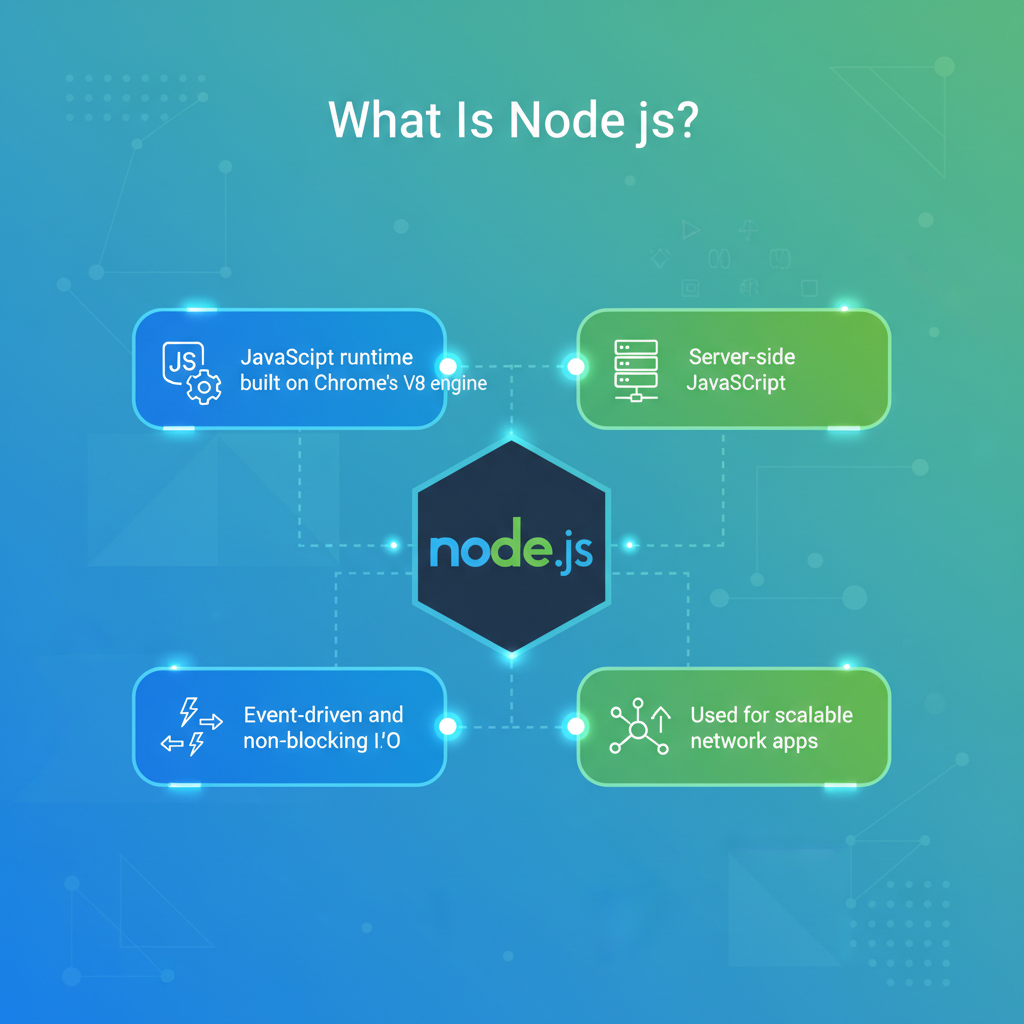
Node.js is an open-source, cross-platform JavaScript runtime that lets you run JavaScript outside the browser. It’s built on Google’s V8 engine and uses libuv to provide an event-driven, non-blocking I/O layer. This design allows Node.js to handle thousands of concurrent connections efficiently with a single-threaded event loop.
How Node.js Works: Event Loop and Non-Blocking I/O
Instead of creating a new thread for each request, Node.js uses an event loop. I/O operations (network, file system, DNS) are offloaded to the OS or a thread pool. When results are ready, callbacks, promises, or async/await resume execution. This avoids idle waiting and maximizes throughput for I/O-heavy workloads.
Key Features of Node.js
- Single-threaded event loop with non-blocking I/O
- High-performance V8 JavaScript engine
- Massive NPM package ecosystem
- First-class support for JSON and REST/GraphQL APIs
- Built-in modules (http, fs, crypto) and modern ESM support
- Supports WebSockets, streaming, and real-time communication
NPM and the Ecosystem
NPM is the largest package registry, offering libraries for everything from web frameworks (Express, Fastify, NestJS) to testing (Jest), security (Helmet), and databases (Prisma, Mongoose). This ecosystem accelerates development, but it also requires responsible dependency management and routine updates for security.
Why Developers Should Use Node.js
Speed and Performance for I/O-Heavy Apps
Thanks to V8 and non-blocking I/O, Node.js shines in apps that handle lots of concurrent connections—APIs, proxies, chat servers, and streaming services. It’s not a silver bullet for CPU-bound tasks, but it’s hard to beat for network-bound workloads where latency and concurrency matter.
Developer Productivity and Full‑Stack JavaScript
Using a single language across frontend and backend reduces context switching and enables code sharing (types, models, utilities). Teams can reuse validation schemas, implement end-to-end TypeScript, and streamline onboarding. The rapid feedback loop (hot reload, fast tooling) further boosts productivity.
Real-Time and Streaming Use Cases
WebSockets, Server-Sent Events, and streams are first-class in Node.js. This makes it ideal for chat, live dashboards, multiplayer collaboration, telemetry, and media streaming. The event-driven model aligns naturally with real-time events flowing through the system.
Microservices and Cloud-Native Architecture
Node.js pairs well with microservices: small, networked services communicating via HTTP, gRPC, or messaging. Lightweight processes, container friendliness, and quick startup times help scale horizontally under orchestrators like Kubernetes or serverless platforms.
Vibrant Community and Modern Tooling
From Express and Fastify to NestJS and Next.js, the tooling jungle is rich and evolving. TypeScript support, linting (ESLint), formatting (Prettier), and testing (Jest, Vitest) make it easier to build reliable, maintainable services quickly.
Common Node.js Use Cases
- High-concurrency REST or GraphQL APIs
- Real-time chat, notifications, and collaboration tools
- API gateways, BFFs (Backend for Frontend), and proxies
- Streaming (media, logs, metrics) and ETL pipelines
- IoT backends and device telemetry ingestion
- Serverless functions and edge runtimes
- E-commerce backends with dynamic pricing and inventory
Node.js vs Other Back-End Stacks
Node.js vs Python (Django/FastAPI)
- Node.js: Excellent for real-time and I/O-heavy tasks; JavaScript end-to-end; huge NPM ecosystem.
- Python: Strong for data science, ML, scripting; slower for high-concurrency I/O unless using async frameworks like FastAPI.
Node.js vs Ruby on Rails
- Node.js: Flexible architecture choices; modern tooling; great for microservices.
- Rails: Batteries-included conventions; rapid CRUD development; may require more effort for massive real-time concurrency.
Node.js vs PHP (Laravel)
- Node.js: Event-driven, better suited for WebSockets/streaming; single language across the stack.
- Laravel: Mature ecosystem and shared hosting ubiquity; real-time often requires extra services like Pusher.
Node.js vs Go
- Node.js: Faster iteration, larger package ecosystem, simpler for JS developers.
- Go: Strong performance for CPU-bound tasks, native concurrency (goroutines), static binaries; smaller standard packages for web compared to NPM breadth.
Design and Architecture Best Practices
Avoid Blocking the Event Loop
- Keep CPU-heavy work off the main thread (use
worker_threads, queues, or external services). - Prefer async methods (fs.promises) and streaming for large files.
- Use caching (Redis, in-memory) to reduce repeated I/O.
Scale the Right Way
- Use clustering (
node:cluster) or a process manager (PM2) to utilize multi-core CPUs. - Horizontal scaling with containers; load-balance using Nginx or a cloud LB.
- Split monoliths into microservices where it makes sense; share schemas/contracts, not tight coupling.
Security and Reliability
- Keep dependencies updated; audit with
npm auditand lockfiles. - Use Helmet, rate limiting, validation (Zod/Joi), and parameterized queries.
- Rotate secrets; avoid storing credentials in code; use environment variables or a secrets manager.
- Implement structured logging (pino/winston) and centralized monitoring (OpenTelemetry, Prometheus).
Performance Tuning Checklist
- Enable HTTP keep-alive and gzip/brotli compression where appropriate.
- Use connection pooling for databases and cache hot paths.
- Stream responses for large payloads; paginate API results.
- Set sensible timeouts and circuit breakers to protect upstreams.
- Profile with clinic.js, Node.js –prof, or flamegraphs; fix the actual bottleneck.
- Benchmark with realistic data and concurrency (k6, autocannon).
Getting Started: Install and a Simple Server
Install the current LTS release from nodejs.org or via a version manager (nvm) to switch versions easily. Below are minimal examples using the native http module and Express:
// 1) Native http server (server.js)
import http from 'node:http';

const server = http.createServer((req, res) => {
  res.writeHead(200, { 'Content-Type': 'application/json' });
  res.end(JSON.stringify({ message: 'Hello from Node.js!' }));
});

server.listen(3000, () => {
  console.log('Server listening on http://localhost:3000');
});

// Run: node server.js (or node --watch server.js for reload on changes)
// 2) Express server (app.js)
import express from 'express';
const app = express();
app.get('/', (req, res) => {
res.json({ status: 'ok', framework: 'Express', time: Date.now() });
});
app.listen(3000, () => console.log('Express running on http://localhost:3000'));Deploying Node.js: Hosting and Operations
Production deployments typically run Node.js behind a reverse proxy (Nginx/Caddy) for TLS termination, HTTP/2, compression, and static asset caching. Use a process manager like PM2 or systemd to keep your app alive and enable graceful restarts.
- Containerize with Docker for reproducible builds and easy scaling.
- Use environment variables for configuration (12-factor app principles).
- Automate CI/CD for testing and zero-downtime deploys.
- Monitor CPU, memory, event loop lag, and heap usage; set alerts.
If you need a reliable platform to host Node.js, YouStable offers developer-friendly VPS and cloud hosting with SSD/NVMe storage, dedicated resources, and easy scalability. Our support team understands Node.js workloads and can guide you on SSL, reverse proxies, and performance tuning—without locking you into complex contracts.
When Node.js Might Not Be the Best Fit
- Heavy CPU-bound compute (video encoding, complex data science): consider Go, Rust, or offloading to worker services.
- Large monolithic apps needing synchronous request lifecycles: frameworks in other languages may be preferable.
- Strict numeric performance: languages with stronger compute libraries or native bindings might outperform Node.js.
Practical Tips from Real-World Hosting
- Pin Node.js to an LTS version for long-term stability; schedule upgrades.
- Bundle with a modern tool (tsup, esbuild) and avoid shipping unnecessary dev dependencies.
- Set NODE_ENV=production, enable logging in JSON, and keep logs out of the main thread.
- Use health checks and readiness probes; implement graceful shutdown (listen for SIGTERM).
- Store sessions and rate limits in Redis for horizontal scalability.
FAQs: Node.js Fundamentals and Best Practices
u003cstrongu003eIs Node.js a programming language or a framework?u003c/strongu003e
Neither. Node.js is a runtime that executes JavaScript on the server. Frameworks like Express, Fastify, and NestJS run on top of Node.js to provide routing, middleware, and structure.
u003cstrongu003eWhy is Node.js good for real-time applications?u003c/strongu003e
Its event-driven, non-blocking architecture and native WebSocket support make it efficient at handling many concurrent connections with low latency—ideal for chat, notifications, live dashboards, and multiplayer experiences.
u003cstrongu003eWhen should I avoid Node.js?u003c/strongu003e
For CPU-intensive tasks or heavy numerical computing, consider offloading to worker threads, native add-ons, or services written in Go/Rust. Node.js excels at I/O-bound workloads, not raw CPU computation.
u003cstrongu003eDo I need TypeScript with Node.js?u003c/strongu003e
No, but it’s recommended for medium to large projects. TypeScript adds type safety, better tooling, and easier refactoring, which improves reliability and collaboration across teams.
u003cstrongu003eHow do I scale a Node.js application?u003c/strongu003e
Use PM2 or cluster mode to leverage multiple CPU cores, deploy behind a load balancer, and scale horizontally with containers. Cache frequently accessed data, and decouple services with queues or streams for resilience.
u003cstrongu003eIs Node.js secure for production?u003c/strongu003e
Yes, with proper hardening: keep dependencies updated, validate input, enforce HTTPS, use Helmet and rate limiting, secure secrets, and run least-privileged containers. Regular audits and monitoring are essential.
u003cstrongu003eWhich hosting is best for Node.js?u003c/strongu003e
Choose a VPS or cloud host that offers SSD/NVMe performance, SSH access, and support for reverse proxies and process managers. YouStable provides tuned environments for Node.js apps with expert support for SSL, scaling, and monitoring.
The Bottom Line
Node.js lets developers build fast, scalable backends using JavaScript and a massive ecosystem. It’s a top choice for real-time, API-driven, and microservices architectures. With the right deployment practices and a reliable host like YouStable, you can deliver performant, secure Node.js applications at scale.










